What is WEMASY?

Home / Knowledge Base / General / What is WEMASY?

WEMASY is an all-in-one platform for building and managing professional websites. This article explains what WEMASY is, which tools are included, who it is designed for, and how to create your account.

What is WEMASY?

WEMASY is a website builder platform. It gives you everything you need to create a professional website in one place. You do not need to know how to code. You do not need to hire a developer.

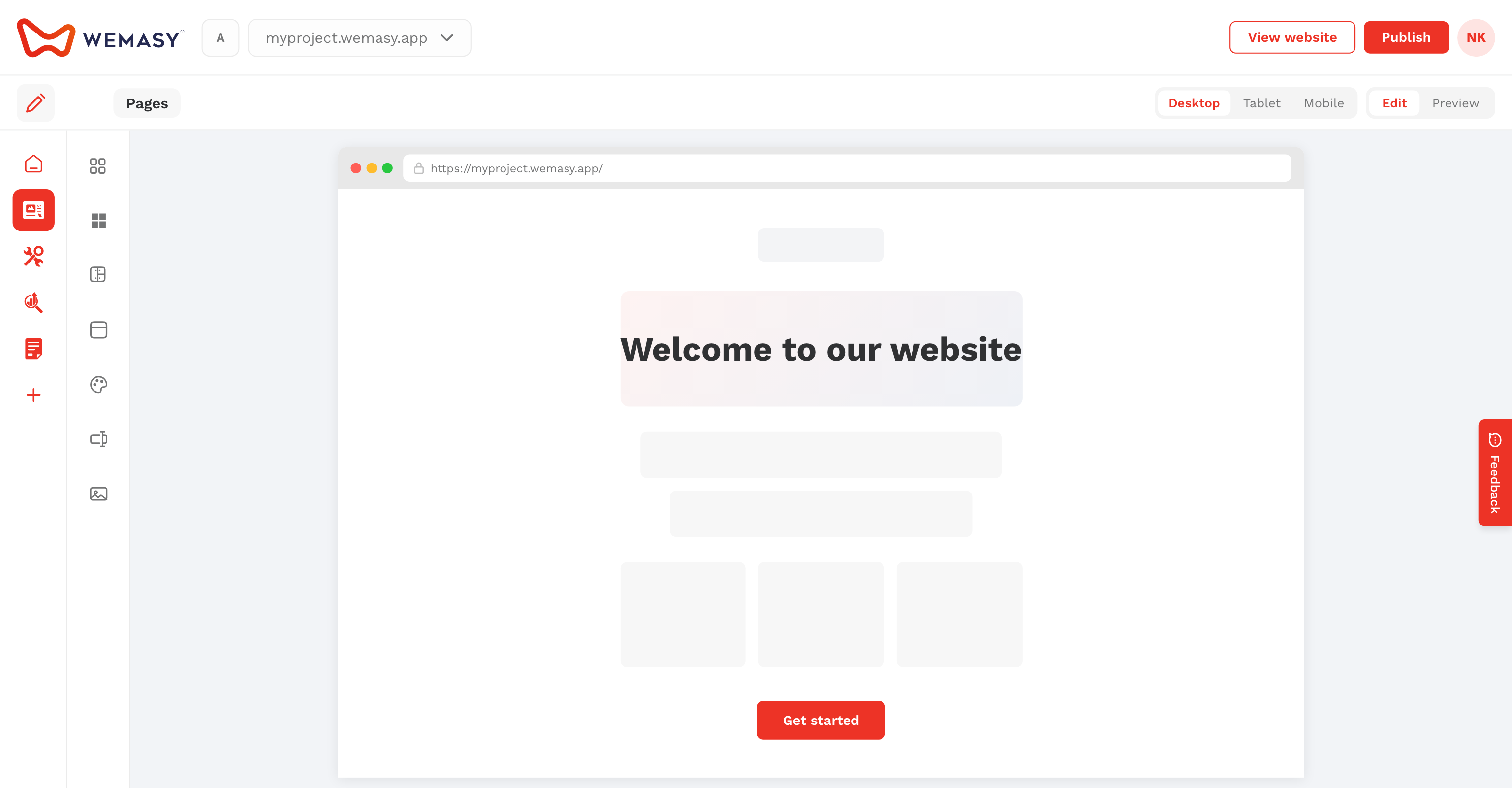
It allows you to design your site visually, manage your pages, collect form submissions, track visitor analytics, and publish your website — all from one dashboard.

WEMASY generates fast, static websites. This means your site loads quickly and is secure by default.

The WEMASY dashboard showing the main editor view

What is included

Depending on your plan, WEMASY includes the following tools:

  • Website Builder — A visual editor where you design and manage all pages of your website. It allows you to add sections, elements, images, and content without writing code.
  • Forms — A form builder that allows you to collect contact requests, sign-ups, and other data from your visitors.
  • Analytics & Insights — A built-in analytics dashboard that shows visitor data, traffic sources, session recordings, and conversion tracking.
  • Domain Registration — Register a domain name directly through WEMASY, or connect an existing domain from another provider.
  • E-mail Hosting — Set up professional email addresses linked to your domain, for example: hello@yourbusiness.com.
  • E-commerce — Sell products and manage orders directly from your WEMASY project.
  • Ad Protection System — Protect your advertising budget from invalid traffic and click fraud.
  • Operations — A task and project management board to help you organize your work.

Note: Not all tools are available on every plan. You can compare what is included on each plan on the WEMASY pricing page.

Who is WEMASY for?

WEMASY is designed for people who want to build a professional website without relying on a developer. This includes:

  • Freelancers and consultants who need a professional online presence to attract and convert clients.
  • Small businesses and local service providers who want to be found online and grow their customer base.
  • Agencies who build and manage websites for multiple clients from one platform.
  • Anyone who wants to publish a website quickly, without technical knowledge.

How to create your account

To get started with WEMASY, create a free account. No credit card is required to sign up.

  1. Go to wemasy.com
    Click the Start for free button in the top right corner of the page.
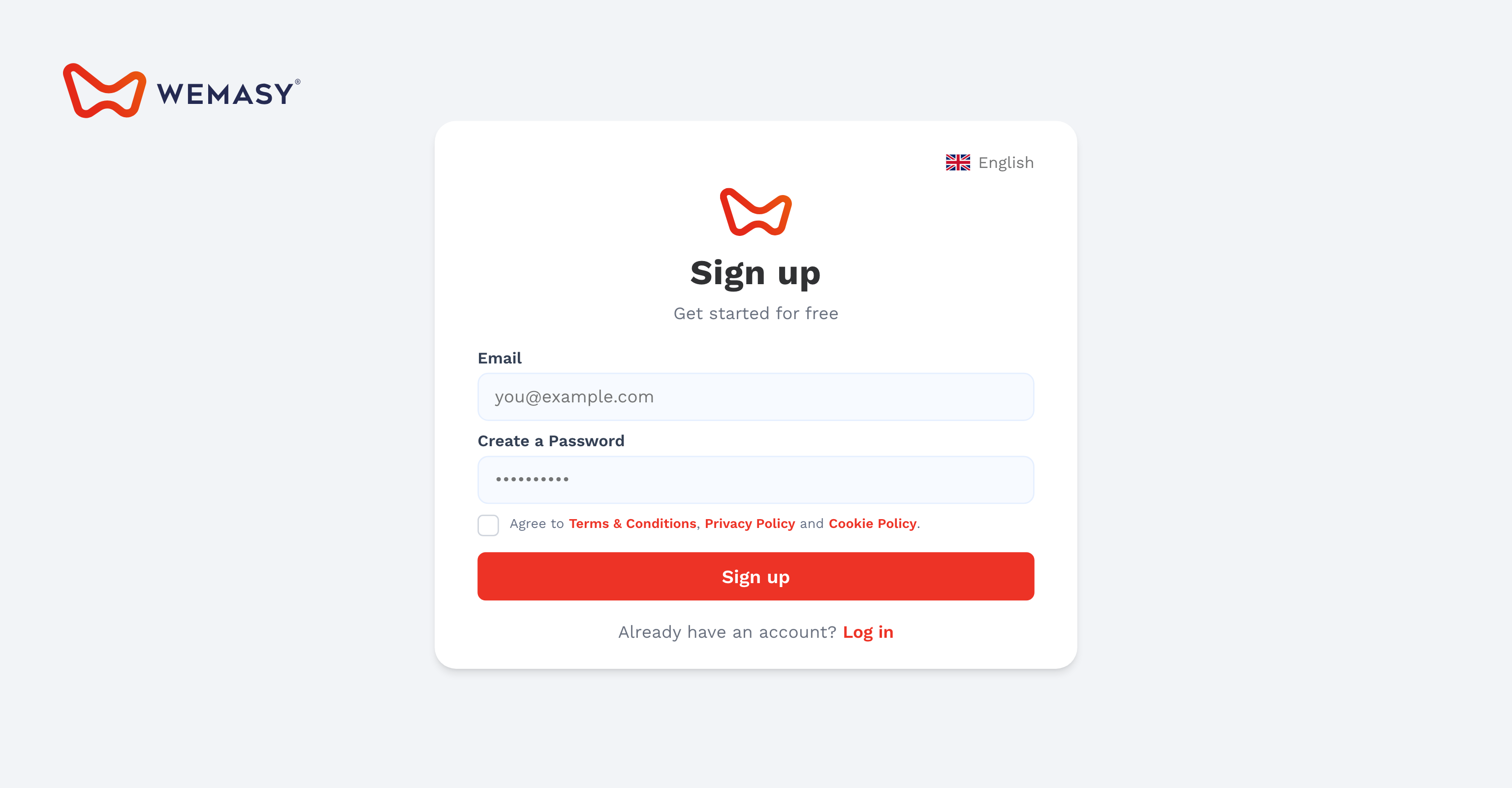
  2. Enter your details
    Fill in your email address and choose a password. You can also sign up using your Google account.
  3. Verify your email address
    You will receive a confirmation email from WEMASY. Click the link in that email to verify your address. This step is required before you can publish your website.
  4. Enter the dashboard
    After verification, you are taken directly into your WEMASY dashboard. A project is created automatically. You can start building right away.
The WEMASY sign-up screen

Free plan vs paid plans

WEMASY offers a free plan that allows you to build and explore the editor before committing to a paid plan.

  • Free plan — Build your website and publish it to a free WEMASY subdomain, for example: yourname.wemasy.app. This requires a verified email address.
  • Paid plans — Unlock a custom domain, additional pages, advanced features, and priority support. Your content is always preserved when you upgrade.

Tip: Start on the free plan to get familiar with the editor. You can upgrade at any time from within your account when you are ready to connect a custom domain or access additional features.