

E-mail Hosting gives you mailboxes on your own domain, such as info@yourbusiness.com or your own name, managed in the same dashboard as your website. Each mailbox works in webmail, on your phone and in Outlook or any other mail app. This article shows where to find E-mail Hosting and how to set up your first mailbox.
Open E-mail Hosting
- Go to the product menu on the left of the dashboard.
- Select E-mail Hosting.
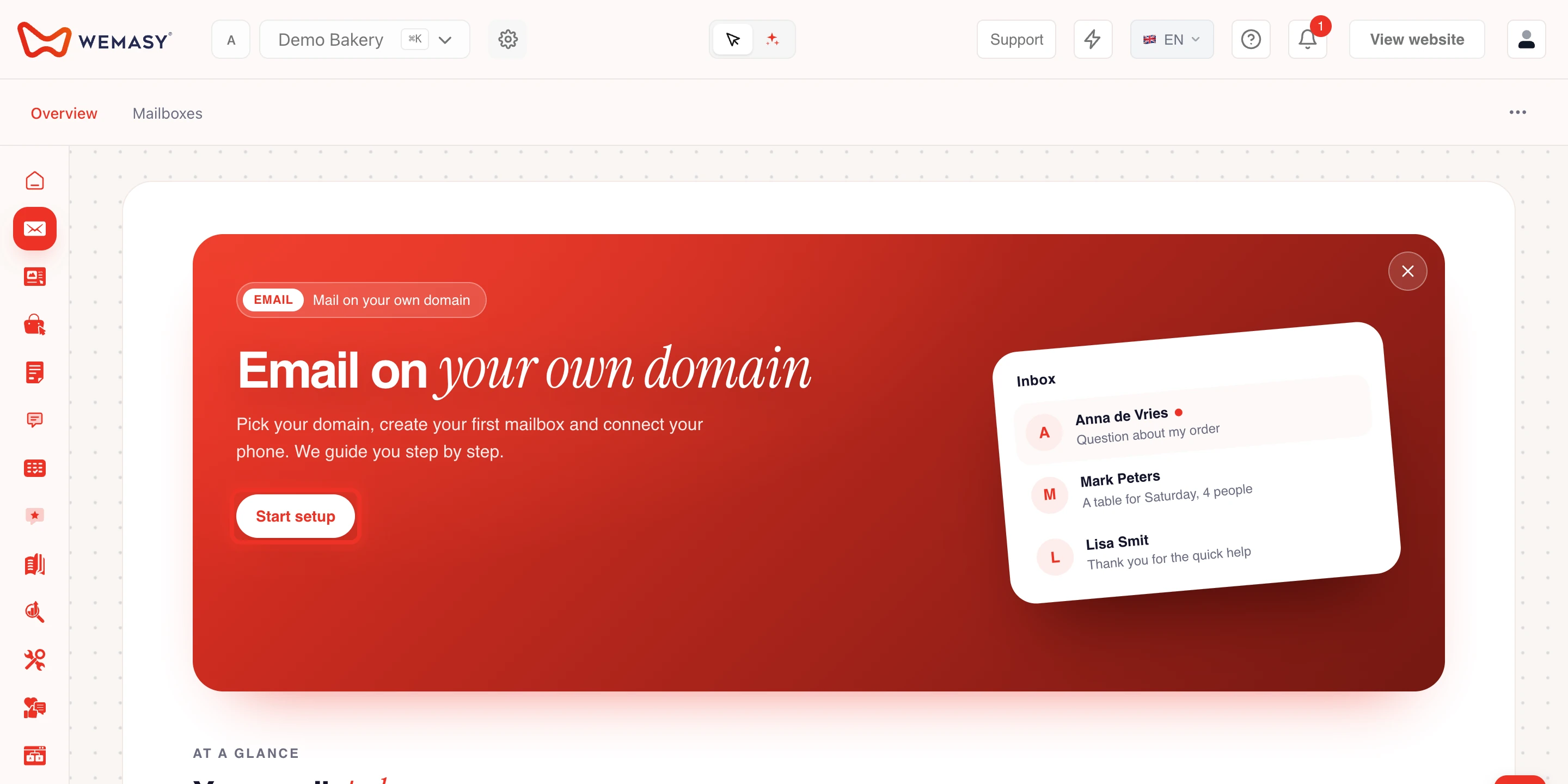
One mailbox is included in the Website & webshop and All-in-one plans. The Free plan has none. You can add more mailboxes, or buy a single mailbox without a plan, as a monthly subscription. The Mailboxes screen shows the price before you pay, and the pricing page lists the prices for your country. You can also ask the AI chat to set up a mailbox and confirm at checkout.
Set up email in a few minutes
The setup guide takes you through everything in one go.
- On the Overview, click Start setup.
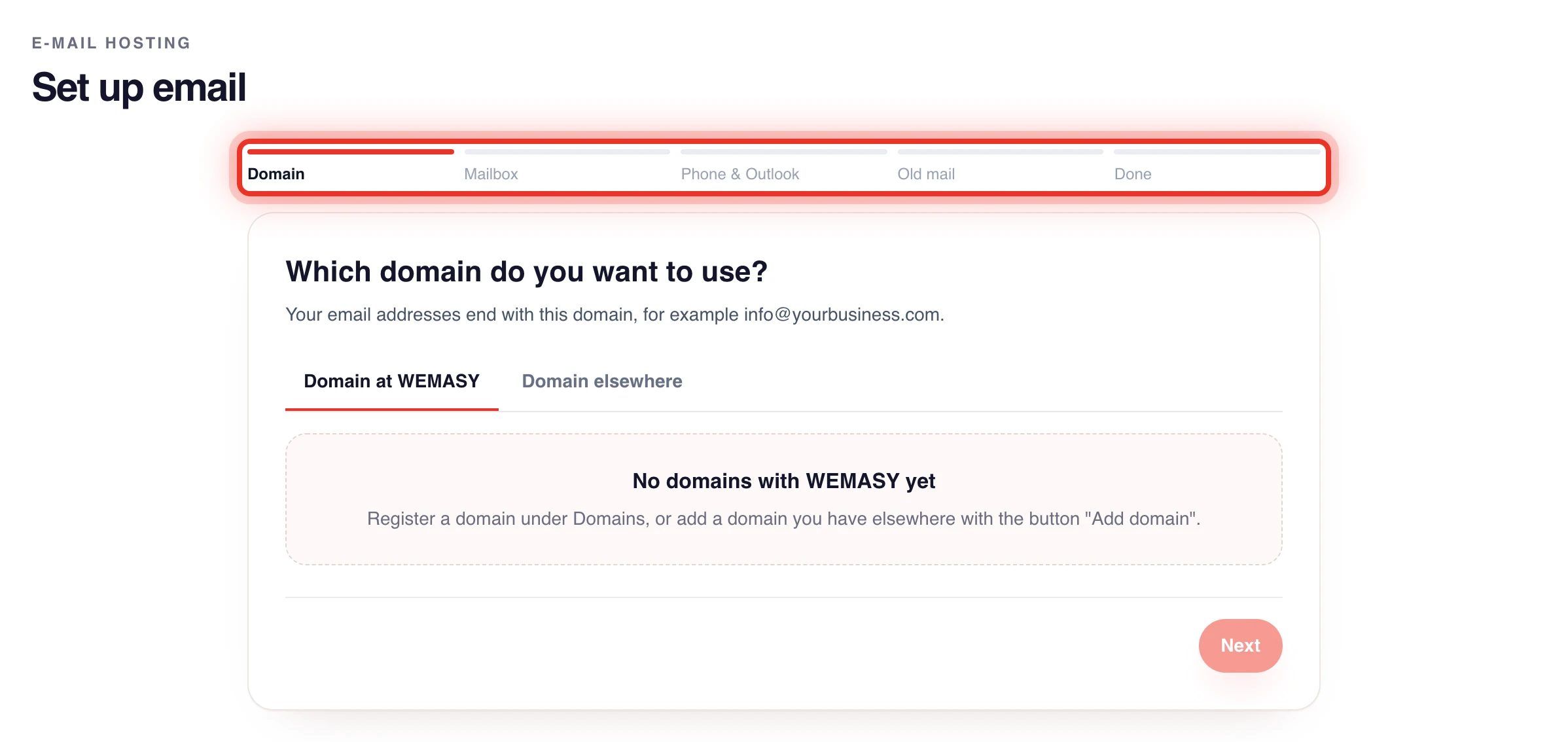
- Under Domain, choose the domain your addresses end with. Pick Domain at WEMASY for a domain you registered with us, or Domain elsewhere for a domain at another company. Click Next.
- Under Mailbox, create your first mailbox, for example info@. Click Next.
- Under Phone & Outlook, follow the settings to connect the mailbox to your phone and computer. Click Next.
- Under Old mail, click Skip.
- You see Your email is ready. Click Add mailboxes to create more, or Open inbox to go to your mail.
What you find in E-mail Hosting
- Overview: your mailboxes, storage used, the domains your mail runs on and quick actions. Warnings appear here, for example when the DNS records of a domain are not complete.
- Mailboxes: create, change and delete mailboxes, and find the settings for your phone and mail apps. See Creating email accounts.
- Domains: the domains your mail runs on and the status of their DNS records.
- Aliases: extra addresses, such as sales@, that deliver to a mailbox. See Forwarding and aliases.
- Usage & limits: how much each mailbox sends per day and how much storage is used.
- Webmail: read and write mail, and use your calendar and contacts in the browser. Click Open webmail on the Overview. See Webmail and device sync.
Tip: Mailboxes are for your personal and business mail. To send the same message to many people, use Newsletter & Campaign, which has unsubscribe links and list care built in.
Frequently asked questions
Does connecting my domain to my website break my email?
No. Your website uses the A records of the domain and your email uses the MX records. Both work side by side on the same domain.
How many mailboxes can I create?
Your E-mail Hosting plan sets how many mailboxes are included. The Mailboxes page shows how many of them are in use. Each extra mailbox is a monthly subscription: you pay at checkout and the mailbox is made right after.
Can I keep my current mail provider?
Yes. If your domain already receives mail somewhere else, WEMASY shows this before it changes anything, and you decide whether to move the mail to WEMASY.