

Domain Registration in WEMASY is where you search for a domain name, register it, and manage everything that belongs to it: DNS records, nameservers, the owner details the domain registry needs, renewal, and transfers. Your domains belong to your account, not to one project, so you can use a domain for any of your projects.
Where to find it
- Click your avatar in the top right corner.
- Select Domains.
Domains is not in the product switcher on the left, because it is part of your account and not of a single project.
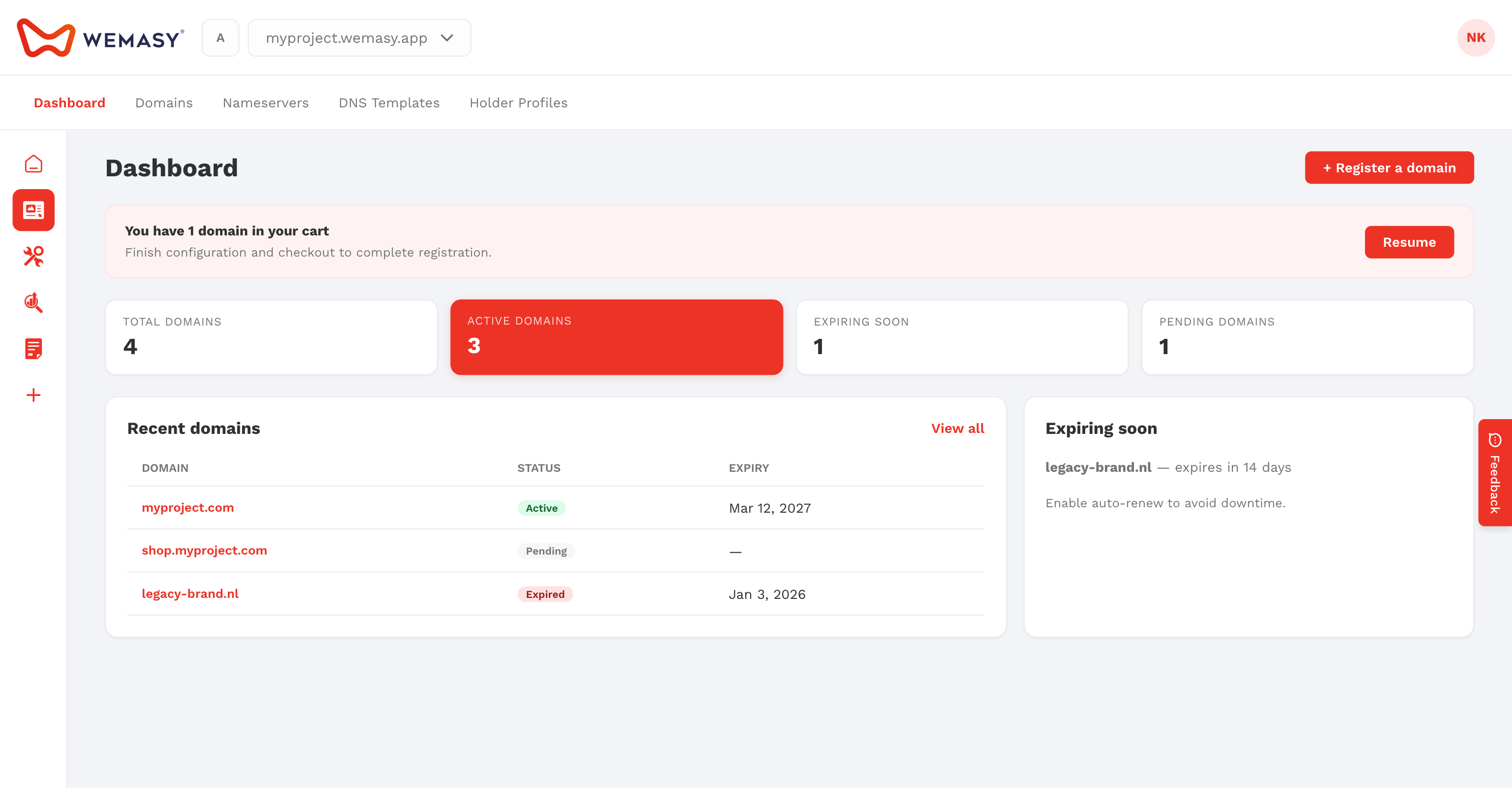
What you find in Domains
The menu on the left of the Domains screen has five parts:
- Overview: totals for all, active, expiring and pending domains, your recent domains and the domains that expire soon. If you started a registration and did not pay yet, a banner shows your cart with a Resume button.
- Domains: the list of all your domains with their status, expiry date and auto renew setting. Click a domain to open its detail page.
- Nameservers: saved nameserver groups for domains that use your own nameservers.
- DNS Templates: saved sets of DNS records that you can apply to several domains.
- Holder Profiles: the owner and contact details that the domain registry needs for each domain.
On the overview you can also type a question for the WEMASY AI, for example whether a name is still available or which domains expire in the next 30 days.
What you can do
- Register one or more new domains in one checkout.
- Transfer a domain you own at another company to WEMASY.
- Manage DNS records yourself, or point the domain to your own nameservers.
- Keep the owner details in the registry up to date.
- Turn auto renew on or off, lock a domain, or get the code to move it to another company.
Domains and your projects
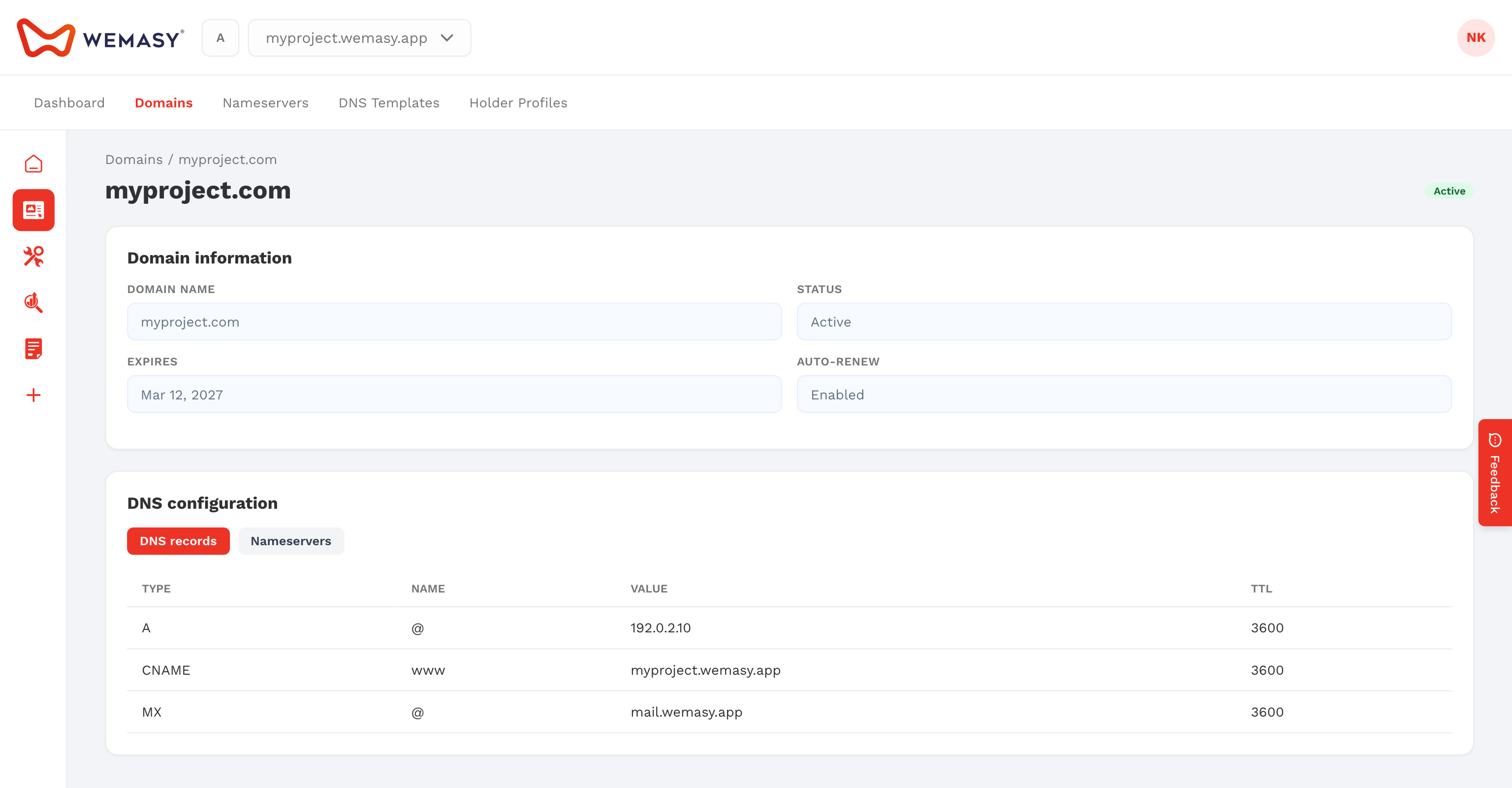
A domain in your account does not show a website by itself. You connect it to a project in the project settings, under Domain Configuration. A custom domain on a project needs a paid plan. Free projects use an address on wemasy.app.
Start here
- Registering a new domain
- Connecting a WEMASY domain to your project
- Connecting an existing domain
- Managing your domains
- DNS configuration guide
Tip: Create a holder profile before you register your first domain. Then you can pick it in the checkout instead of typing the owner details for every domain.