

Forms is the WEMASY tool for contact, quote and sign-up forms. You build a form once, place it on any page of your website, and every submission lands in one inbox in your dashboard. WEMASY can also email you each new submission, send the visitor a confirmation, and pass the data on to another system.
Where to find it
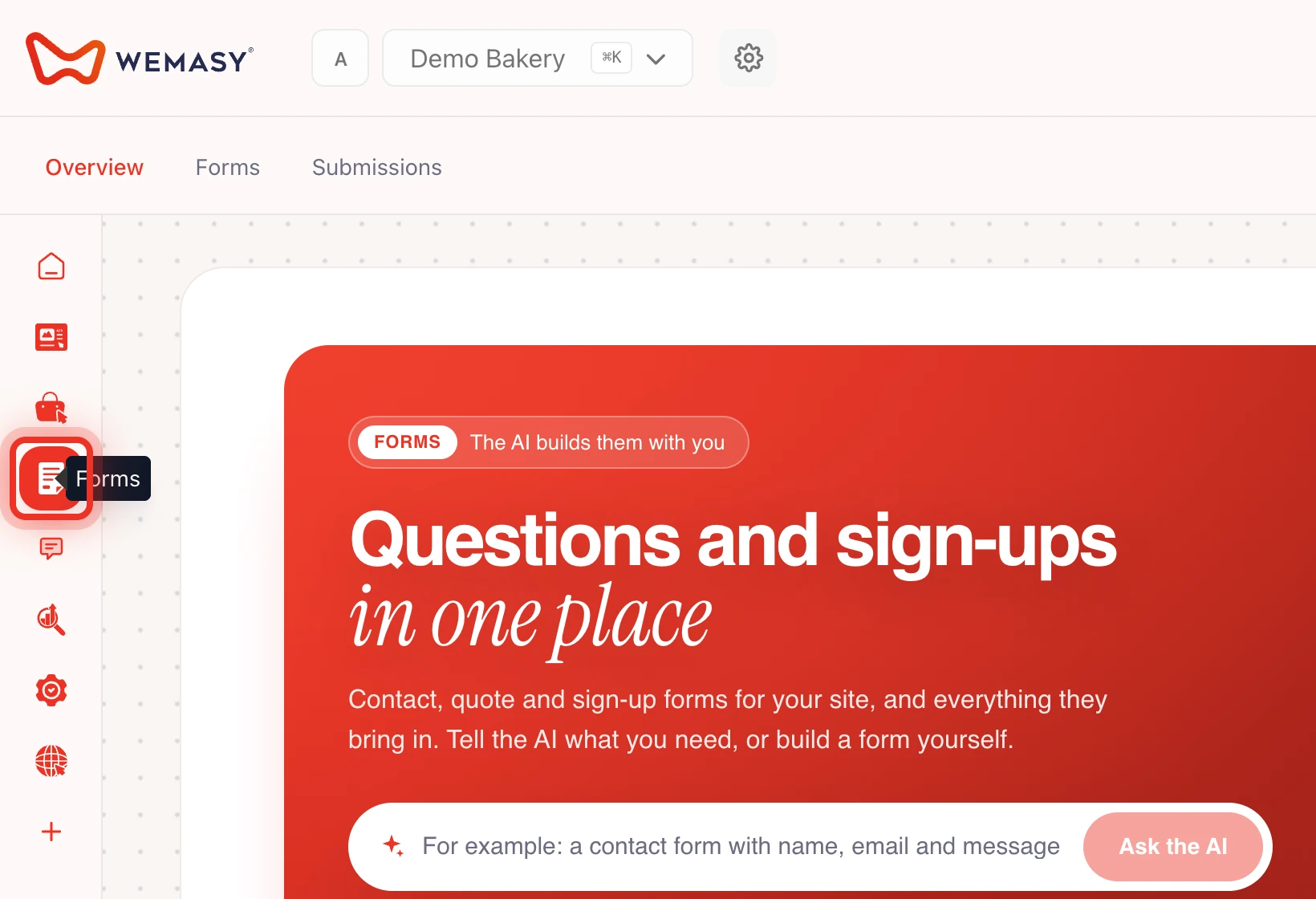
Move your mouse to the left edge of the screen to open the product switcher and select Forms. You can also open your forms from Website Builder through the three-dots menu next to Pages.
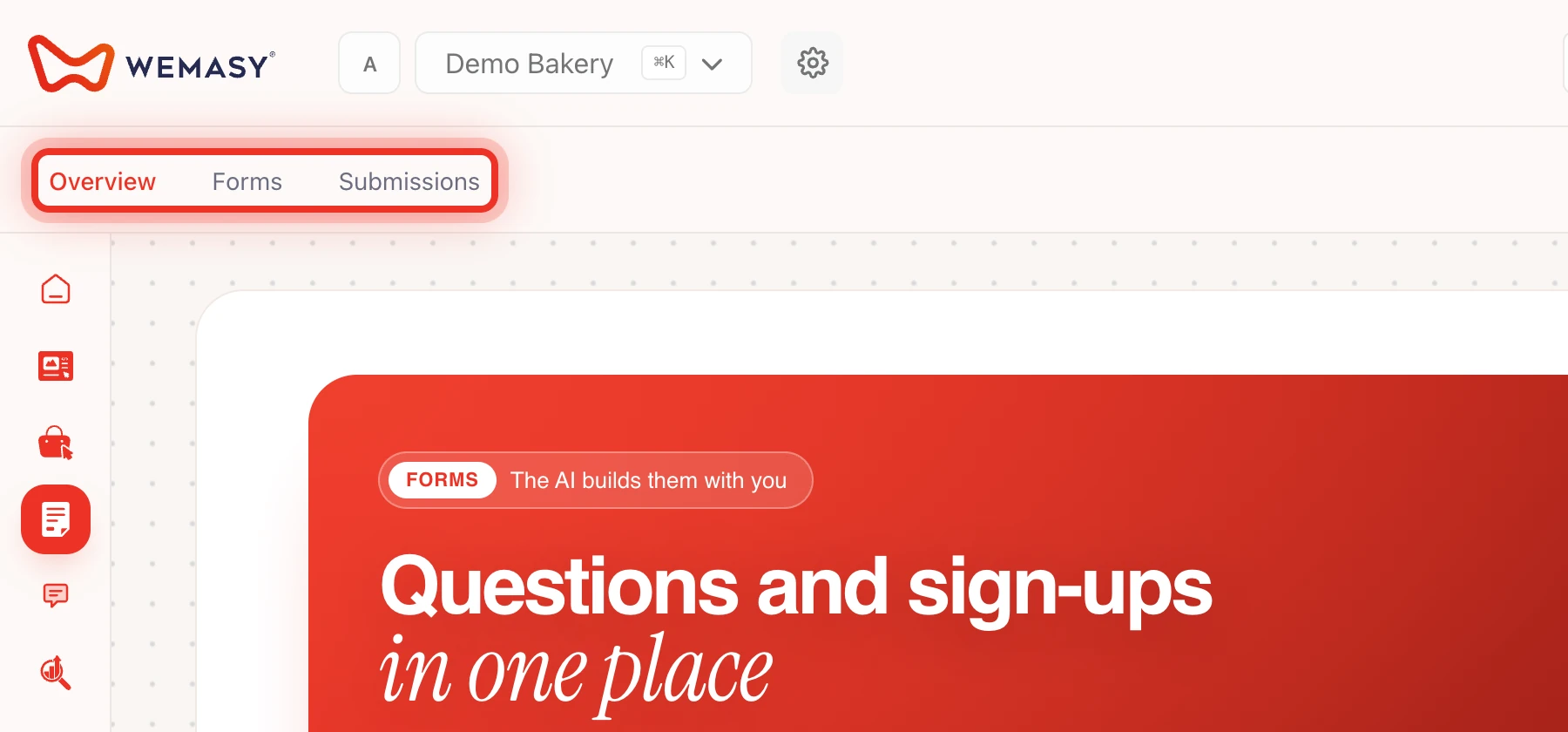
Forms has three items in its top menu:
- Overview: how many submissions came in, per form and per period.
- Forms: the list of your forms. Create, edit, duplicate and delete forms here.
- Submissions: every submission of every form, with filters and export.
How a form works
- Create the form and choose what happens after a submission: a redirect, an email to you, an email to the visitor, a webhook.
- Add fields in the form builder. Every field has a field key that names its value.
- Place the form on a page with the Forms element in Website Builder.
- Publish your website. Visitors fill in the form and the submissions appear under Submissions.
Let the AI build a form with you
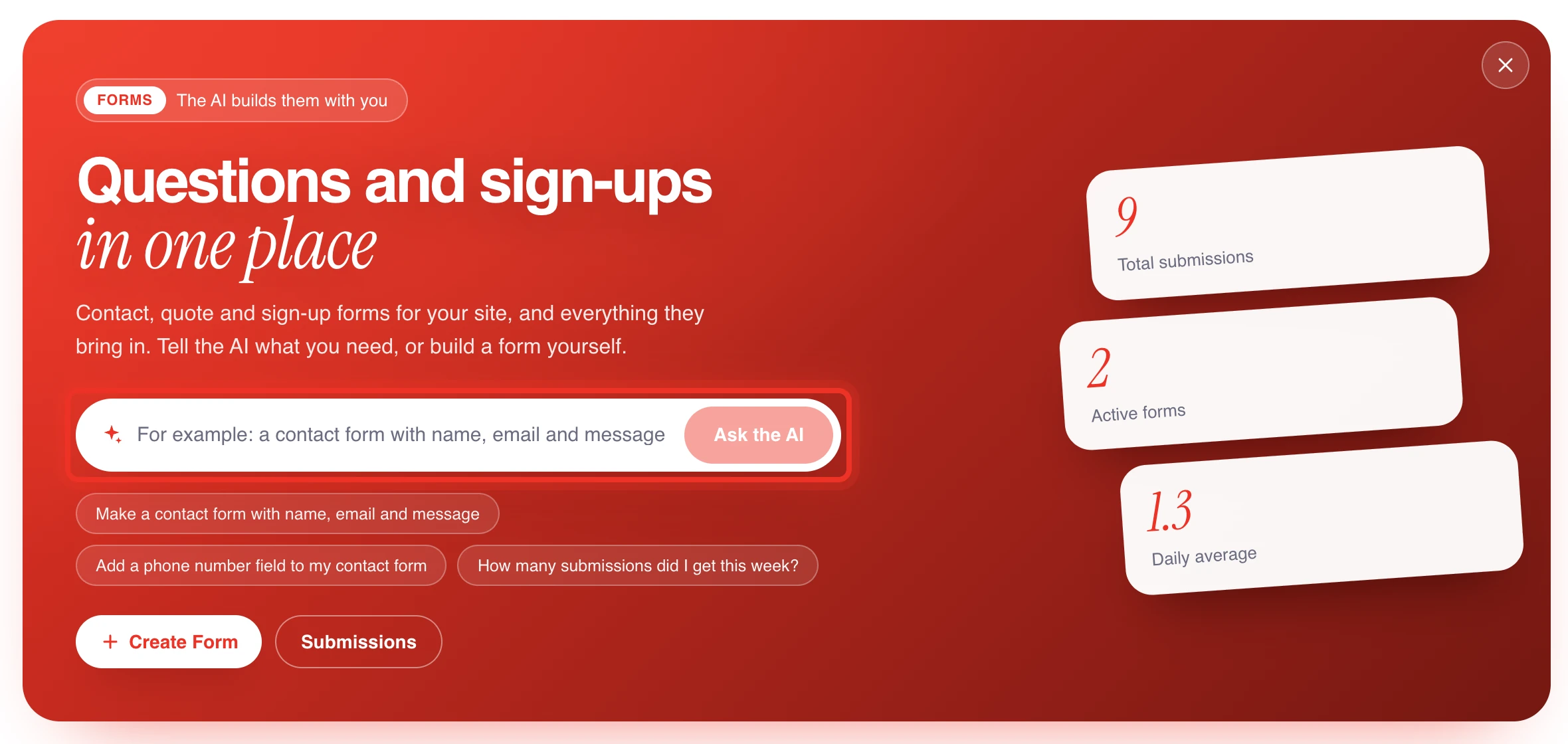
The Overview page has a prompt where you describe the form you need, for example a contact form with name, email and message. The AI builds it with you. You can also ask it questions such as how many submissions came in this week.
Before you begin
Forms has to be part of your plan or switched on for your project. Compare plans on the pricing page. Many themes already include a contact form, so check the Forms list before you build a new one.
Articles in this section
- Creating a form
- Form builder and fields
- Required fields and validation rules
- Multi-step forms, columns and tabs
- Spam protection for forms
- Embedding forms on pages
- Form submissions
- Email notifications and webhooks
- Adding form submitters to a newsletter list
- Forms dashboard
- Form emails or submissions not arriving
Tip: Build one simple contact form first, test it on your published site, and only then add extra fields or a webhook.