

The Webshop lets you sell products from your WEMASY website: physical products, digital downloads, gift cards, and products that customers request a quote for. You manage products, orders, customers, and discounts in one place, and customers pay on your published site through the payment provider you connect.
Where to find it
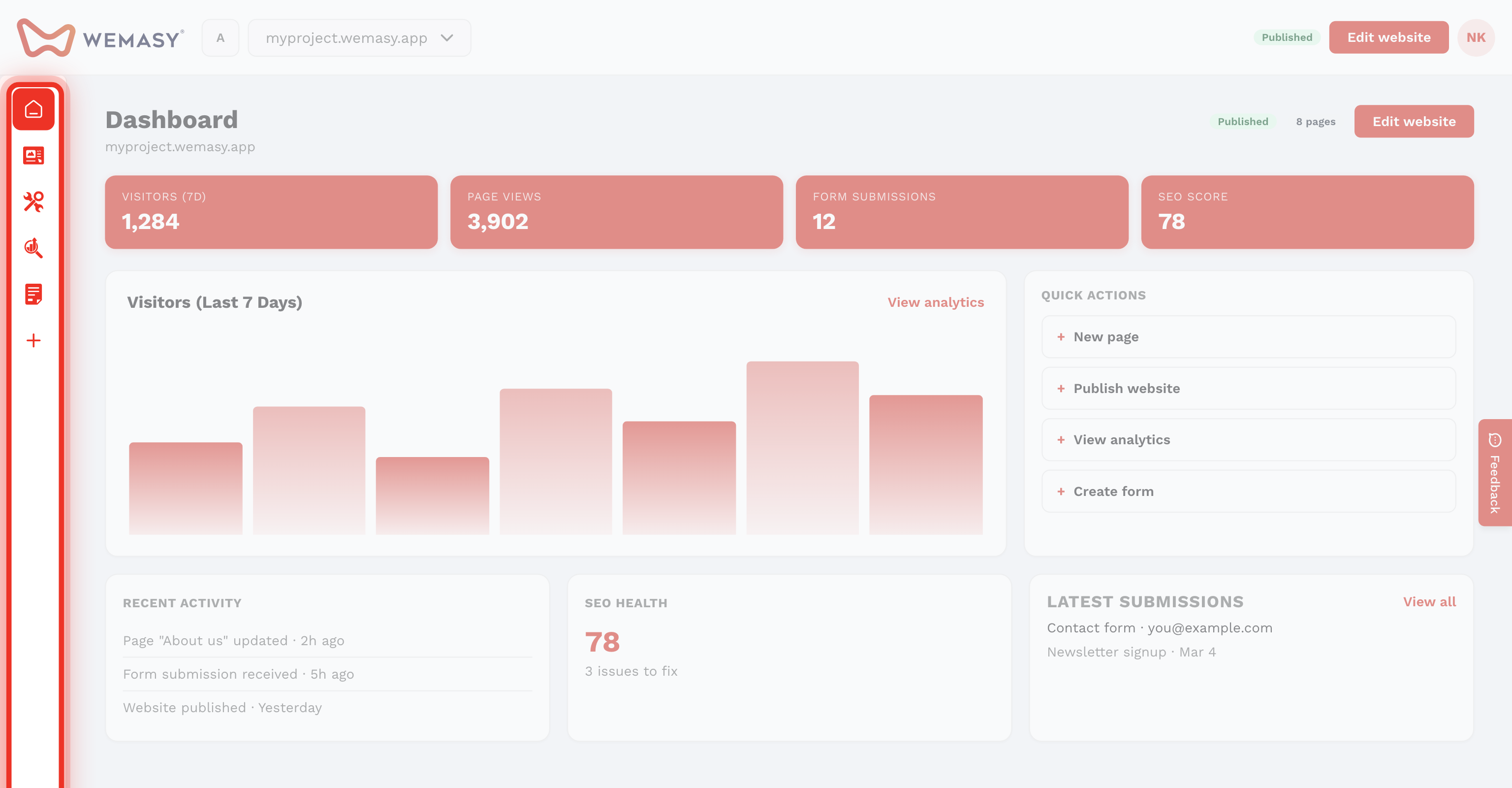
Open the product switcher on the left and select Webshop. If you do not see it, the Webshop is not active on your project yet. Compare plans on the WEMASY pricing page.
What is in the menu
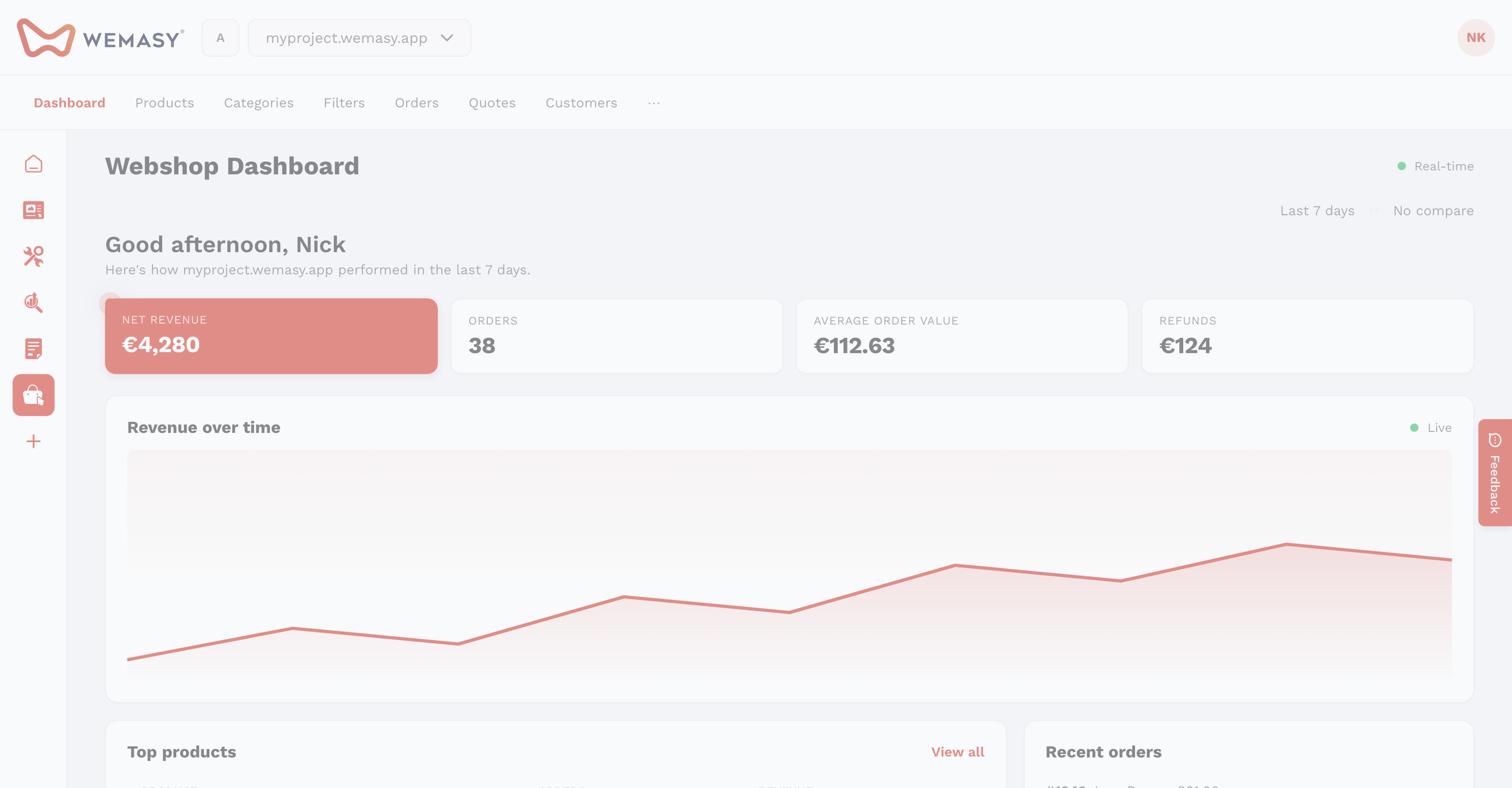
- Overview: revenue, orders, abandoned carts, and low stock at a glance.
- Products: create and edit what you sell.
- Categories: group products into shop pages.
- Filters: let visitors narrow a category by size, color, or brand.
- Orders: paid and unpaid orders, status changes, invoices, and shipments.
- Quotes: quote requests from products that are set up for quotes.
- Customers: everyone who ordered or has an account.
The more menu (three dots) holds Feeds, Financial Connections, and Discounts. Webshop settings live in your project settings under the Webshop tab.
Set up your shop
- Open your project settings with the configuration icon next to the project switcher.
- Click the Webshop tab.
- Set Location and Currency.
- Under Store Pages, click Initialize Setup to create the Cart, Checkout, and Thank you pages.
- Connect a payment provider under Payment Settings.
- Add your shipping methods.
- Open Webshop and create your first product.
- Add the product to a page with a Website Builder element.
- Publish your site and place a test order.
Articles in this section
- Adding products and Product options and price calculations
- Webshop settings and payments and Shipping and tax settings
- Managing orders
Tip: Use Test mode with your payment provider for your first orders, then switch it off when the shop is ready.
Frequently asked questions
Do I need to open the Webshop to take bookings?
No. Bookable services are created in Reservations and Bookings. They use the same checkout, payments, and invoices as the Webshop in the background.
Is there a limit on the number of products?
Limits depend on your plan. Check the WEMASY pricing page for what your plan includes.