

The Home dashboard is the first screen of a project. It shows whether your website is live, what waits for your answer, and how your website is doing, across all the products the project uses. Use it to check everything at a glance, then open a product for the details.
Where to find it
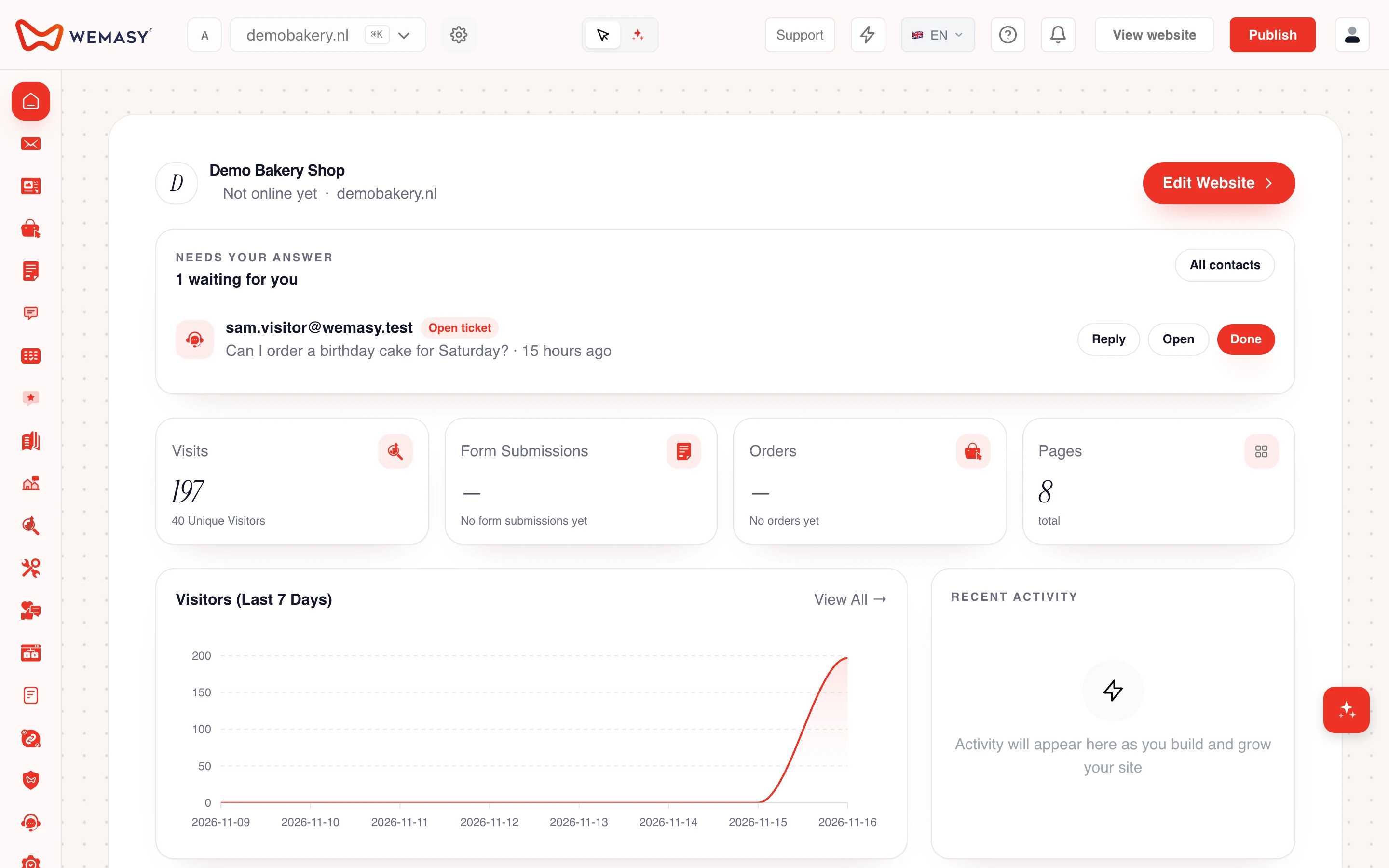
Click Home, the first icon in the product menu on the left.
What you see on Home
The header
The top of the page shows your site icon and project name with its status:
- Published or Draft: whether your website is live.
- Secure: shown when your website has an active SSL certificate.
- Your domain: click it to open your live website in a new tab.
Click Edit Website on the right to open the Website Builder.
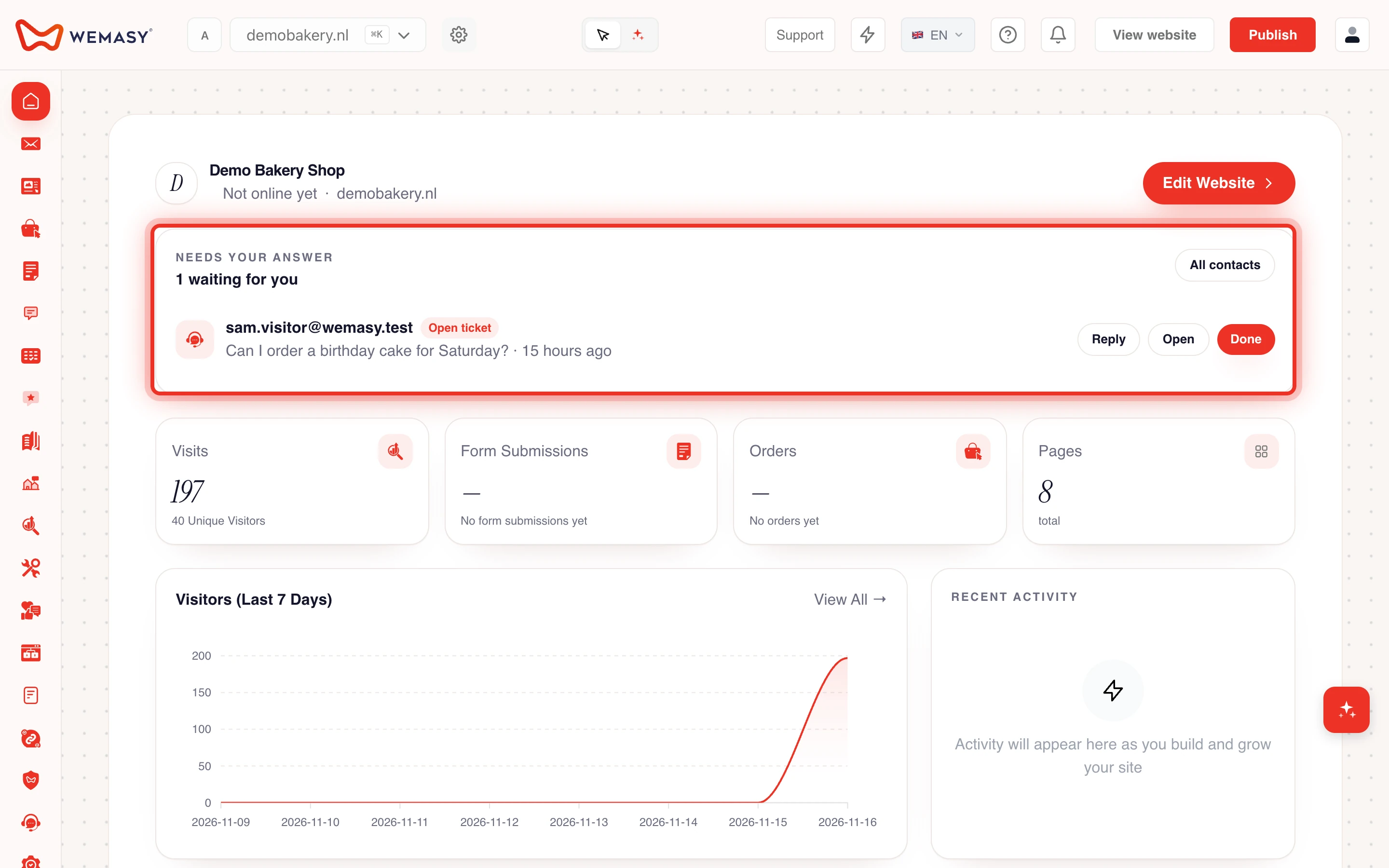
Needs your answer
This block collects what waits for you from every product: new leads, open tickets, bookings to confirm, orders to ship, quote requests, and more. Each item shows what kind of request it is.
- Click Open or Reply to handle an item.
- Click Done to mark it as handled.
- Click All contacts to see everyone who contacted you.
When nothing waits, you see All answered. Only project admins see this block.
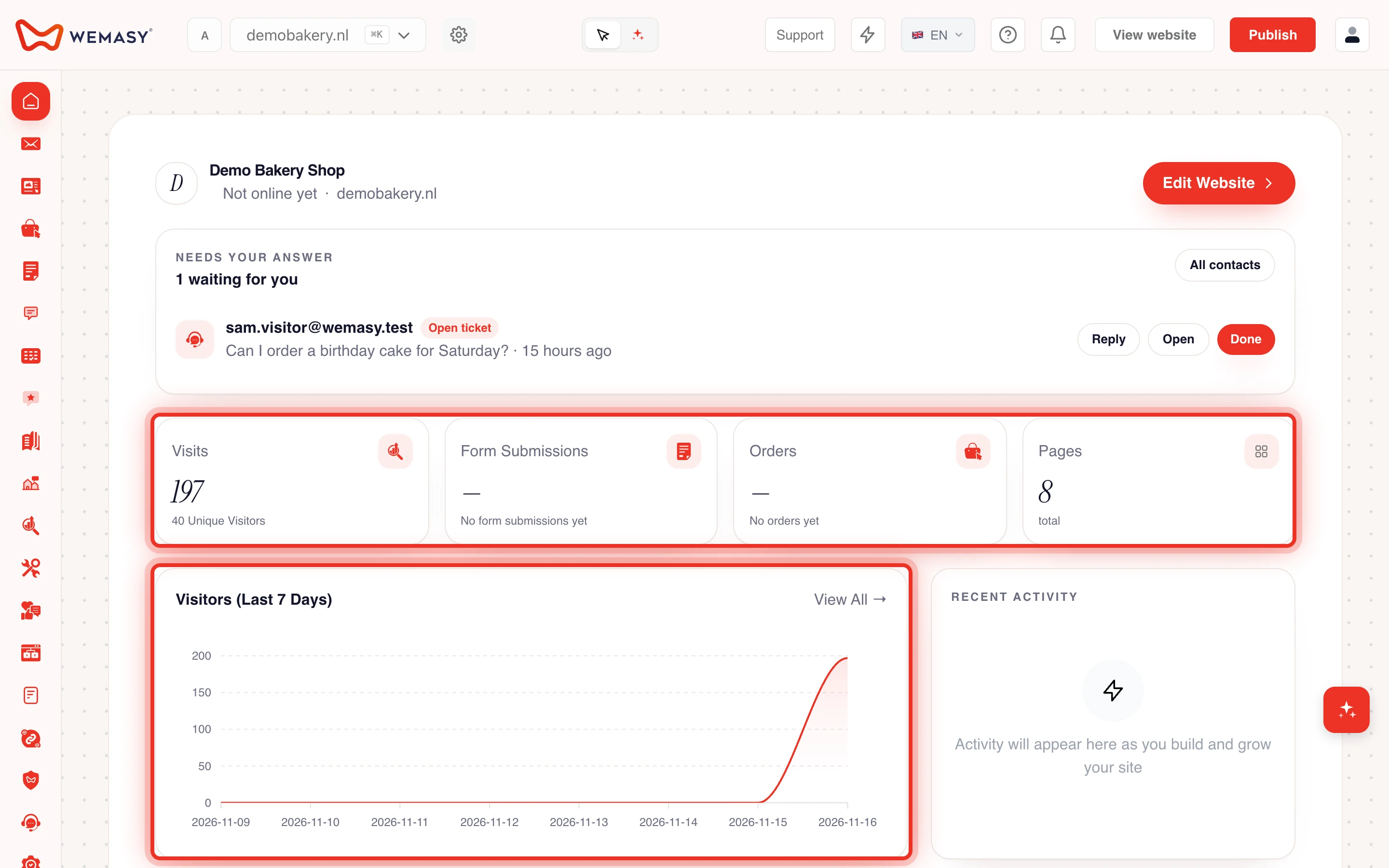
Key numbers
A row of cards shows your Visits, Form Submissions, Orders, and Pages. Below it, a chart shows Visitors (Last 7 Days). Click View All to open Analytics & Insights. If you have no visitors yet, the chart shows a reminder to share your site.
Recent Activity
A list of what happened lately in your project, such as new form submissions and orders.
What you can do
Short videos of each product in your project, with three things you can do in it. Click Hide to fold the block away, or Show all to see every product.
Your products
Cards for every product in your project with its latest numbers. Click a card to open the product. Under More products you see products you can add.
Tip: Check Needs your answer every day. A quick reply to a new lead or booking makes a big difference for your customers. See Navigating the dashboard and What is a project?
Frequently asked questions
Why are my numbers zero?
Numbers appear once your website is published and gets visitors, form submissions, or orders. Share your website address to get your first visitors.
Why do I not see Needs your answer?
This block is only shown to project admins. Ask the project owner for admin access if you need it.