

The Feedback tab lets you tell WEMASY what would make it better for you: an idea, something that is missing, or something that got in your way. It takes less than a minute and you never leave the page you are on. Feedback does not start a conversation. When you need help or an answer, create a support ticket instead.
Where to find it
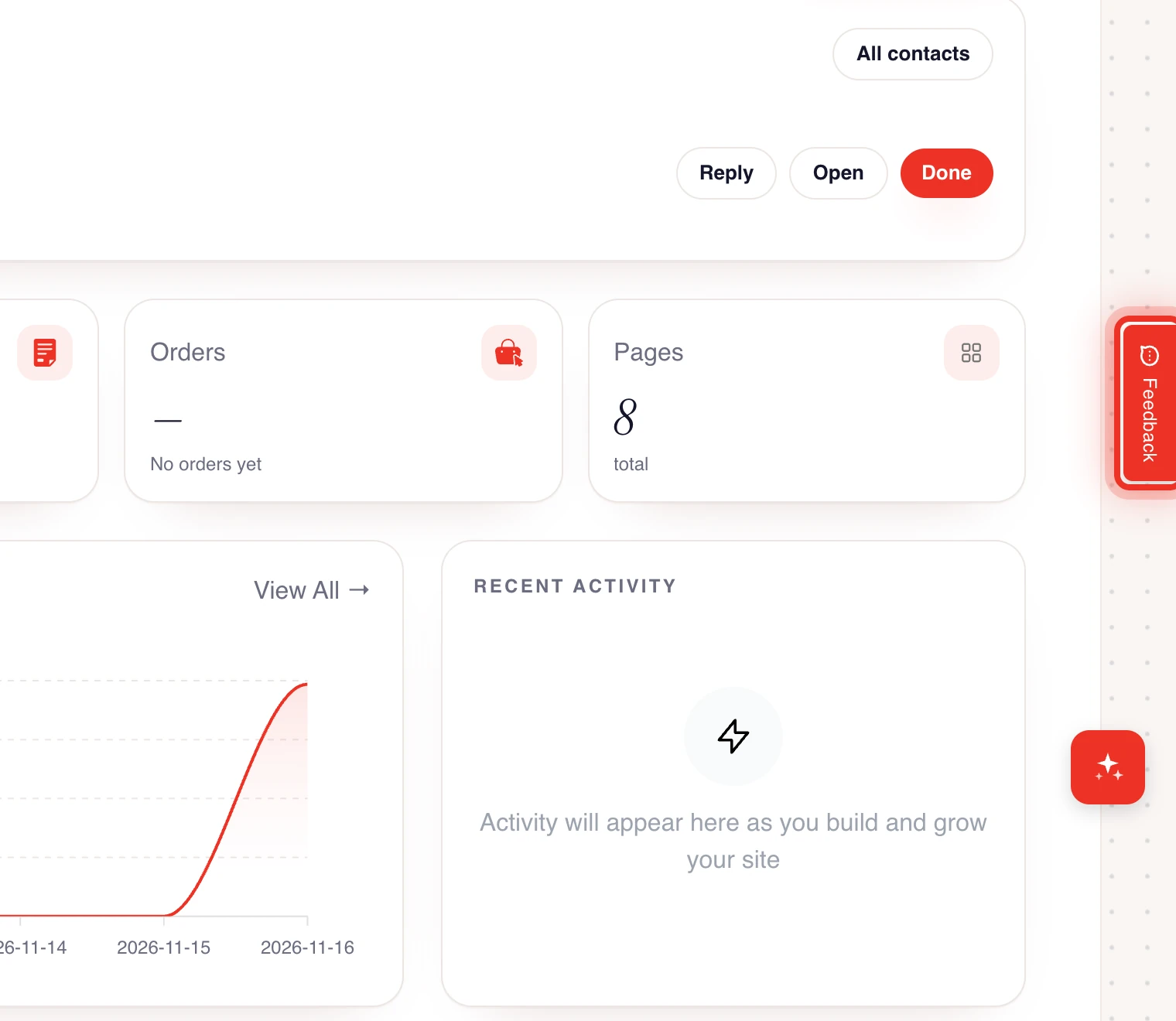
The Feedback tab is a small vertical tab on the right edge of the dashboard, halfway down the screen. It shows on every page inside a project.
Send feedback
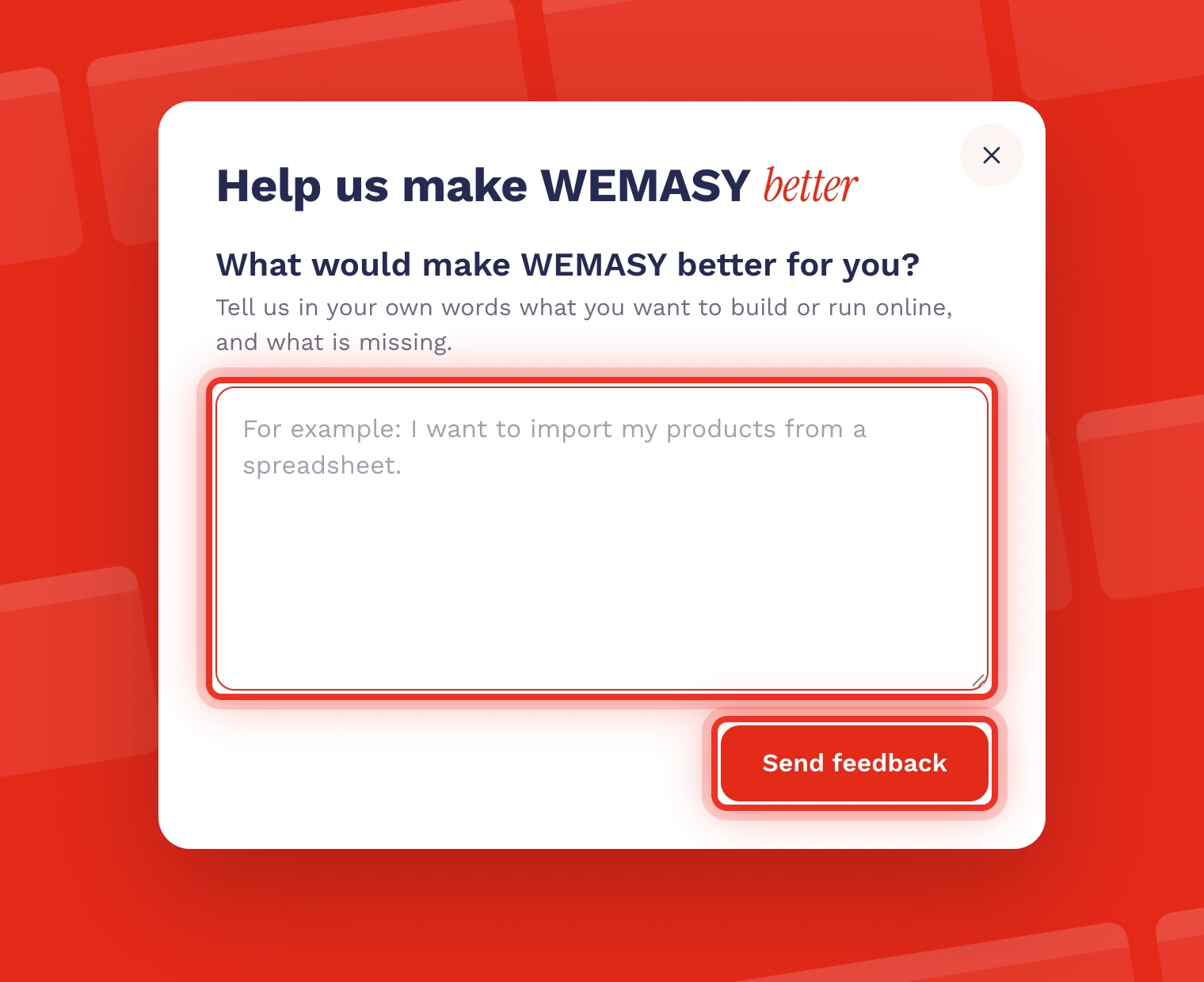
- Click the Feedback tab on the right edge of the screen. The Help us make WEMASY better window opens.
- Under What would make WEMASY better for you?, write in your own words what you want to build or run online, and what is missing.
- Click Send Feedback.
You see a thank-you message when your feedback is received. Click Close to go back to where you were. Changed your mind before sending? Click the cross in the top right corner.
Limits
- A message can be up to 2,000 characters.
- You can send feedback up to 5 times per hour. After that, the window asks you to try again later.
- A message of only a letter or two is too short. Write a little more so WEMASY can use it.
AI credits for feedback
Sometimes the Feedback tab shows an amount, and the window says you can get AI credits for your feedback. When it does, WEMASY adds the credits to your account if your feedback helps to improve WEMASY. You get them once per account. When there is no such line, feedback is still read in the same way.
Feedback or a support ticket?
- Feedback: ideas, missing features, small annoyances, and general thoughts.
- Support ticket: anything you need help with or an answer to. You can follow the status and reply. See Support tickets.
What happens with your feedback
Your message goes to the WEMASY team, together with the page you were on. The team reads every message and uses it to decide what to improve next.
Tips for useful feedback
- Say what you tried to do and what got in the way.
- For a bug, describe the steps that lead to it.
- Name the product or page you mean.
Tip: Did an AI answer in the chat miss the mark? Rate that answer in the chat itself. See Opening the AI chat. For the full dashboard tour, see Navigating the dashboard.