

Required fields and validation rules make sure visitors send you usable answers. A required field cannot be left empty. A validation rule checks what a visitor typed, for example that a phone number has only digits or that a date is not on a day you are closed. WEMASY checks both in the visitor's browser and again on the server when the form is sent.
Make a field required
- Open the form in the Form builder.
- Click the field on the canvas.
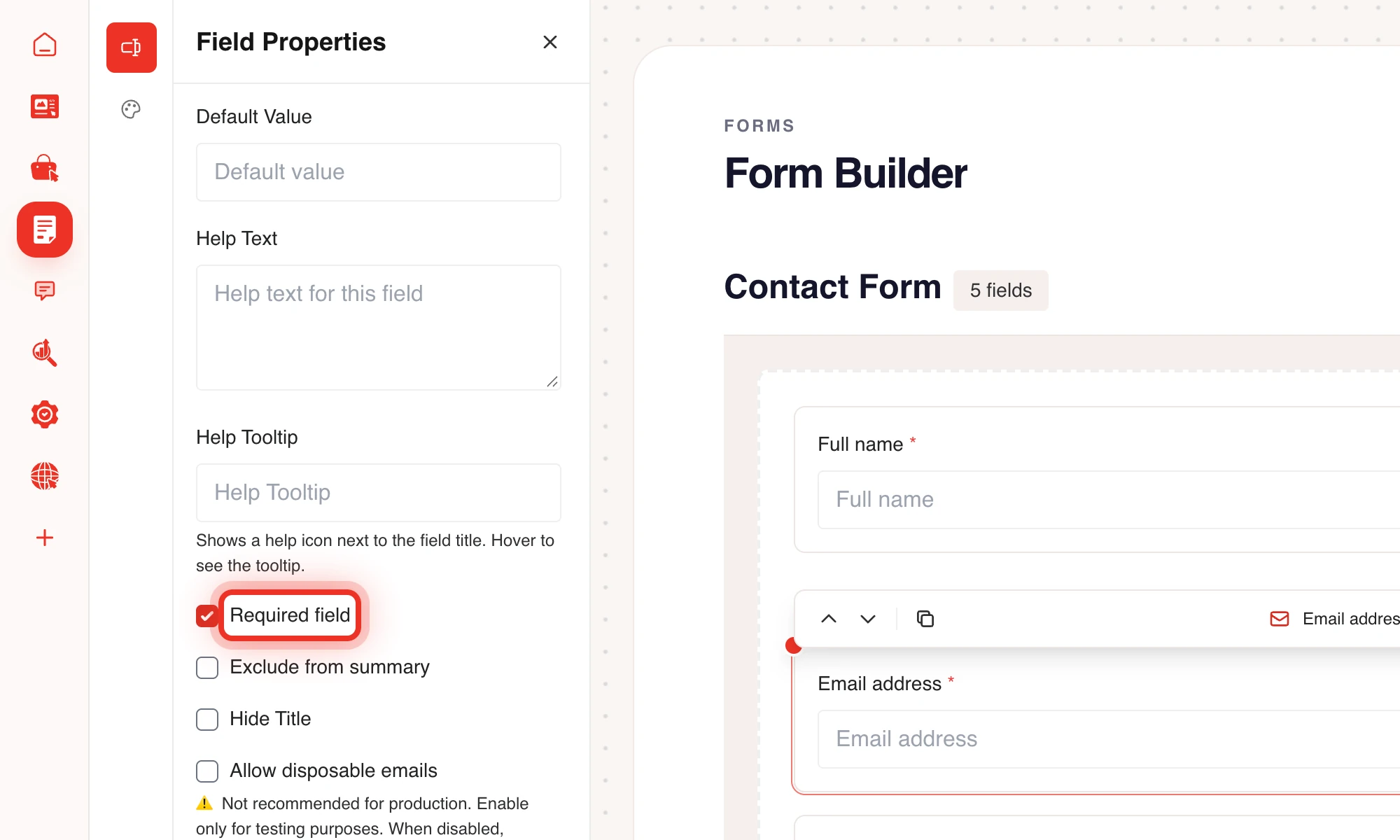
- Open the Basic tab in Field Properties.
- Tick Required field.
When a visitor leaves a required field empty, the form shows a message under that field and is not sent.
Add a validation rule
- Click the field on the canvas.
- Open the Advanced tab.
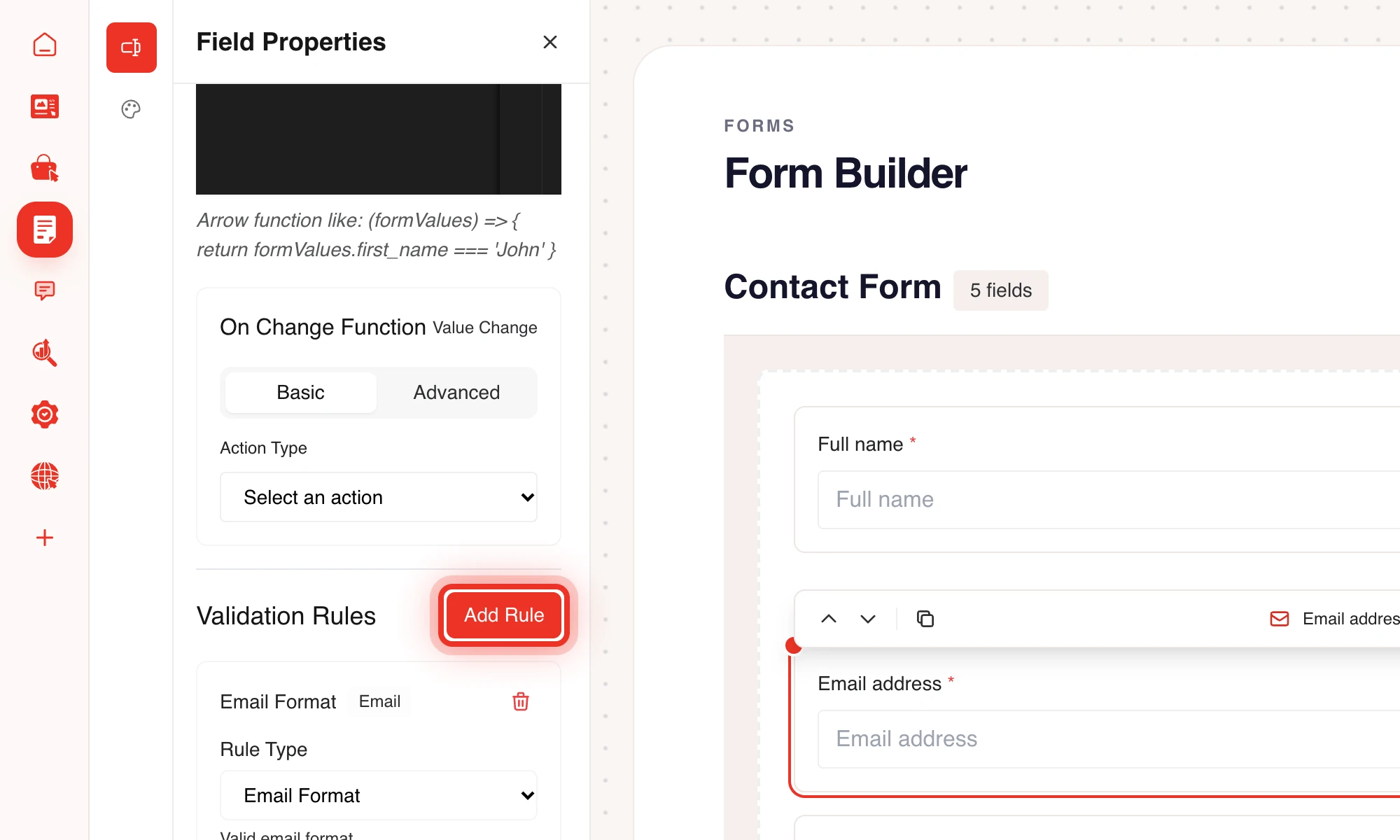
- Under Validation Rules, click Add Rule.
- Choose a rule in Select Rule Type.
- Fill in the value the rule needs, for example the minimum number of characters.
- Optional: type your own text in Custom Error Message (Optional). Leave it empty for the default message.
You can add more than one rule to a field. Every rule must pass before the form is sent.
Available rules
- String: Minimum Length, Maximum Length, Alpha [a-zA-Z], Alpha Dash [a-zA-Z-], Alpha Numeric [a-zA-Z0-9] and Custom Regex.
- Email and Url: Email Format and URL Format.
- Numeric: Integer (no float), Numeric (allows float), Minimum Value, Maximum Value, Digits (length) and Digits Between.
- Comparison: Same As, Different Than, Greater Than, Greater Than or Equal, Less Than and Less Than or Equal. These compare the field with another field, for example a repeated email address.
- Network: IP Address, IPv4 Address and IPv6 Address.
- Date: Valid Date, Date After, Date Before, Date Between and Closed Days. Closed Days takes days that cannot be picked, comma separated, such as
sunday,monday.
Disposable email addresses
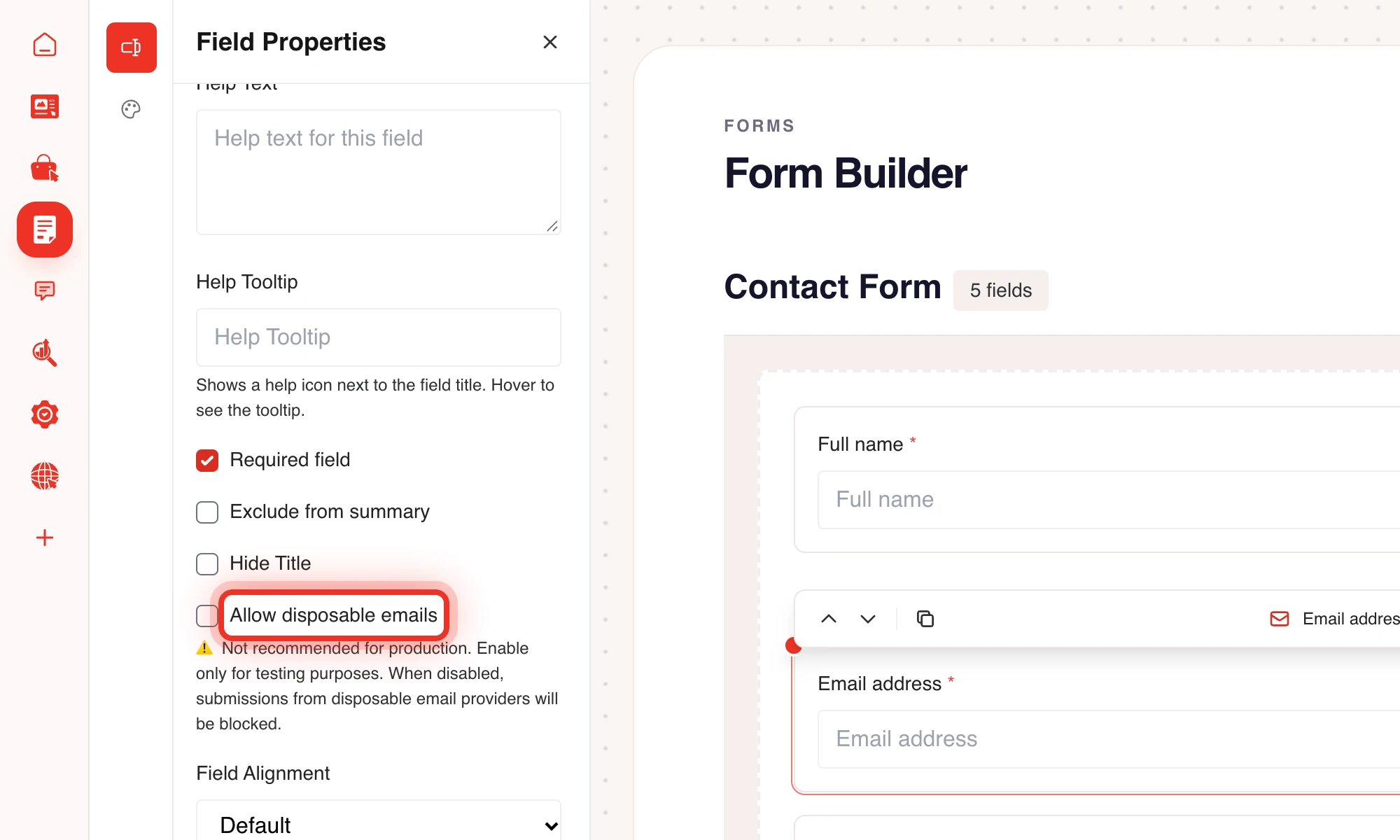
Email fields block addresses from disposable email providers by default. The visitor sees "Disposable email addresses are not allowed". The Allow disposable emails option on an email field turns this off. Only use it for testing.
Hidden fields and conditional logic
A field that is hidden by Conditional Logic is not checked when the form is sent, so a required field that the visitor never saw does not block the form. Read more in Form builder and fields.
Frequently asked questions
Can I mark a field as required without any other rule?
Yes. Required field is a separate checkbox on the Basic tab. You only need a validation rule when you want to check the content of the answer.
Why does a visitor see an error after the form looked fine?
The server checks the answers again when the form is sent. Its email check is stricter than the one in the browser, and disposable email addresses are only refused there.
Tip: Keep the number of required fields low. Every extra required field makes it less likely that a visitor finishes the form.