

Spam protection keeps automated junk out of your form submissions. WEMASY offers an invisible captcha that you add to a form as a field. Visitors do not have to click images or tick a box: the check runs in the background in their browser, and WEMASY verifies it on its own servers before the submission is saved or emailed. No outside captcha service is called and no cookies are set.
Add spam protection to a form
- Open Forms and click Forms in the top menu.
- Click Form builder next to the form.
- Search for Captcha in Search fields..., or find it in the Advanced category.
- Drag Captcha onto the canvas. It shows as Spam Protection.
- Save the form and publish your website again.
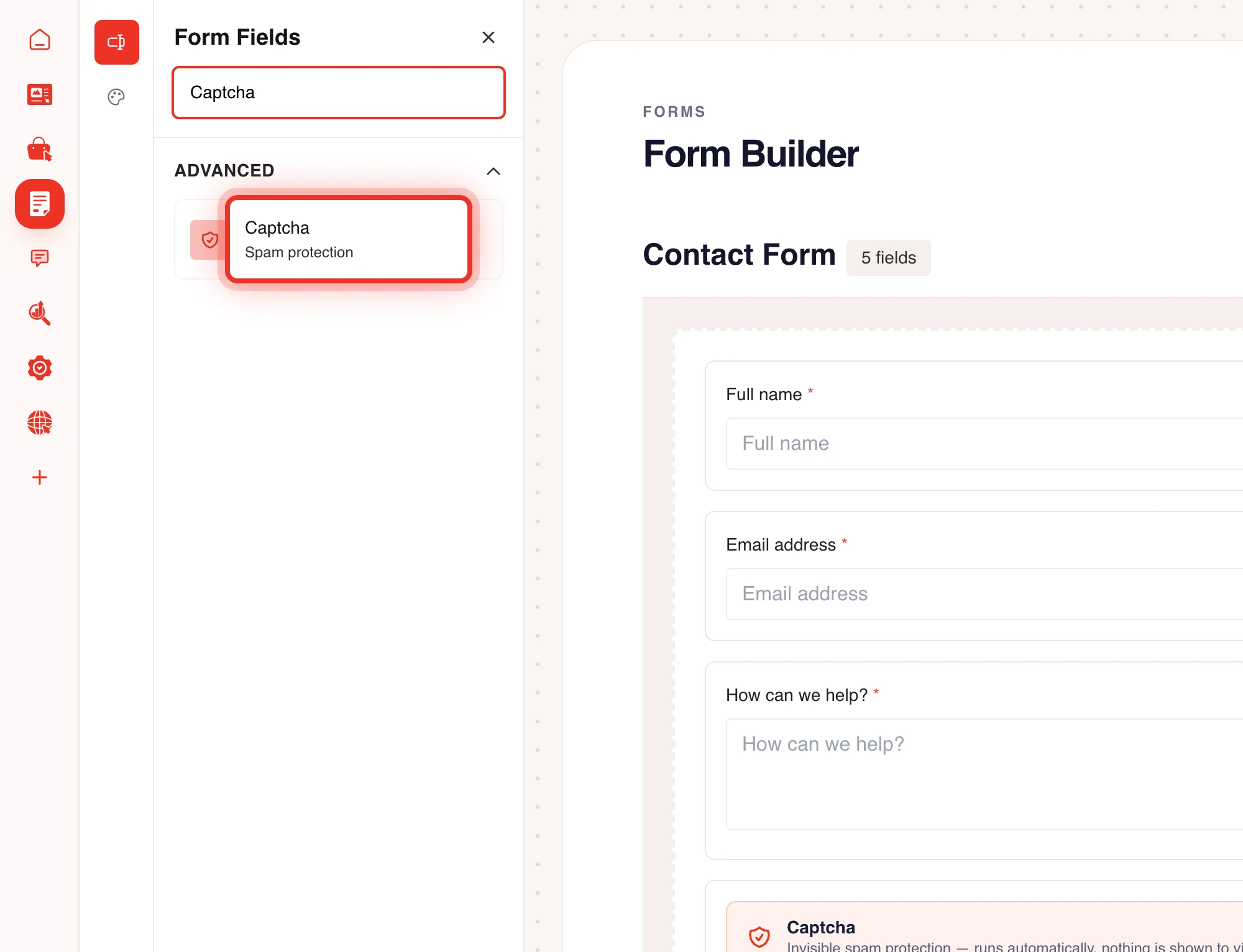
A form can have one captcha field. There is nothing to configure: adding the field switches the protection on.
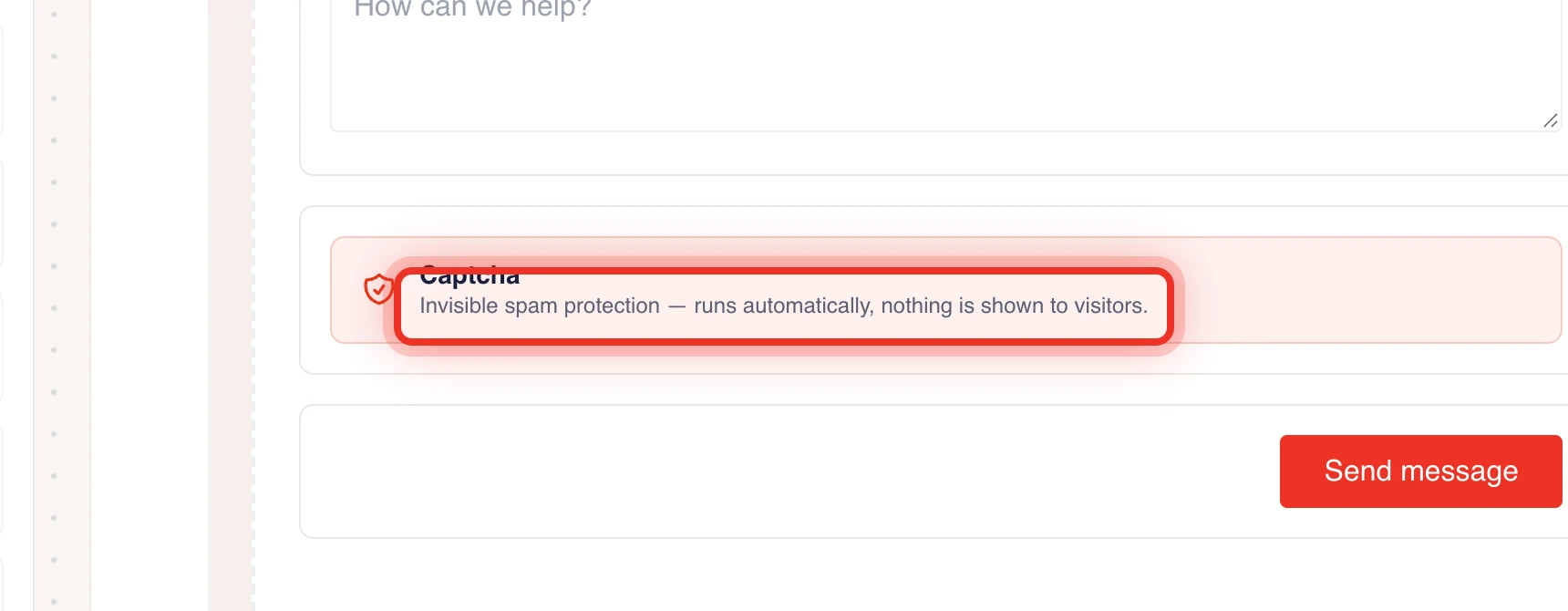
What visitors see
Normally nothing. In rare cases a visitor gets a message and can send the form again:
- "Captcha check failed. Please reload the page and try again."
- "That was a bit too fast. Please try submitting again."
- "Too many attempts. Please wait a moment and try again."
The last message appears when many submissions come from one place in a short time.
Disposable email addresses
Every email field also refuses addresses from disposable email providers, with or without the captcha. You can switch this off per field with Allow disposable emails, but only do that for testing. See Required fields and validation rules.
Visitor confirmations are limited
A form that emails the visitor can be misused to send mail to strangers. WEMASY therefore limits confirmation emails per visitor, per address and per form each hour or day. Over a limit, the confirmation is held and not sent, but the submission is still saved and you still get your own email. Links that visitors type are removed from the confirmation they receive. Read more in Email notifications and webhooks.
Frequently asked questions
Do I need a captcha key from another service?
No. WEMASY runs the captcha itself. You only add the Captcha field to your form.
Does the captcha show up in my submissions?
No. The captcha is checked and then left out, so it never appears in the submission, the emails or the webhook.
I still get spam. What can I do?
Check that the Captcha field is on the form and that you published your website after adding it. Validation rules on your fields, such as a minimum length, also stop a lot of junk.