

When a form email does not arrive, first check whether the submission itself arrived. WEMASY saves every submission before it sends any email, so the Submissions page tells you where to look. This article walks through the common causes, from the most likely to the least likely.
Step 1: check the submission
- Open Forms and click Submissions in the top menu.
- Click Show all dates and set the form filter to All Forms.
- Look for the submission at the time it was sent.
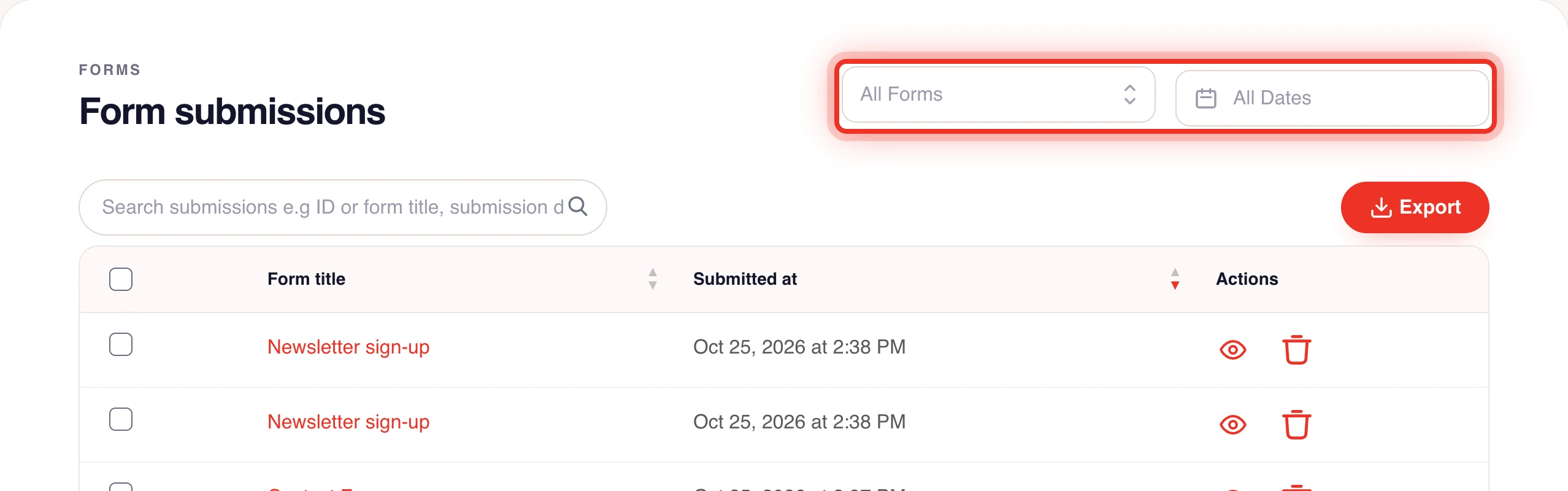
Found it? The form works and the problem is the email. Go to step 2. Not found? Go to step 4.
Step 2: you do not receive the owner email
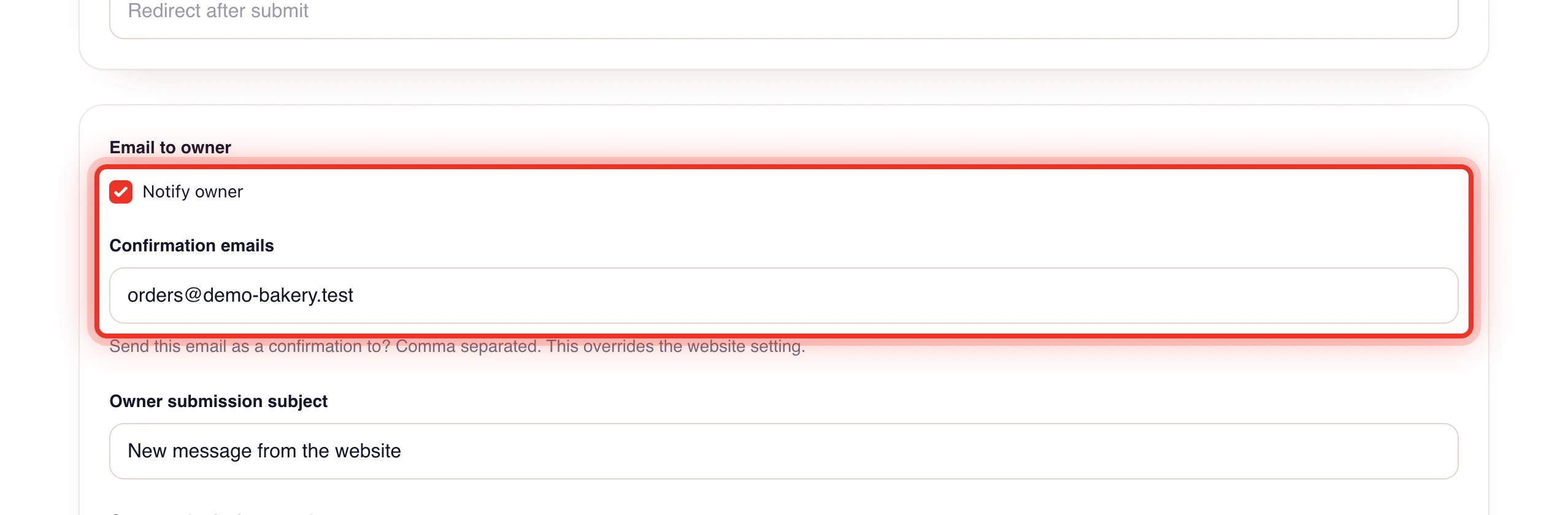
- Notify owner is off. It is off for a new form. Open the form with Edit, tick Notify owner and click Update form.
- The email goes to another address. Check Confirmation emails on the form. When it is empty, the email goes to Email To under Email Settings in your project settings, or else to the project owner's address. A placeholder address such as info@example.com from a theme is ignored.
- A typo in the address. Separate several addresses with commas and check each one.
- The spam folder. Search your spam or junk folder for the subject, by default "You have received a new message!". Mark it as not spam.
- Your live site uses an older version. After you change a form, publish your website again.
Step 3: the visitor gets no confirmation
- Notify user is off. Tick it on the form settings.
- No address to send to. User confirmation emails must hold the field key of the email field, for example
{{email}}. Check the key in the form builder. - A limit was reached. Confirmations are limited per visitor, per address and per form, to stop misuse. Over a limit the confirmation is held, not sent. This often happens while testing with the same address many times.
- The visitor's spam folder. Ask the visitor to check it.
Step 4: the submission is missing
- The form showed an error. Open the page and send the form yourself. A required field or a validation rule may block it. See Required fields and validation rules.
- A disposable email address. These are refused by default.
- The spam protection stopped it. The visitor sees a message asking to reload or wait. See Spam protection for forms.
- The page shows another form. Check which form the Forms element on that page uses. See Embedding forms on pages.
- The submission was deleted. Deleted submissions cannot be brought back.
The webhook did not arrive
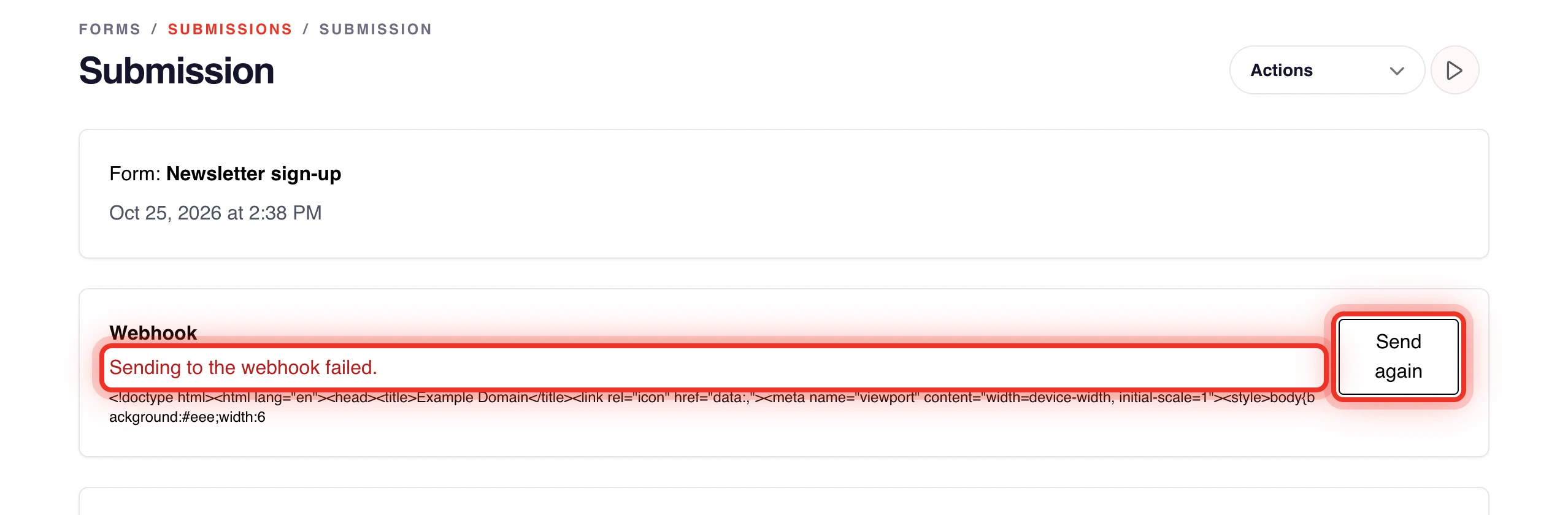
Open the submission. The Webhook box shows whether it was sent and why it failed. Fix the receiving side, then click Send again. The webhook URL must be a public http or https address.
Frequently asked questions
Why do my test submissions get no confirmation after a few tries?
Confirmations to the same address and from the same visitor are limited each hour and day. Your test submissions are still saved and you still get the owner email.
Still not working?
Contact WEMASY support with the form name, the time of the submission and the address that should have received the email.