

After a visitor sends a form, WEMASY can do three things for you: email you the submission, email the visitor a confirmation, and send the data to another system through a webhook. You set all three per form, on the form's settings screen. The submission is always saved under Submissions, whatever you choose here.
Open the form settings
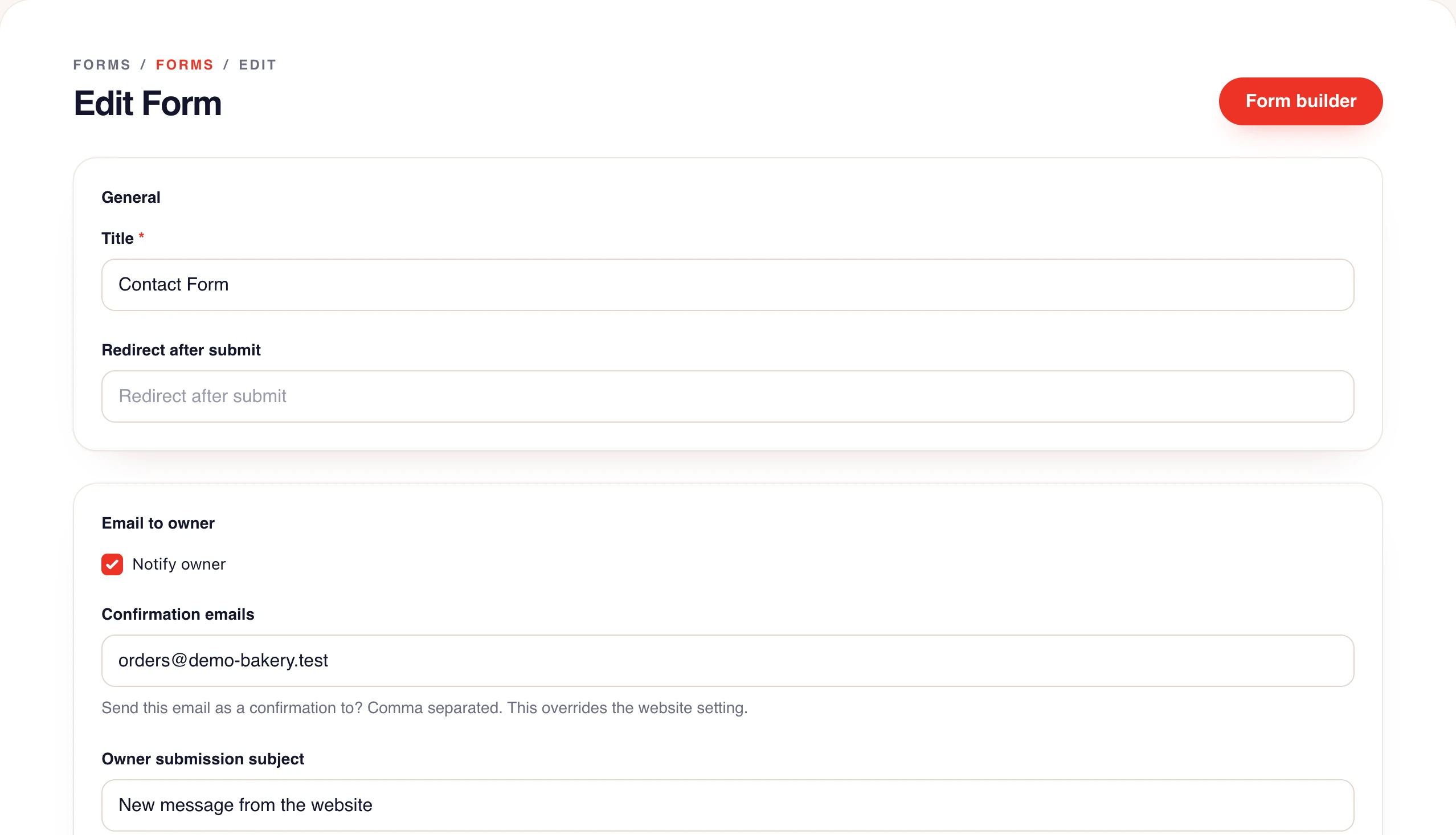
- Open Forms and click Forms in the top menu.
- Click Edit next to the form.
- Change the settings below and click Update form.
Email to owner
- Tick Notify owner. Without it you get no email for this form.
- Optional: enter one or more addresses in Confirmation emails, comma separated.
- Optional: enter an Owner submission subject.
- Choose the Owner submission template type: Default or Raw.
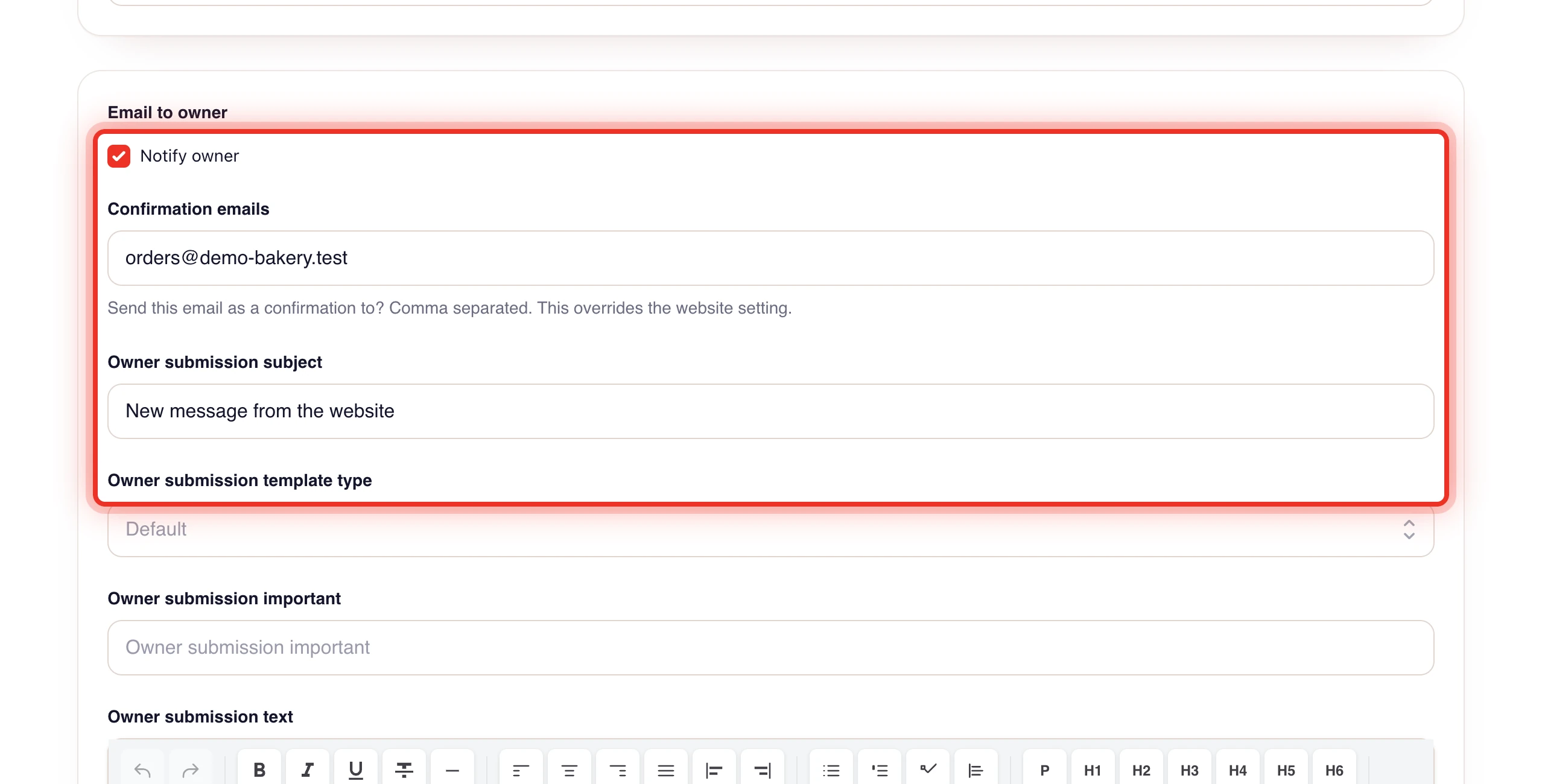
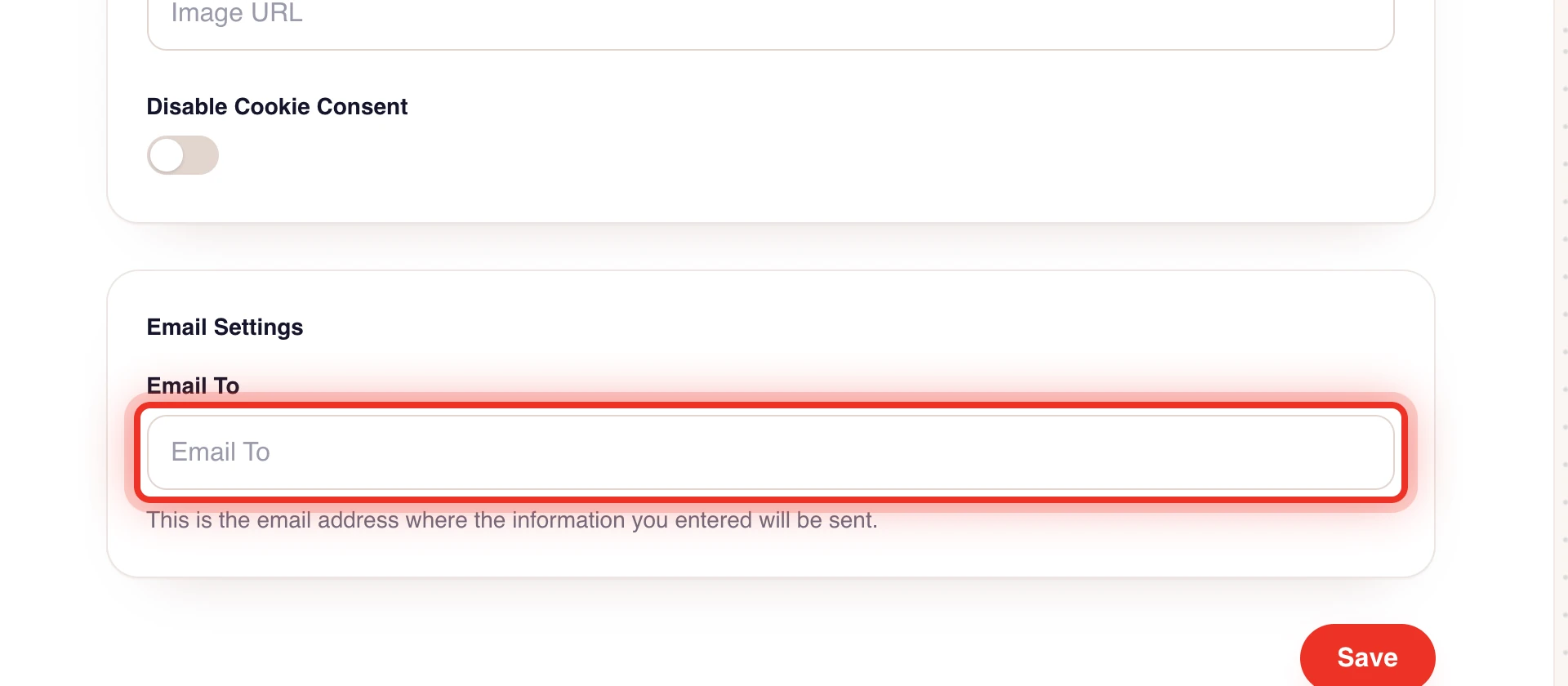
Who gets the email: the addresses in Confirmation emails. When that field is empty, WEMASY uses Email To under Email Settings in your project settings, and otherwise the email address of the project owner.
With Default, you can add a highlighted line in Owner submission important and your own text in Owner submission text. With Raw, you write the whole email yourself in Owner submission raw template. If you leave the text empty, the email lists all answers.
When you tick Notify owner, everyone in the project also gets a notification in the dashboard with a link to the submission.
Placeholders
Use placeholders in subjects, texts and addresses. WEMASY replaces them with the submitted values:
{{all-fields}}: every answer with its field title. Add it to your own text, otherwise the answers are not in the email.{{field_key}}: the answer of one field, for example{{name}}or{{email}}. Use the Field Key from the form builder.{{website_title}}and{{submission_id}}.
Fields with Exclude from summary ticked are left out of {{all-fields}}.
Email to user (visitor confirmation)
- Tick Notify user.
- In User confirmation emails, enter the field key of the email field between double braces, for example
{{email}}. - Optional: set the Submission subject, Submission template type, Submission important and Submission text.
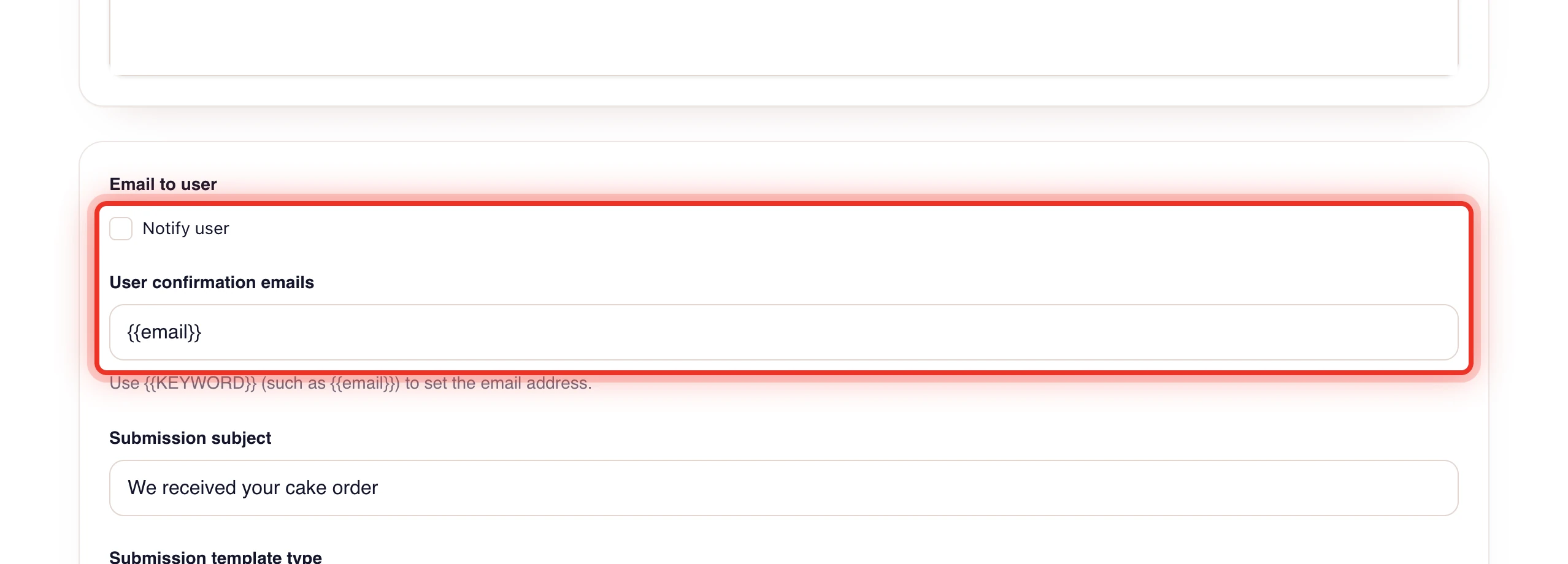
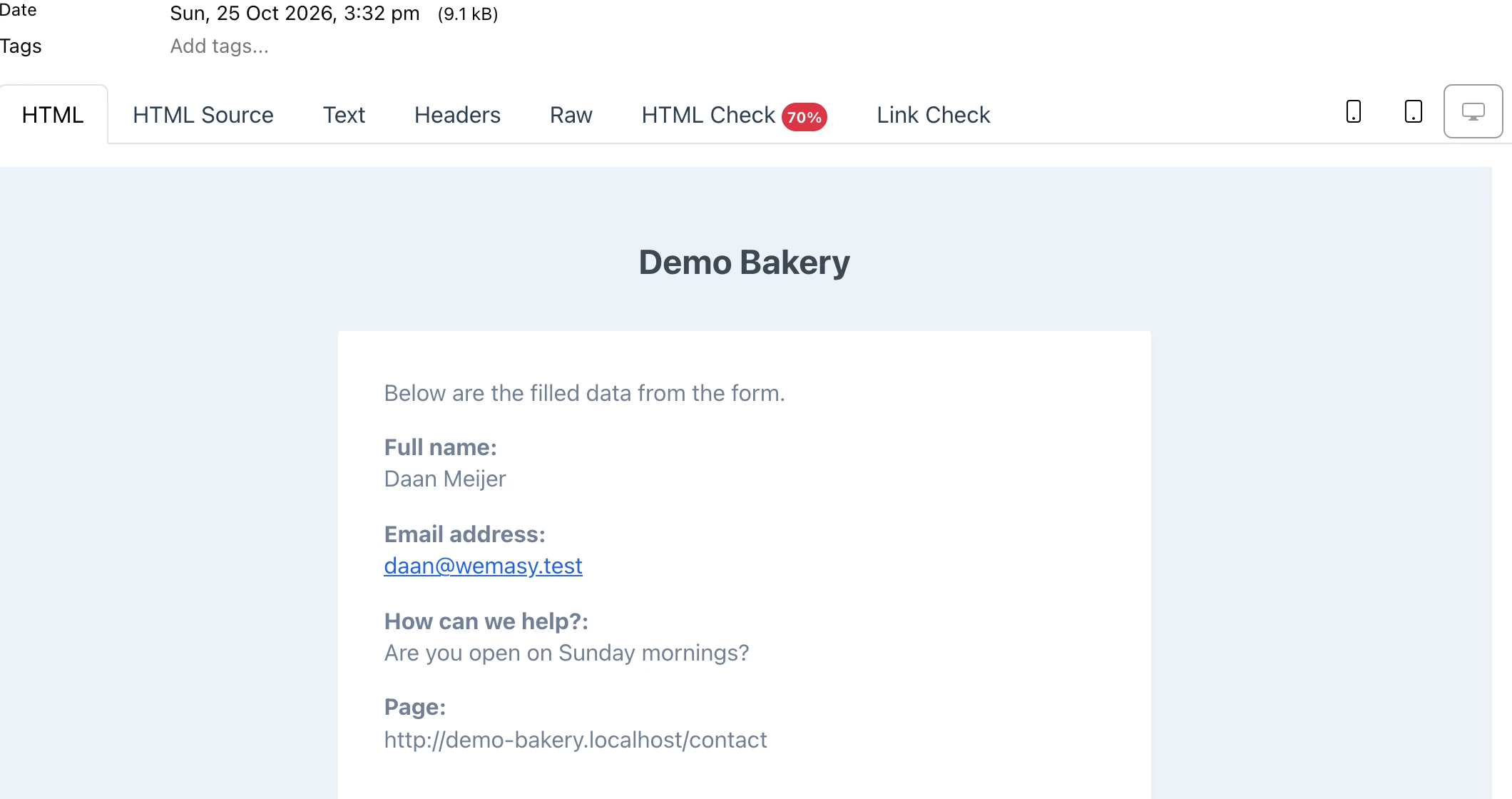
Without your own text, the visitor gets a thank-you message with a copy of what they sent. Links that the visitor typed are replaced by [link] in this copy. To stop misuse, confirmations are limited per visitor, per address and per form. A confirmation over a limit is held and not sent, but the submission is saved and you still get your own email.
Reply-to
When User confirmation emails holds the visitor's address, your owner email uses it as the reply-to address. Click reply in your mail program to answer the visitor directly. The visitor's confirmation uses your notification address as its reply-to.
Webhook
- Tick Webhook enabled.
- Enter the Webhook URL. It must be a public http or https address.
- Click Update form.
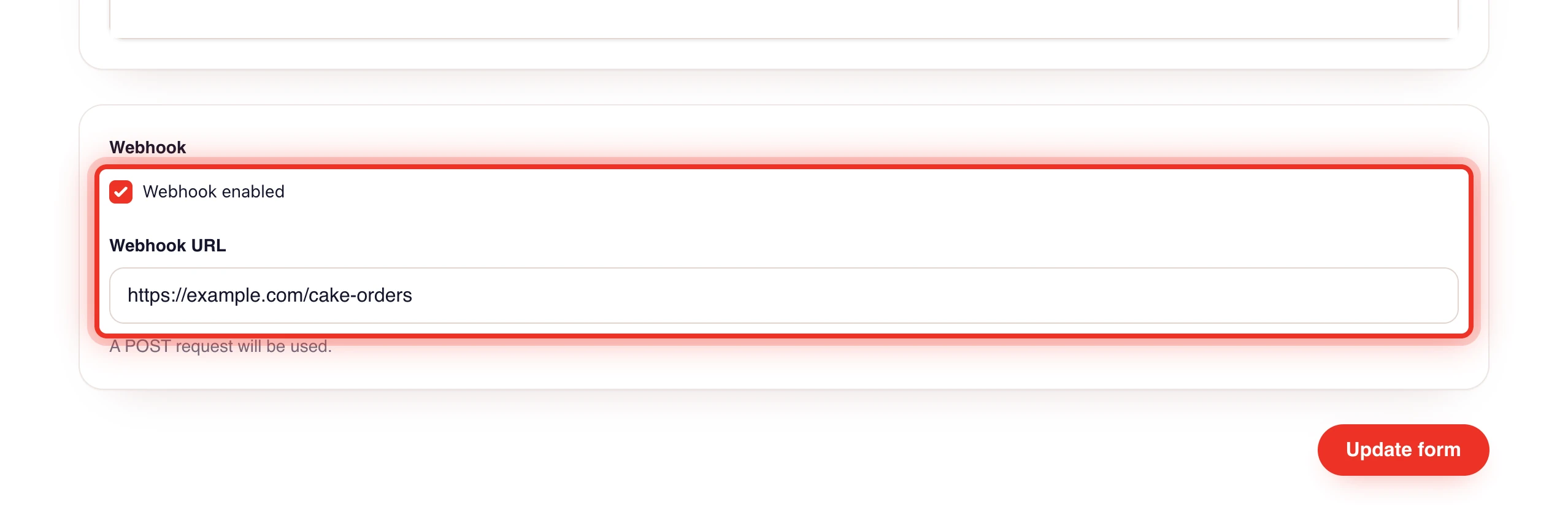
For every submission WEMASY sends a POST request with JSON. It contains wemasy_form_id, wemasy_form_title, wemasy_project_id, wemasy_website_title, wemasy_website_domain, wemasy_page_url and every answer under its field key. Each submission shows whether the webhook was sent. If it failed, open the submission and click Send again. See Form submissions.
Frequently asked questions
Are notifications on for a new form?
No. Notify owner and Notify user are both off when you create a form in the dashboard. Tick them to send emails.
Can I add people who submit to my mailing list?
Yes, with the Newsletter section of the same screen. See Adding form submitters to a newsletter list.
Emails not arriving? Read Form emails or submissions not arriving. To add people to a list, read Adding form submitters to a newsletter list.