

Analytics & Insights shows who visits your published website, which pages they view, where they come from and what they do. You can watch recordings of visits, track goals such as form submissions, and ask the AI what your numbers mean. Everything is in your WEMASY dashboard, next to your website.
Before you begin
Analytics only counts visits to a published website. On a website built with WEMASY the tracking code is already in place, so you do not need to install anything. Data starts to appear as soon as your website is live and receives its first visitors. If you have not published yet, read Publishing your website first.
Where to find it
- Open your project in WEMASY.
- Open the product switcher.
- Select Analytics & Insights.
What is in the menu
The menu at the top of Analytics & Insights has these pages. Items that do not fit on your screen move into the three dots menu.
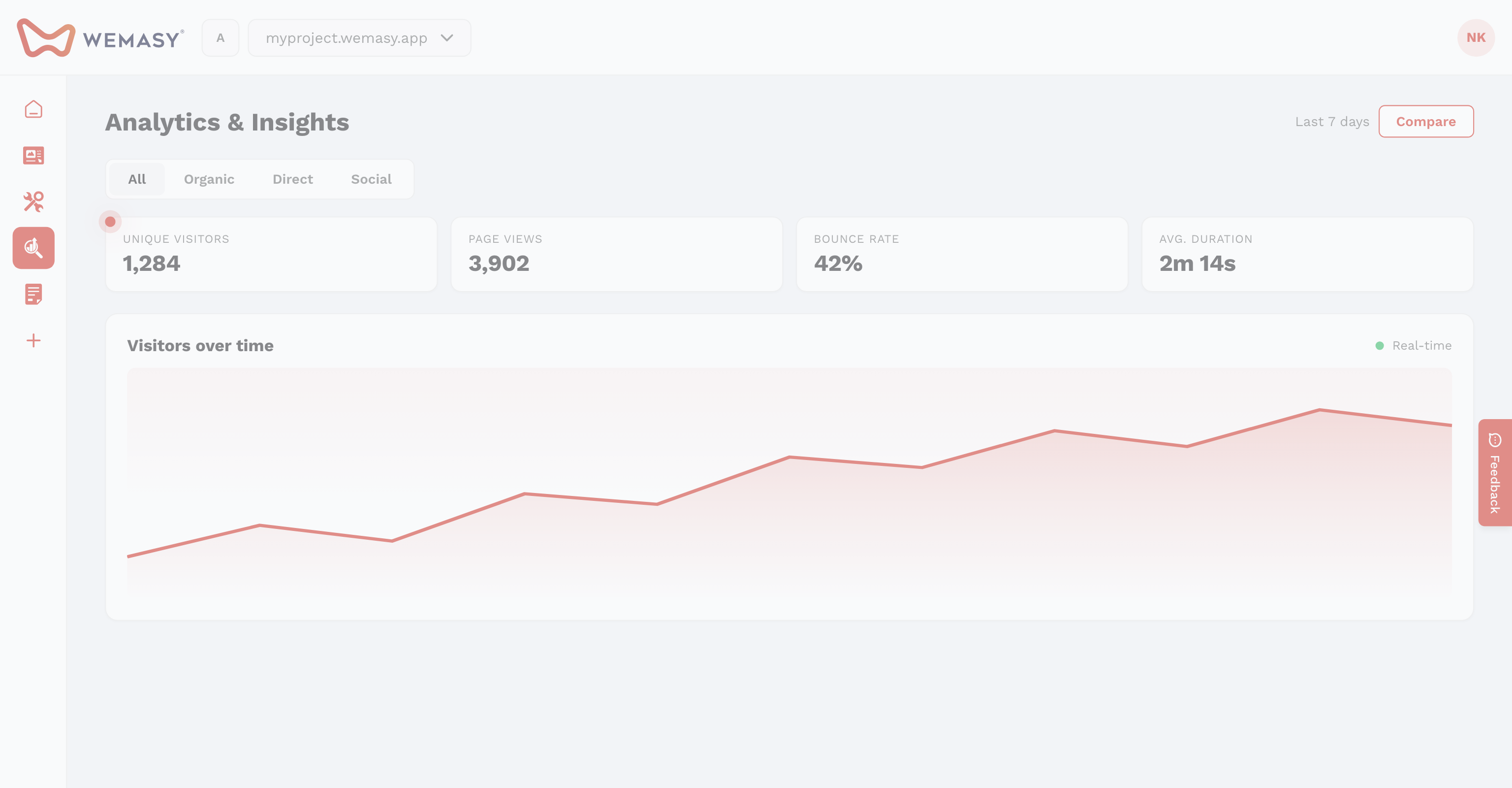
- Overview: your key numbers, a chart of visitors over time, popular pages and the latest recordings.
- Sessions: every visit, with country, device, pages, clicks and conversions.
- Visits: every page view, with page title, referrer and campaign parameters.
- Events: the actions visitors took, such as clicks.
- Conversions: every goal that was reached.
- Recordings: videos of visits that show where people click, scroll and stop.
- Funnel: how many visitors move from one step to the next.
- Heatmap: where visitors click on a page.
- Acquisition: traffic channels, referrers and campaigns.
The three dots menu also holds the settings: Filter Settings, Exclude Settings, Conversion Setting and Insights.
Your first visitors after going live
Right after you publish, check that tracking works:
- Open your published website in a browser and click through a few pages.
- Return to Analytics & Insights.
- Set the date range to Today.
- Open Recordings and select Unwatched to see the visits you have not opened yet.
Your own visit shows up too. To keep your own visits out of the numbers, add your IP address in Filter and exclude settings.
Recommended next steps
- Learn to read the numbers in Analytics dashboard overview.
- Define what counts as a goal in Conversion settings and recalculate.
- Read how visitor consent affects your data in Analytics privacy and visitor consent.
Frequently asked questions
Do I need to add a tracking code to my WEMASY website?
No. Websites built and published with WEMASY already include the tracking code. Visits are counted once your website is live.
Why do I see no data yet?
Check that your website is published and that the date range includes today. A new website needs its first visitors before numbers appear. Also check that you did not exclude your own country in Exclude Settings.
Is Analytics and Insights included in my plan?
Not every tool is included in every plan. Compare the plans on the pricing page, or check the product switcher in your project.