

Analytics & Insights tells you where your visitors come from and what they use to visit your website. Use this to see which channels and campaigns bring people in, and to check that your website works for the devices and browsers your visitors use.
Quick view on the Overview page
The Overview page has two short lists:
- Where they come from: the top sources of your visits in the selected period.
- Who your visitors are: the Device Type, Browser and Country of your visitors.
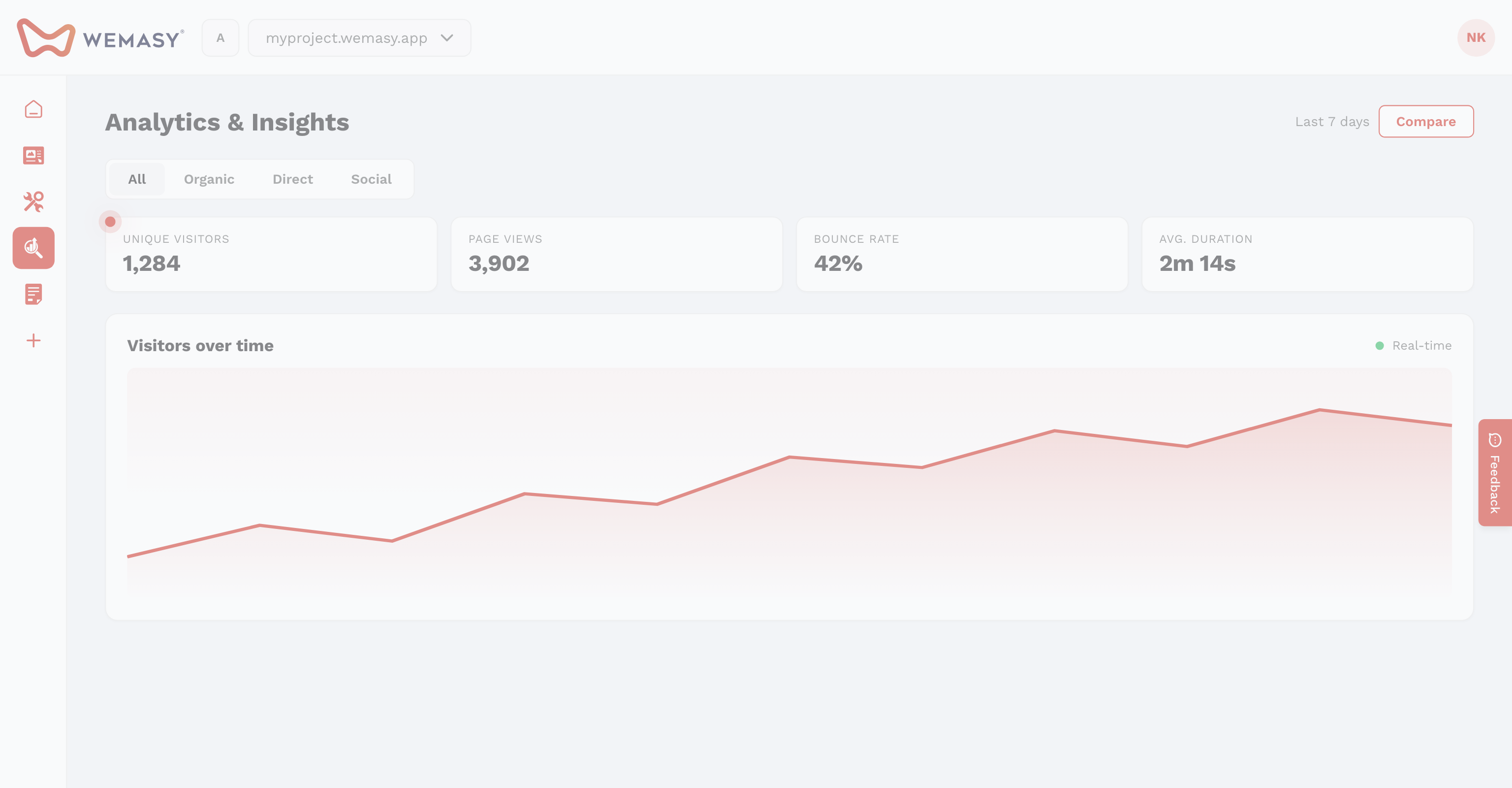
Open the Acquisition report
The Acquisition page shows your traffic sources in detail.
- Open Analytics & Insights.
- Click Acquisition in the menu. On a small screen, find it in the three dots menu.
- Pick a period in the date field.
You can also click Full acquisition report above the chart on the Overview page.
What the Acquisition page shows
- Summary tiles: total Visits, the Top channel, the Top referrer and the Top UTM source.
- Traffic channels: how your visits split over channel types, for example paid and organic traffic.
- Top referrers: the websites that sent visitors to you.
- Campaign parameters: visits per Utm Source, Utm Medium and Utm Campaign.
See the visits behind a number
- Click a row in one of the lists, or a segment of the chart.
- WEMASY opens the sessions that match, for example all visits from one referrer.
- Open a session to see what that visitor did, or watch the recording.
Read more about single visits in Session recordings. For the other numbers on the Overview page, see Analytics dashboard overview.
Track your own campaigns with UTM parameters
When you share a link in a newsletter, an ad or a social post, add UTM parameters to the link so the visit shows up under Campaign parameters. For example:
https://yourdomain.com/offer?utm_source=newsletter&utm_medium=email&utm_campaign=spring
Every visit through that link is then counted under the source, medium and campaign you chose. The Visits page also lists the UTM values per page view.
Devices, browsers and countries
Use the device and browser lists to decide where to test your website. If most visitors use a phone, check your pages on a phone first. The country list helps you choose the language and the times for your posts and campaigns.
To look at one group only, for example visitors on a phone, use the filter bar. See Filter and exclude settings.
Tip: use the same UTM names every time, in lowercase, so one campaign does not show up as several rows.
Frequently asked questions
Why do some visits have no referrer?
A visit has no referrer when someone types your address, uses a bookmark, or comes from an app or website that does not pass on where the visitor came from.
Why does the Campaign parameters list say there is no UTM data?
No visit in the selected period came through a link with UTM parameters. Add UTM parameters to the links you share and the list fills as visitors use them.