

The Sessions, Visits and Events pages in Analytics & Insights show your traffic one row at a time. A session is one visit by one person. A visit row is one page view within a session. An event is one action, such as a click. Use these pages when you want to know exactly what happened, not only the totals.
Sessions
- Open Analytics & Insights.
- Click Sessions in the menu.
- Pick a period in the date field.
Each row is one visit. The table shows the Date, Time spent, Country, Page Visits, Clicks, Events, Conversions, Referrer, First Visit, Browser, Device Type and OS.
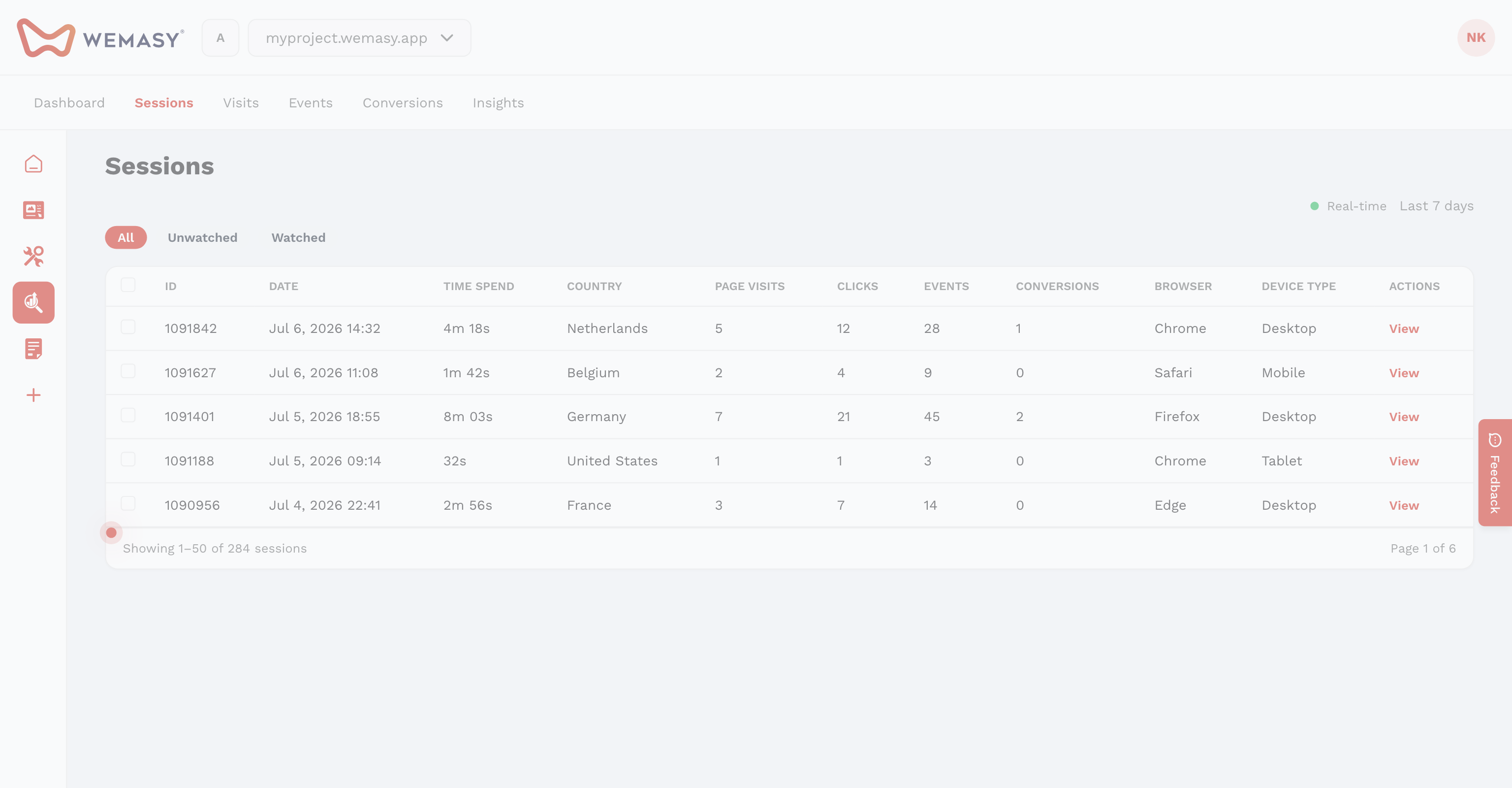
Use the buttons above the table to show All visits, only Unwatched visits or only Watched visits. Use Mark as watched or Mark as unwatched on a row to keep track of what you reviewed.
Open one session
Open a session to see the Session replay. It shows a short summary of the visit, the facts Pages viewed, Time on site, Clicks and Goals reached, the steps the visitor took and the recording. Read more in Session recordings.
While a session is open, the list of sessions stays at the side. Use Filters or search by browser, country or ID to find another visit, and click Back to all sessions to return to the table.
How a session is counted
A session ends after 30 minutes without activity. When the same visitor comes back later, a new session starts. WEMASY recognizes a returning visitor only on the same day, and a session never continues past midnight. See Analytics privacy and visitor consent.
Visits
- Click Visits in the menu.
- Pick a period in the date field.
Each row is one page view, with the URL, Page Title, Referrer and the UTM values (Utm Source, Utm Medium, Utm Campaign, Utm Content, Utm Term). Search by URL, title, UTM value or referrer.
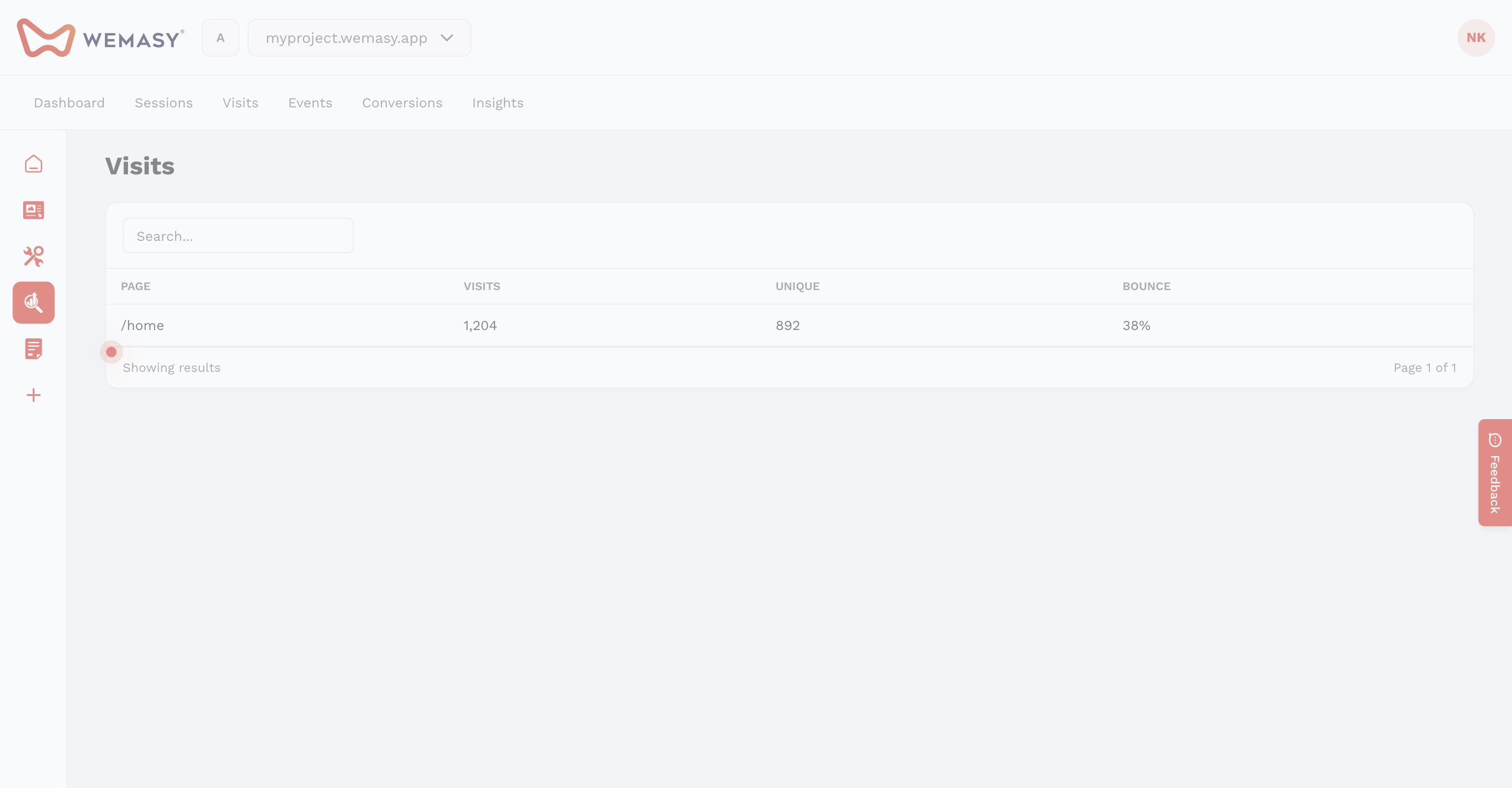
Each row has two actions:
- Events opens the events on that page.
- Click Heatmap opens the heatmap of that page. See Click heatmaps.
Events
- Click Events in the menu.
- Pick a period in the date field.
Each row is one action with its Event type, Timestamp and Data, such as the element that was clicked and its text. Search by event type to find, for example, all clicks.
When you came from the Visits page, the list shows only the events of that page. Click View all events to remove that filter, or View heatmap to see the clicks on the page.
On an event row you can also choose Mark as Manual Conversion or Mark as Future Conversion. See Conversions and goals.
Tip: use the Unwatched button on Sessions to keep track of what you reviewed. Then each time you open Analytics & Insights, you only see the visits that are new to you.
Frequently asked questions
Why do some sessions show zero clicks and events?
If your website asks for cookie consent, clicks and events are only collected for visitors who allow analytics. Visitors who decline are still counted with the pages they viewed.
Why is the same person shown as several sessions?
A new session starts after 30 minutes without activity, at midnight, or when the visitor comes back on another day. WEMASY does not recognize visitors across days, so a visit on another day counts as a new visitor.