

The cookie consent bar is the notice on your website that tells visitors about cookies. WEMASY shows it on your published website unless you switch it off. You control it per project with the Disable Cookie Consent switch in the project settings. This setting is about your website only: it does not change anything in the WEMASY dashboard.
Where to find the setting
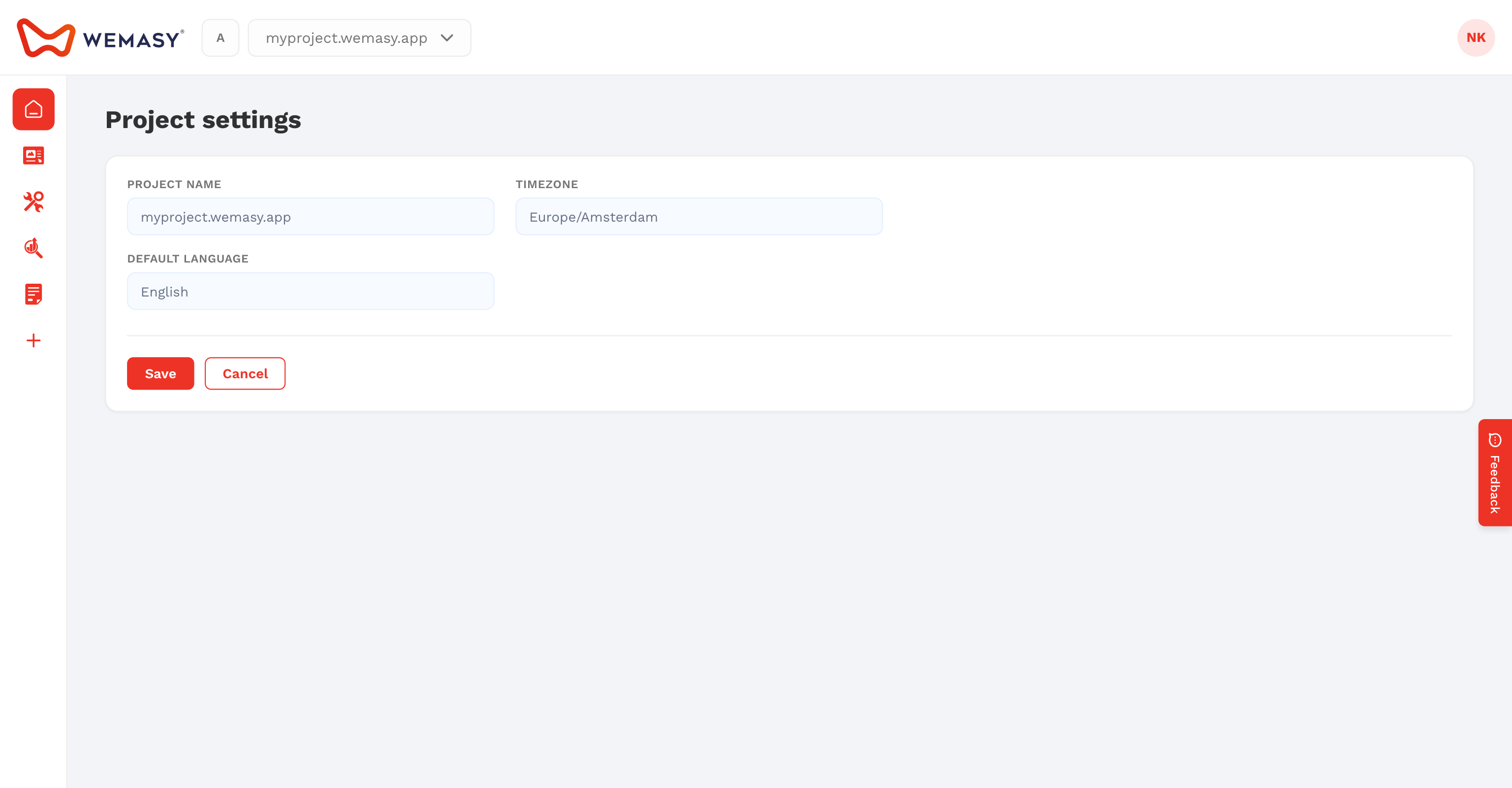
The switch sits in the Site Identity group on the General tab of the project settings, under the logo and favicon.
How to switch the cookie consent bar off
- Open the project in WEMASY.
- Open the project settings.
- Click General in the menu on the left.
- Scroll to Site Identity.
- Turn on Disable Cookie Consent.
- Click Save.
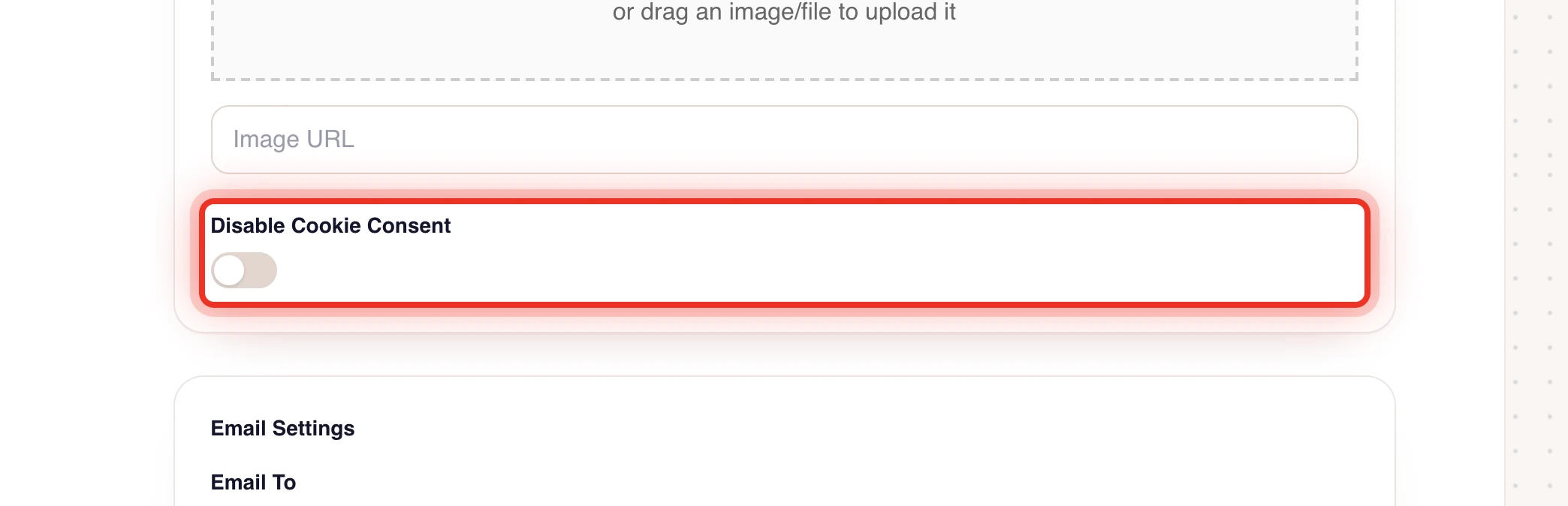
Publish your website again so the change reaches your live website. See after you publish checklist.
How to switch it back on
- Open the project settings.
- Click General.
- Turn off Disable Cookie Consent.
- Click Save.
- Publish your website again.
Note the wording: the switch is called Disable. When it is on, the bar is hidden. When it is off, visitors see the bar.
When to keep the bar on
Keep the bar on when your website uses cookies or tracking that need consent from visitors, for example analytics or advertising pixels. Many countries, including the EU member states, require websites to inform visitors and ask for consent before such cookies are set.
Switch it off only when you are sure your website does not need it, or when you use your own consent solution through custom code. Two consent notices at once confuse visitors.
Tracking scripts you add yourself are set in the project tracking code. See project tracking code.
Related settings
- Logo, favicon and website title are in the same Site Identity group. See site identity and favicon.
- For an overview of all project settings, see project settings.
Tip: Not sure whether your website needs a consent notice? Ask an advisor who knows the privacy rules in the countries of your visitors.
Frequently asked questions
I switched the bar off, but visitors still see it. Why?
The change reaches your live website after you publish again. Publish the website and reload the page in a private browser window.
Does this setting affect the WEMASY dashboard?
No. It only controls the cookie notice on the website of this project.