

Publishing your website for the first time is the start, not the end. This article lists the steps that usually come next, and where you find each one in WEMASY. The old after-publish checklist popup is retired. Your next steps now live in the Progress bar of the Website Builder.
Right after you publish
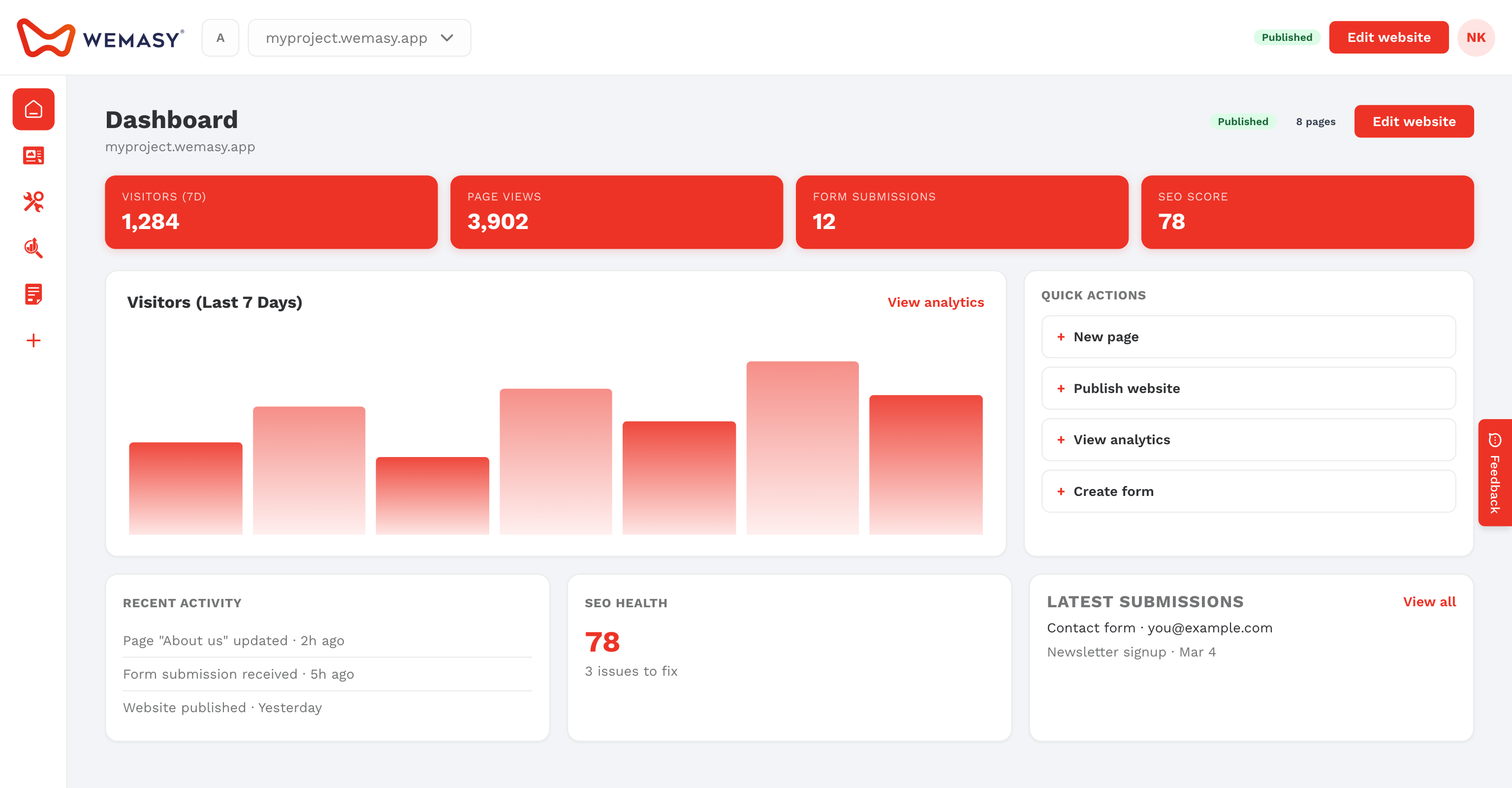
When you publish on your free WEMASY address, WEMASY shows Your website is live! with the address of your site. Click View your live website to open it in a new tab. Your project dashboard now shows Published next to your project name.
Steps that usually come next
Check your website on a phone
Open your live address on your phone and click through every page. Fix any text or image in the Website Builder and publish again.
Make sure form messages reach you
Set the email address that receives your form submissions, so no message gets lost. See Default email for form submissions.
Use your own domain name
The free plan publishes on a wemasy.app address. To use your own domain name, such as yourbusiness.com, upgrade the project to a paid plan and connect or register a domain. See Connecting a domain to your project.
Share your website
Copy your address and share it with customers, on social media, and in your email signature.
Invite someone to help
Add a team member or your web designer to the project. See Inviting collaborators.
Watch your first visitors
Open Home in the product menu to see your visits, form submissions, and orders. Open Analytics & Insights for the details.
Follow your steps in the Progress bar
- Open your project in the Website Builder.
- Click the Progress bar.
- Pick the first open step.
- Click Do it now.
Many steps tick themselves once WEMASY sees the work on your site. See The tasks panel.
Tip: Every time you change something in the Website Builder, click Publish to put the change live. Visitors only see what you published.