

Each WEMASY project has its own tracking code. It is a small script that connects a website to your project, so tools such as Analytics & Insights and Popups can work there. On a website you build with WEMASY, the script is added for you. You only need the tracking code when you want to use WEMASY tools on a website that is built and hosted somewhere else.
Where to find your tracking code
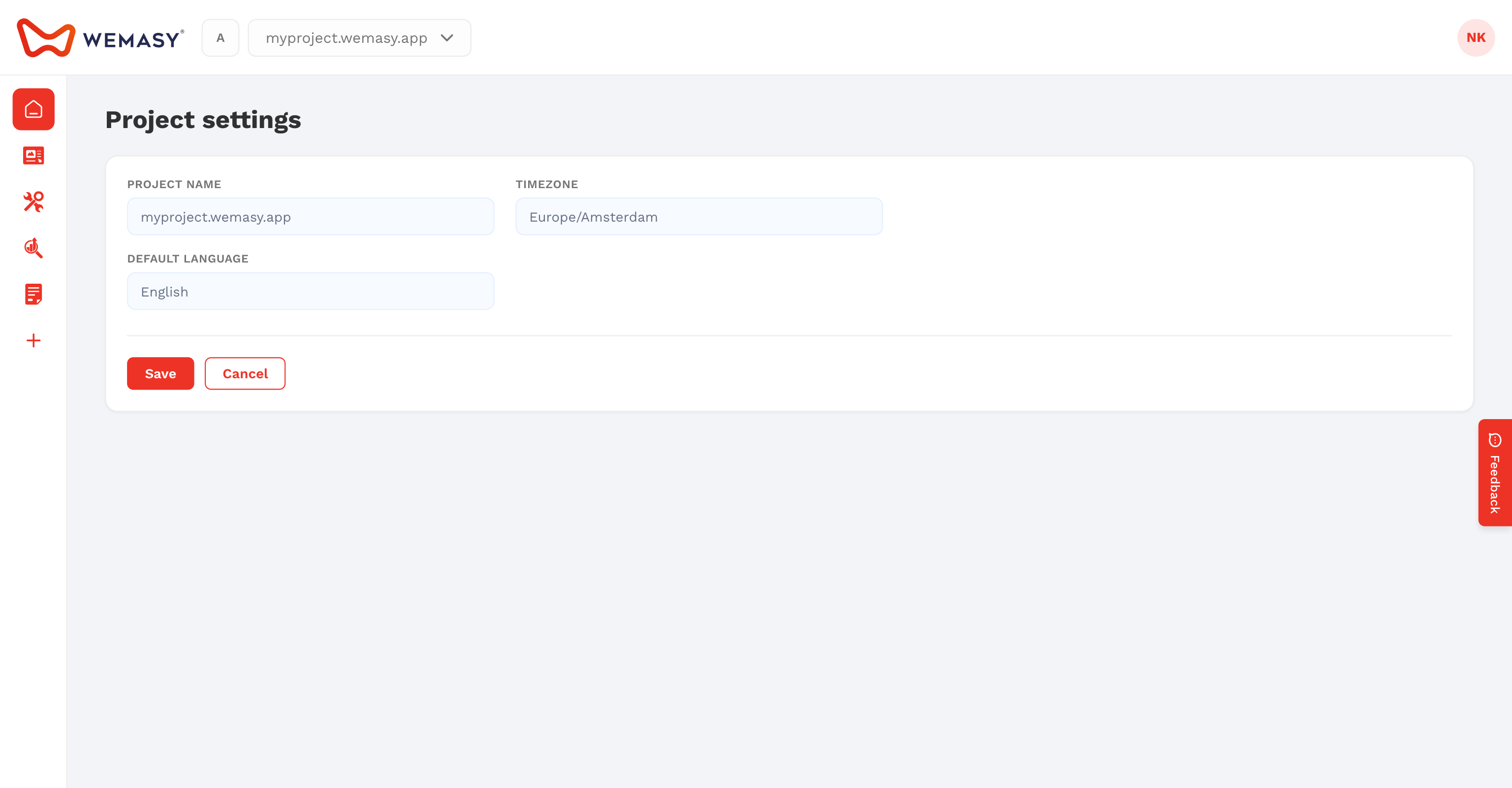
- Make sure the right project shows in the project switcher.
- Click the gear icon next to the project switcher.
- Open the General tab.
- Scroll to Tracking Code.
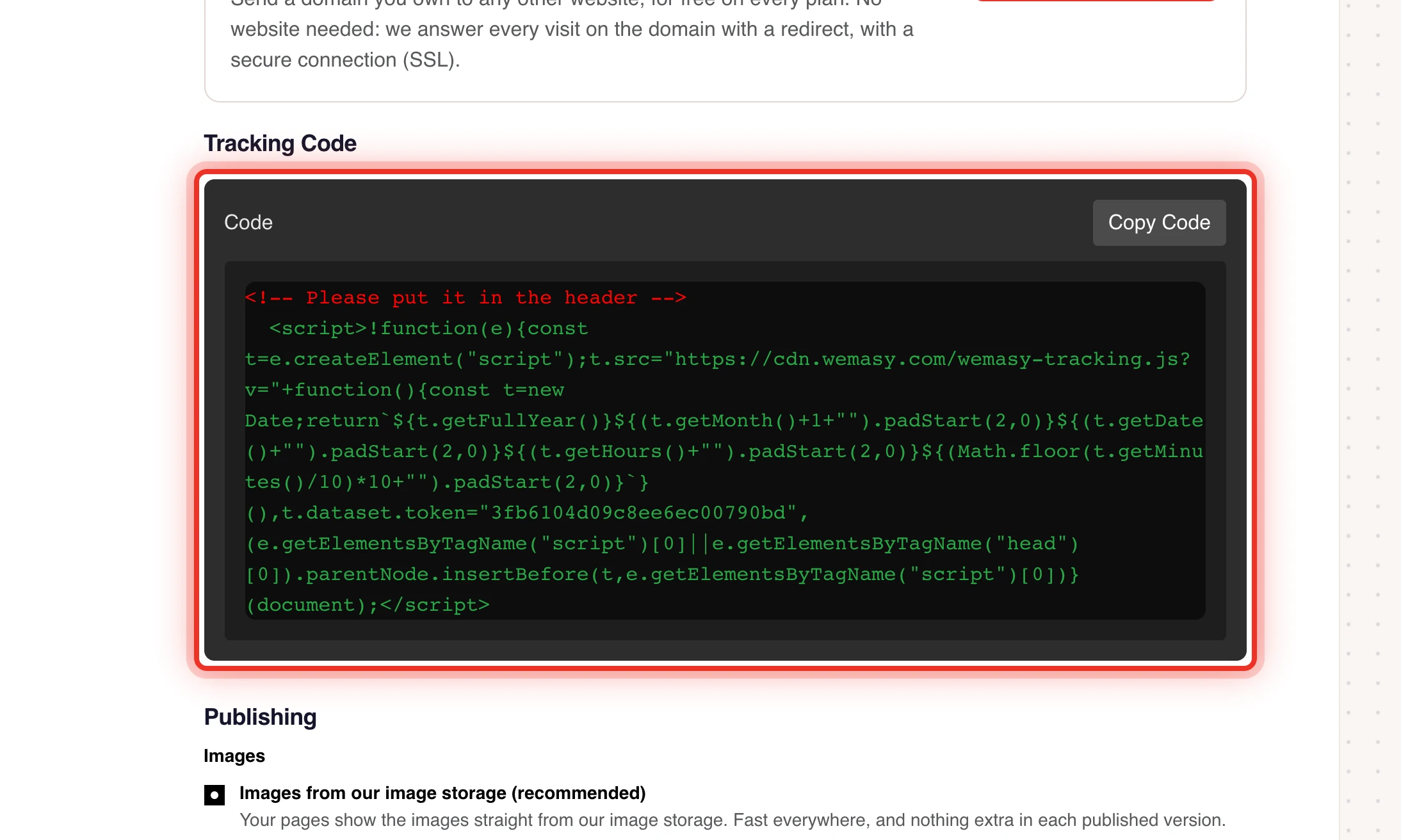
The code starts with the comment "Please put it in the header". It contains a token that is unique to this project, so each project has a different code.
Add the tracking code to another website
- Copy the full tracking code from Tracking Code.
- Open the HTML of the other website, or the place where that website builder lets you add code to the header.
- Paste the code inside the
<head>section, on every page. - Save and publish that website.
After the next visit, data starts to arrive in the project. Open Analytics & Insights to check that page views come in. See Getting started with Analytics & Insights.
Good to know
- Use the code of the project the data should go to. If you paste the code of another project, the visits are counted there.
- The code always loads the latest version of the script, so you do not need to replace it when WEMASY updates the script.
- Remove the code from the other website and the WEMASY tools stop working there.
- Do not add the code to a website you build with WEMASY. It is already included.
Tip: If no data arrives, open the other website, view its page source, and search for the token from your tracking code. If it is missing, the code was not saved in the header.