

Accordions are the fold-out blocks you use for FAQs: a title that visitors click to show the answer. In the WEMASY Website Builder you style all accordions at once in Customization. There are two types, Default accordion and Featured accordion, so you can have a calm style and a stand-out style.
Open the accordion styles
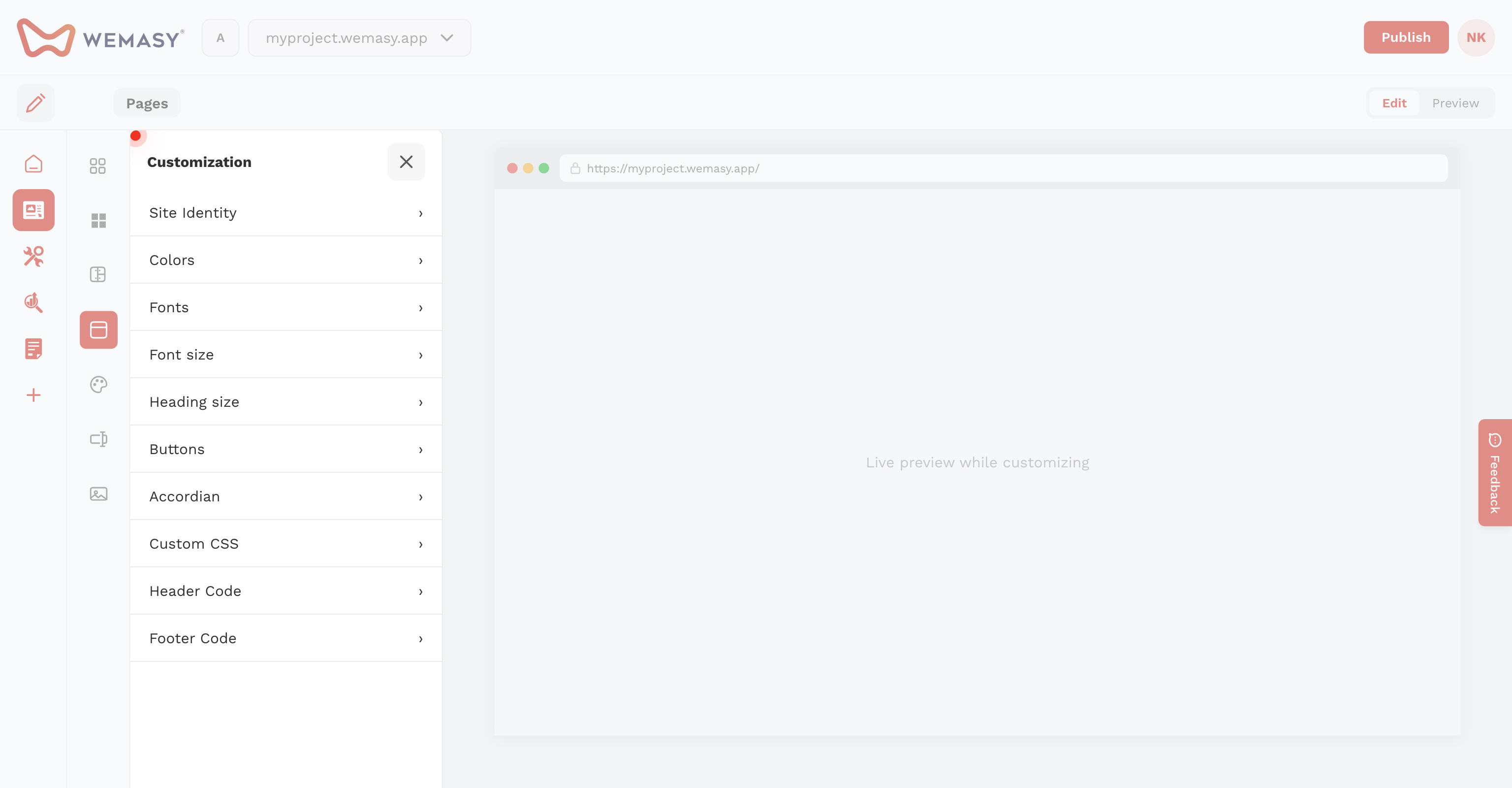
- Open Website Builder.
- Click Customization in the left sidebar.
- Click Accordion.
- Click Default accordion or Featured accordion.
Style the title bar
- Title background color and Title text color.
- Icon text color for the open and close icon.
- Title padding top, Title padding right, Title padding bottom and Title padding left.
Style the content
- Content background color and Content text color for the answer area.
- Content padding top, Content padding right, Content padding bottom and Content padding left.
Borders, corners and shadow
- Border color and Border top, Border right, Border bottom and Border left for the border width.
- Radius for rounded corners.
- Shadow for a shadow around the accordion.
Every change shows on the canvas right away on accordions of that type.
Use the styles on a page
Add an Accordion element to a page and set Accordion Type to Standard for the default accordion style or Featured for the featured style. Accordions written with the accordion shortcode in a text also use these styles. See Shortcodes in Website Builder.
Tip: use the featured accordion sparingly, for example for the one question most visitors ask. A page full of featured accordions loses the effect.
Frequently asked questions
My accordion did not change
Check the Accordion Type in its element settings: Standard uses the default accordion style, Featured the featured style. You may have changed the other type.