

Copy to project copies a page, menu, form, layout or template from the project you are in to another WEMASY project you have access to. Use it to reuse work: a contact page you are happy with, a footer layout, or a form you built once and want on every site.
What you can copy
- Pages
- Menus
- Forms
- Layouts
- Templates
You copy one item at a time. The original stays as it is in the project you copy from.
Copy an item to another project
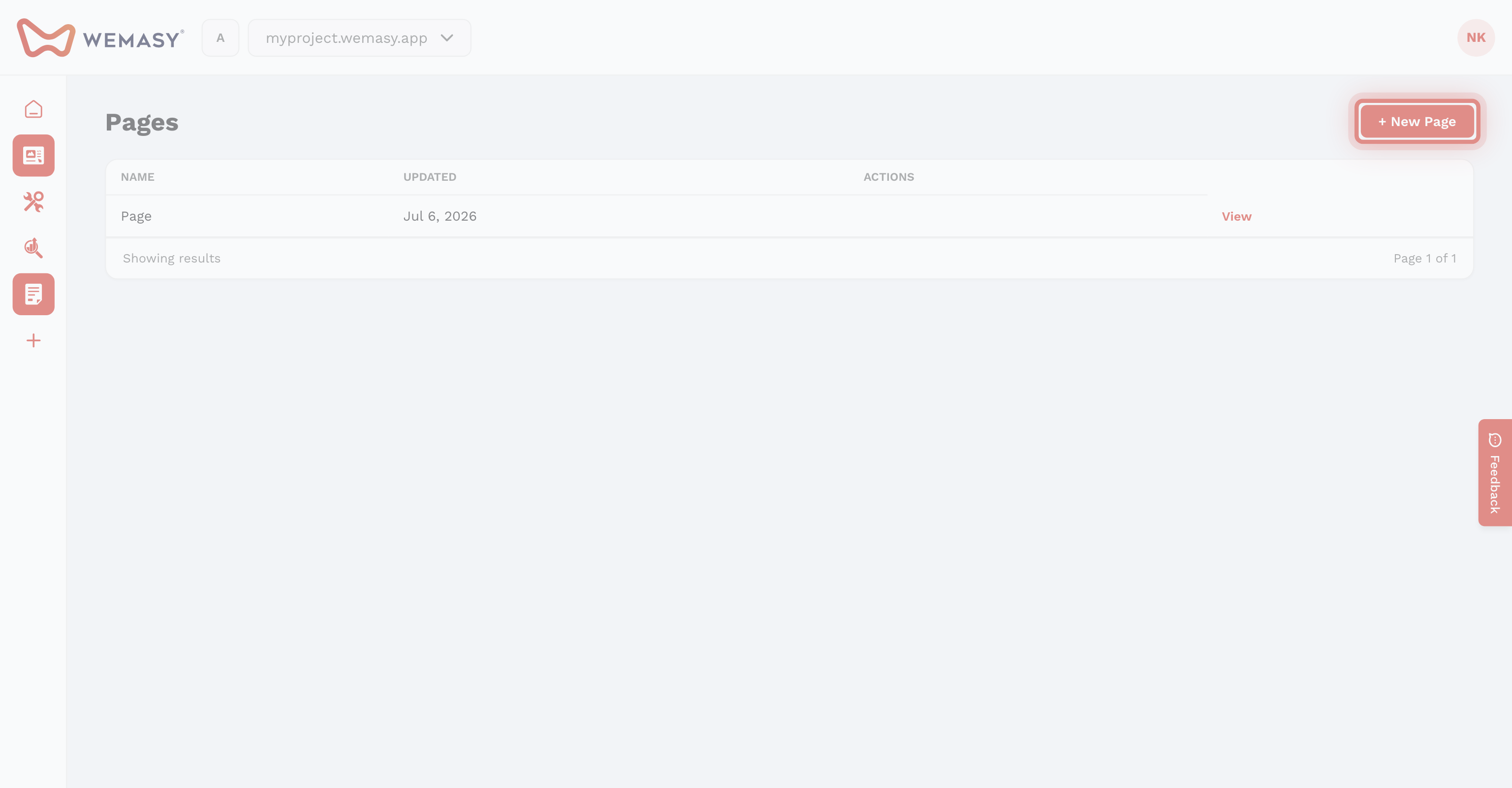
- Open the list in Website Builder, for example Pages.
- Open the actions menu on the row of the item you want to copy.
- Click Copy to project.
- Search for the project you want to copy to, by name or project number.
- Select the project.
- Check the item name next to Copying.
- Click Copy.
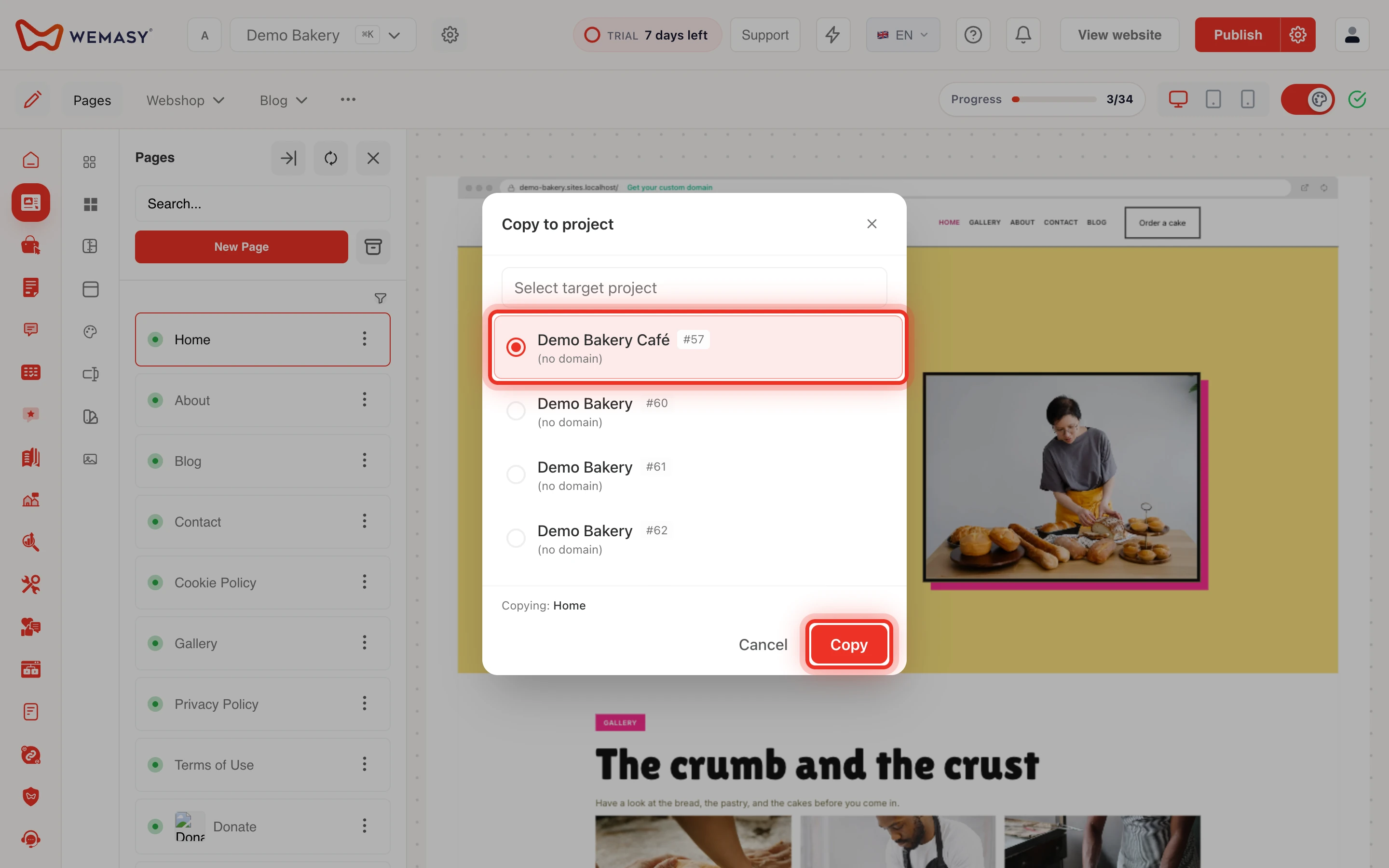
WEMASY confirms when the copy is done. Switch to the other project to find the item in the same list.
After copying
- Open the copied item in the other project and check it. Links to pages, menus or forms that only exist in the first project may need to be changed.
- Publish the other project when you want the copy on its live website.
Copy a whole website
Copy to project works per item. To make a copy of a whole website in another language, see Create a language version of your website. To make a backup of your whole builder setup, see Download project state.
Tip: keep one project as your master with the pages and forms you reuse most. Copy from there to each new site.
Related: Managing your pages list and Switching between projects.
Frequently asked questions
Why is a project missing from the list?
The list shows the projects you have access to, except the one you are in. Ask the owner of the other project to invite you as a collaborator first.
Does copying change the original item?
No. The original stays in its project. Changes you make to the copy later do not affect the original either.