

Download project state saves a copy of your Website Builder setup to your computer as a ZIP file. It holds the building blocks of your site as data files, so you have your own backup of how the site is put together, apart from the published website.
What is in the download
- Your pages
- Your layouts and templates, such as headers and footers
- Your menus
- Your structures (collections), with their items and categories
- Your forms
- Project settings used by the builder
Each item is saved as a separate JSON file in folders by type. The download does not contain the published HTML of your website, form submissions, orders or customer data.
Download your project state
- Click Settings in the top right menu of the dashboard.
- Open the Site Builder tab.
- Scroll down to Download project state.
- Click Download.
- Wait while the button shows Downloading.
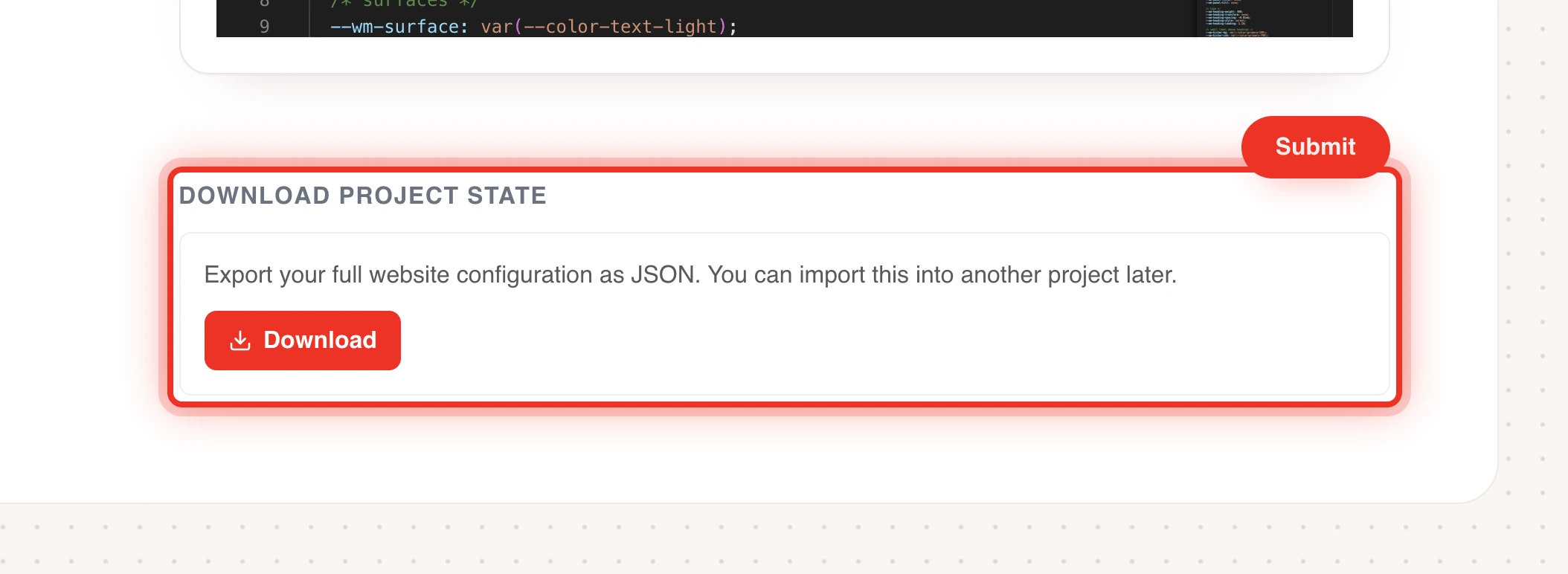
Your browser saves a file named project-state- followed by your project number, for example project-state-12345.zip. WEMASY shows State downloaded when it is done.
When to use it
- Before a large change, such as a redesign or a new theme, so you have a copy of how things were.
- When WEMASY support asks you for an export of your project.
- To keep your own archive of your site's content next to what WEMASY keeps.
Other ways to keep or restore your site
- To download the published website itself as files, use Download ZIP on the Publish page. See WEMASY subdomain and export.
- To bring back an earlier state of your site inside WEMASY, use the history on the Versions page. See Make a version live and roll back.
- For an overview of everything you can take with you, see Export your website and data.
Tip: store the ZIP somewhere safe. Forms in the download can contain your notification email addresses.
Frequently asked questions
Can I import a project state into a project myself?
Not from the dashboard. The download is a backup. If you need a project restored or moved, contact WEMASY support.
Does downloading change my website?
No. It only reads your project and saves a copy to your computer. Your live website stays as it is.