

Pages are the separate URLs visitors open on your website, such as your homepage, an About page, or a Contact page. In the WEMASY Website Builder you add a page in a few clicks, give it a title and a URL, and then design it on the canvas.
Open the Pages panel
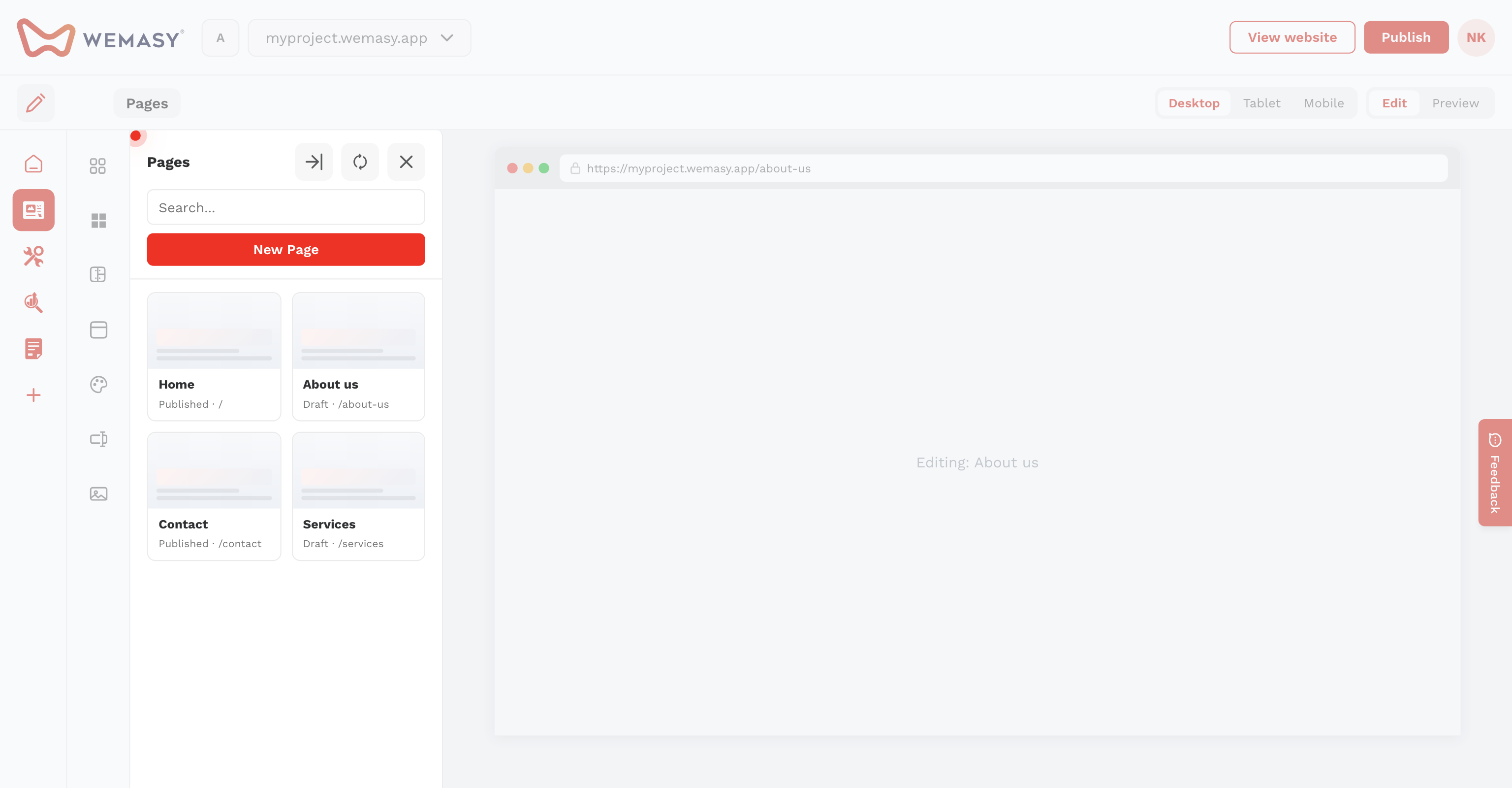
- Open Website Builder from the product switcher.
- Click Pages in the bar above the canvas.
- In the Pages panel, click New Page.
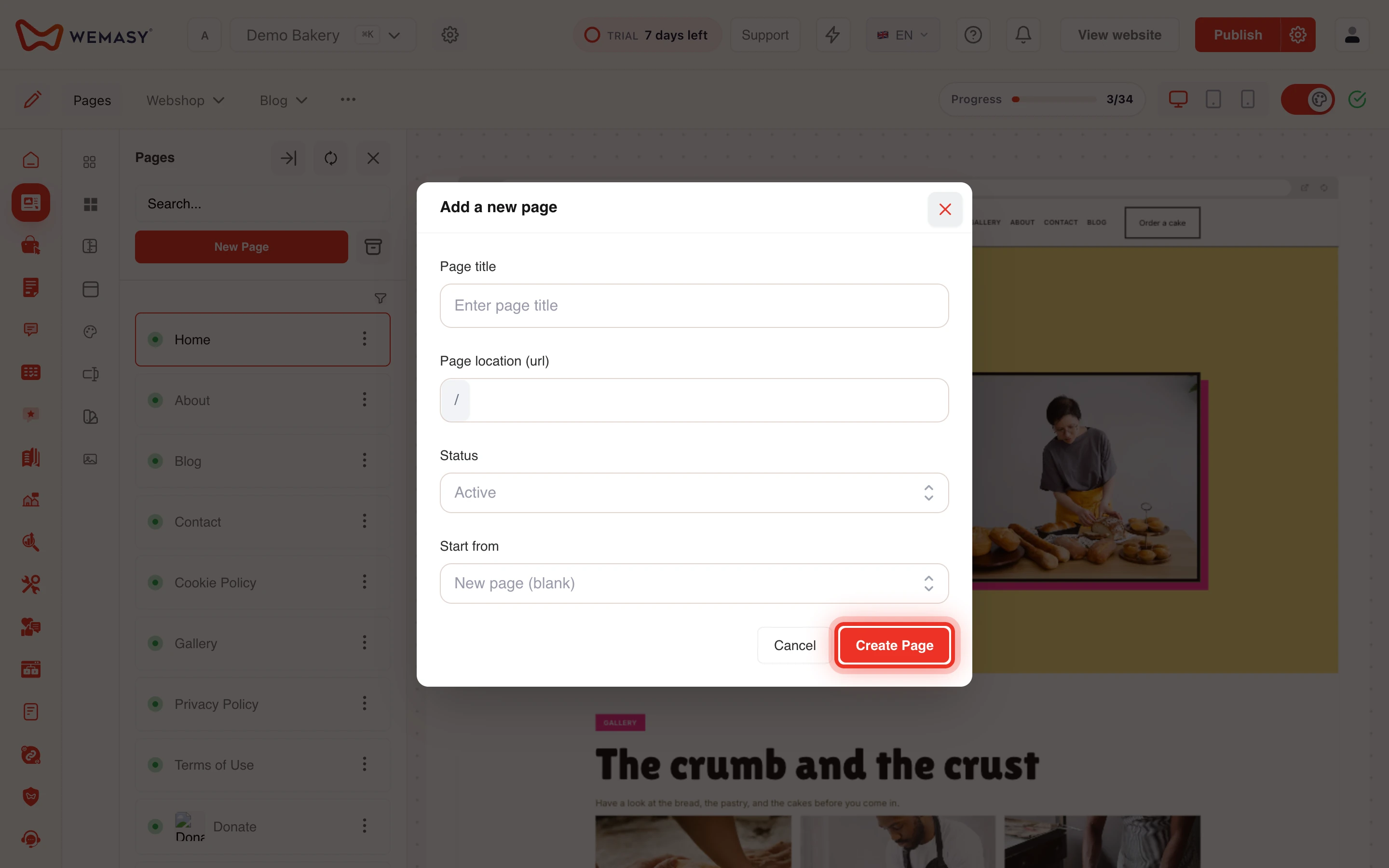
Fill in the new page
The Add a new page window asks for four things.
- Type a Page title. The URL fills itself in from the title.
- Check the Page location (url). Change it if you want a different address, for example contact.
- Choose a Status: Active makes the page part of your site, Draft keeps it hidden until you are ready.
- Under Start from, keep New page (blank) for an empty page, or pick one of your existing pages to start from a copy of it.
- Click Create Page.
WEMASY creates the page and opens it in the editor, so you can add sections and elements right away. If the URL is already used by another page, you see an error on the URL field: pick another address.
Your first page and the homepage
When your project has no homepage yet, the builder shows a Create your homepage screen. You can click Create your first page to pick a page to start from, or Start from a theme to copy a page design from a theme. If AI is turned on for your account, you can also describe the page and send it to the AI chat. See AI buttons in the Website Builder.
To make another page the homepage later, open its settings and tick This is the homepage. The homepage uses the root URL / of your site.
Create a page from a link that does not exist
When you open a URL in the builder that has no page yet, you see This page doesn't exist. Click Create this page yourself: the page form opens with the title and URL already filled in from that address.
After you create the page
- Add the page to your navigation in Menus and navigation.
- Set the meta title, description and layout in Page settings and SEO.
- Find, filter and duplicate pages in Managing your pages list.
Tip: a page in Draft stays off your live website, so you can build it fully before you switch it to Active and publish.
Frequently asked questions
Can I copy an existing page instead of starting empty?
Yes. In the Add a new page window, choose the existing page under Start from. WEMASY creates a new page with the same content, and you give it its own title and URL.
Why can I not use the URL I typed?
Every page in a project needs its own URL. If another page already uses it, choose a different address or change the URL of the other page first.