

Customers in the WEMASY Webshop lists the customers of your shop with their number of orders and the amount they spent. Open a customer to see their contact details, addresses, and orders, or invite someone to create an account.
The customer list
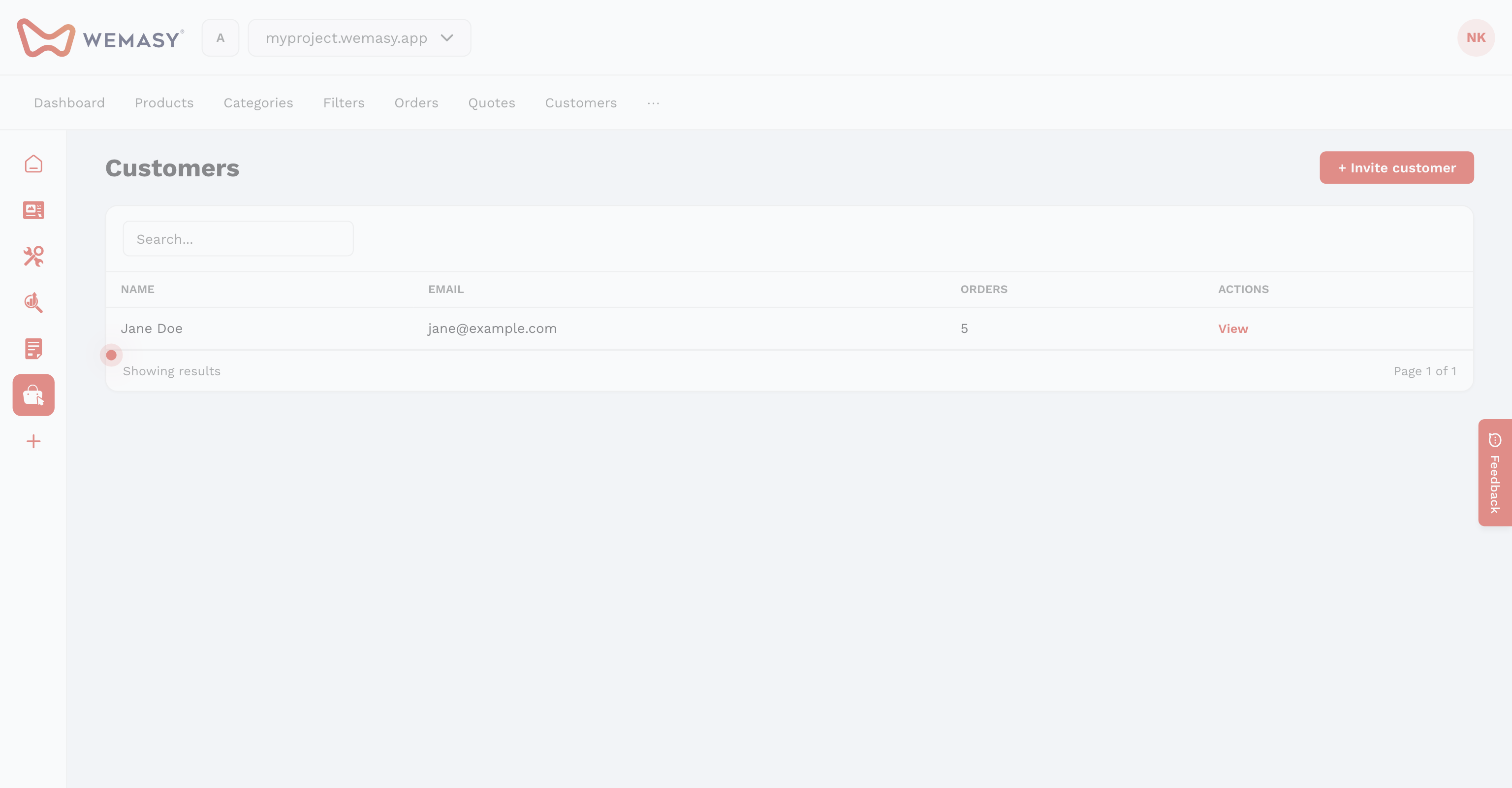
Open Webshop and click Customers. The list shows Email, Name, Location, Orders, Amount spent, Last order, and Customer since. A customer who confirmed their email address shows Verified. Search by email, name, or company.
Open a customer
- Find the customer in the list.
- Open the actions menu on the row.
- Click View.
The Customer detail page shows the Profile (name, phone, company, VAT number, account type), the Default billing address and Default shipping address, and Orders from this customer. Click an order to open it.
Invite a customer
Inviting works when customer accounts are on. See Customer accounts.
- Click Invite customer.
- Enter the Email.
- Enter the First name and Last name if you know them.
- Click Send invitation.
The customer gets an email with a link to set their own password. You never set a password for them. After they set it, they can log in on your site, see their orders, and save their addresses.
Booking customers
Customers who only booked a service are listed in Reservations and Bookings under Customers, with their credits and memberships. See Booking customers, credits, and memberships.
Tip: Use a customer's orders list when they contact you, so you can answer about the right order. To give one customer a personal discount, see Discounts and promotions. To plan your customers' login area, read how to set up a customer portal for your small business.
Frequently asked questions
How do I sort the list?
Click a column header such as Amount spent or Last order to sort the customers by that column.
Can I change a customer password?
No. Customers set and reset their own password from the login page of your site.