

After an order is paid you ship it, and sometimes refund it. The WEMASY Webshop helps with shipping labels through SendCloud, refund statuses, and quote requests for products you price per customer.
Ship with SendCloud
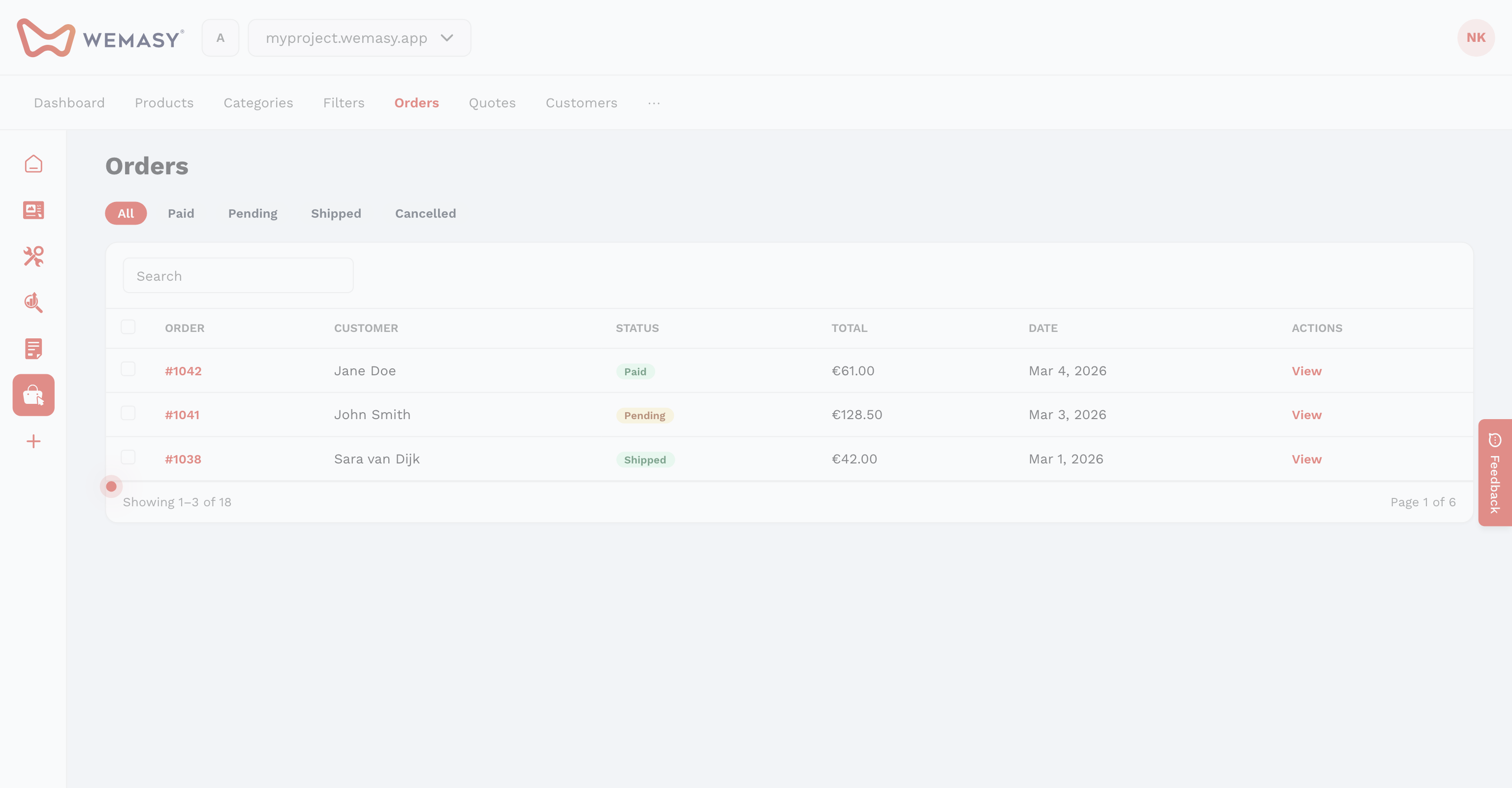
Connect SendCloud first. See Shipping and tax settings. Then, on a processing or completed order:
- Open the actions menu on the order.
- Click Create Shipment Label (SendCloud).
- Confirm.
- Click Download Shipment Labels (SendCloud).
- Choose the Printer Type: Normal or Label.
Use Create Shipment (SendCloud) to send the order to SendCloud without a label, and pick the method under Select Method. When the parcel is on its way, mark the order Completed. See Managing orders.
Refund an order
WEMASY records the refund. The money itself goes back through your payment provider or bank.
- Send the money back in your Mollie, Stripe, or bank account.
- Open the actions menu on the order.
- Click Mark as Refunding.
- Click Mark as Refunded when the refund is done.
The customer gets an email at both steps. A refunded order loses access to downloadable files, gift cards bought with it are switched off, and course access bought with it ends. If you refunded by mistake, use Undo refund → Completed.
Quote requests
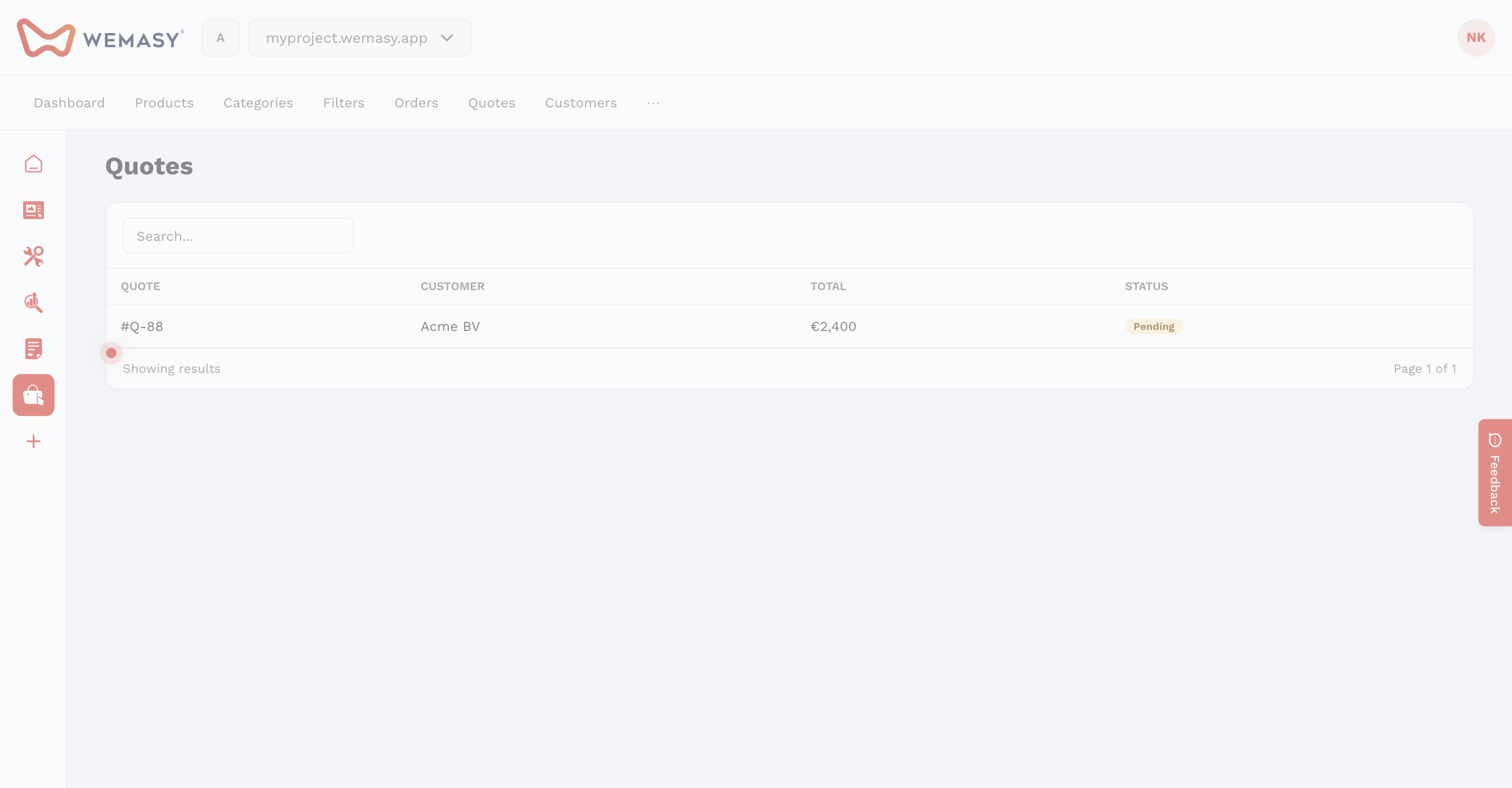
Tick Offers on a product to let customers request a quote instead of paying. See Adding products. When a customer sends a request:
- The customer gets a confirmation email.
- You get an email with the request.
- The request appears under Quotes in the Webshop.
- Open Webshop and click Quotes.
- Open the actions menu on a request.
- Click View to see the products and contact details.
Reply to the customer by email with your price. Click Export to download all quote requests. Customers with an account see their requests in their account.
Accounting
Connect SnelStart to send completed orders to your bookkeeping. See Connect SnelStart accounting.
Tip: The Checkout vs. quote card on the Webshop Overview shows how many orders come from quotes.
Frequently asked questions
Does Mark as Refunded send the money back?
No. It records the refund in WEMASY and emails the customer. Send the money back in your payment provider or bank first.
Why do I not see the SendCloud actions?
They appear on processing and completed orders once SendCloud is enabled and verified in the Webshop settings.