

Categories group your products into shop pages, such as Shirts or Gifts. Each category gets its own page on your site with the products in it, and you can nest categories with sub categories.
Create a category
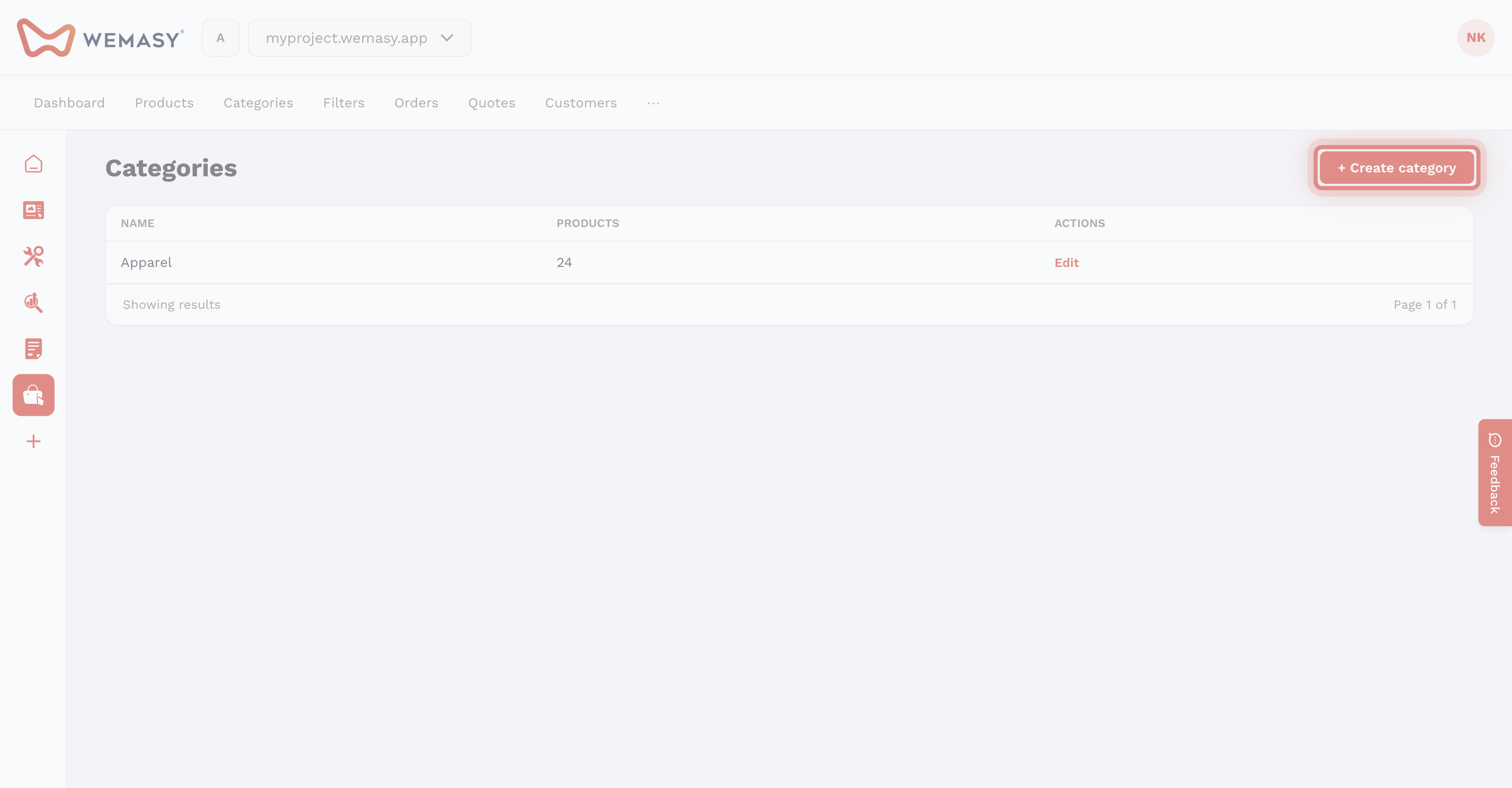
- Open Webshop and click Categories.
- Click Create Category.
- Enter the Title.
- Check the URL.
- Switch on Status.
- Click Create.
Put products in a category
- Open Products and edit a product.
- Open the Categories tab.
- Select one or more categories.
- Click Update.
A product can be in more than one category. See Adding products.
Category settings
- Layout: show the category as Products, Products with filter, Sub categories fully broad, or Sub categories with sidebar.
- Product sort order: for example Price (low to high) or Date created (newest first). Leave it on Default (global setting) to follow the shop default.
- Sub categories: click Add Sub Category to show other categories inside this one.
- Images: the Main Image used on category cards.
- Information: a short description and a description for the category page.
- SEO: meta title, meta description, canonical URL, No index, and the meta image.
- Advanced: Disable page when you do not want a category page, for example when the category only feeds a menu.
Choose Products with filter to show filter controls next to the products. See Product filters and search.
Change a category URL
When you change the URL of an existing category, tick Redirect old URL to new URL so old links keep working.
Show categories on a page
Add the Product Categories element to any page to show category cards that link to the category pages.
Tip: Click Export in the Categories list to download all categories, for example before a large cleanup.