

Discounts lower prices in your WEMASY Webshop without editing each product. You can run a sale on everything, give a coupon code, give one customer a personal discount, or activate a discount through a campaign link.
Where to find it
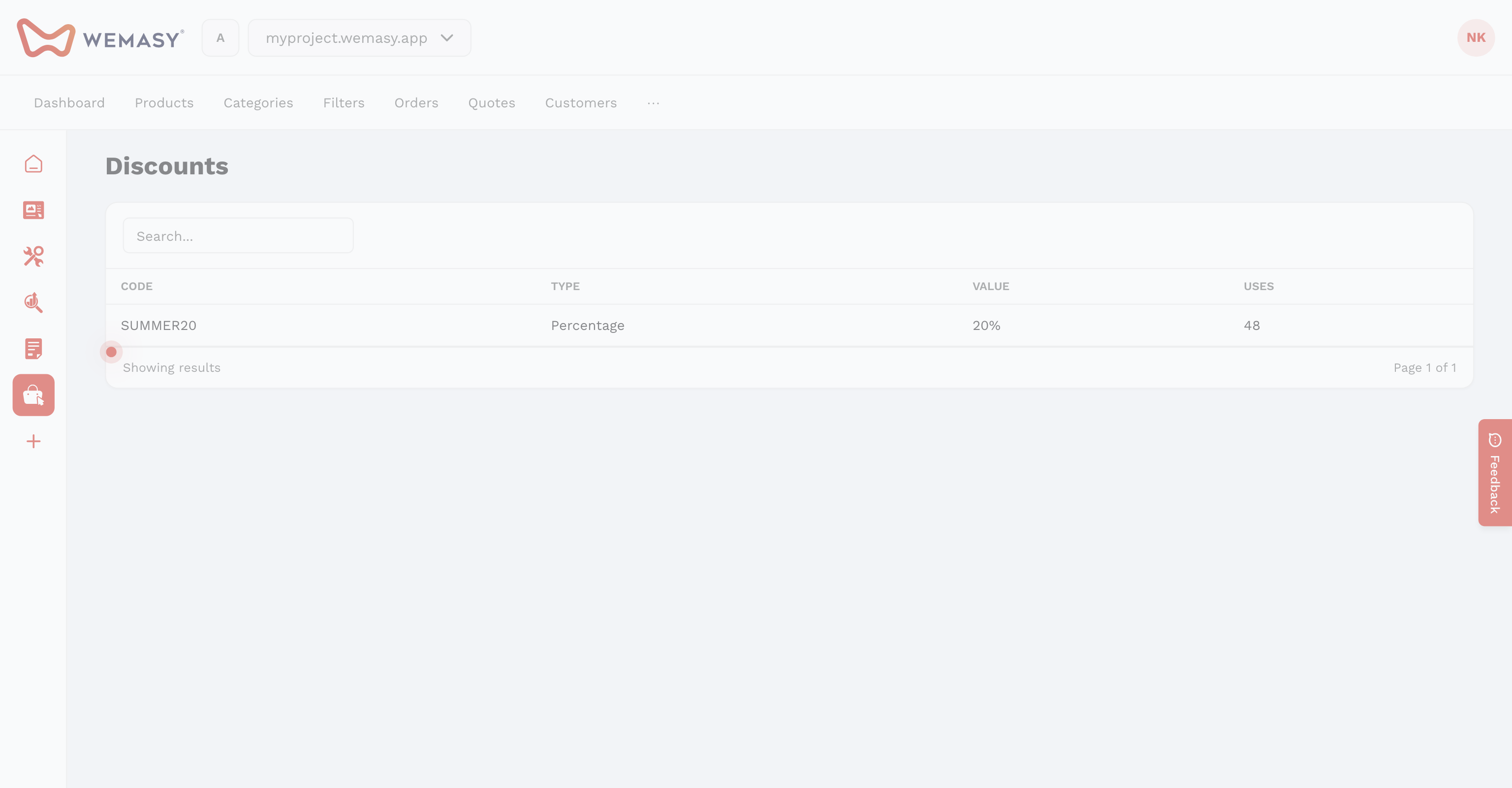
Open Webshop, open the more menu (three dots), and click Discounts.
Create a discount
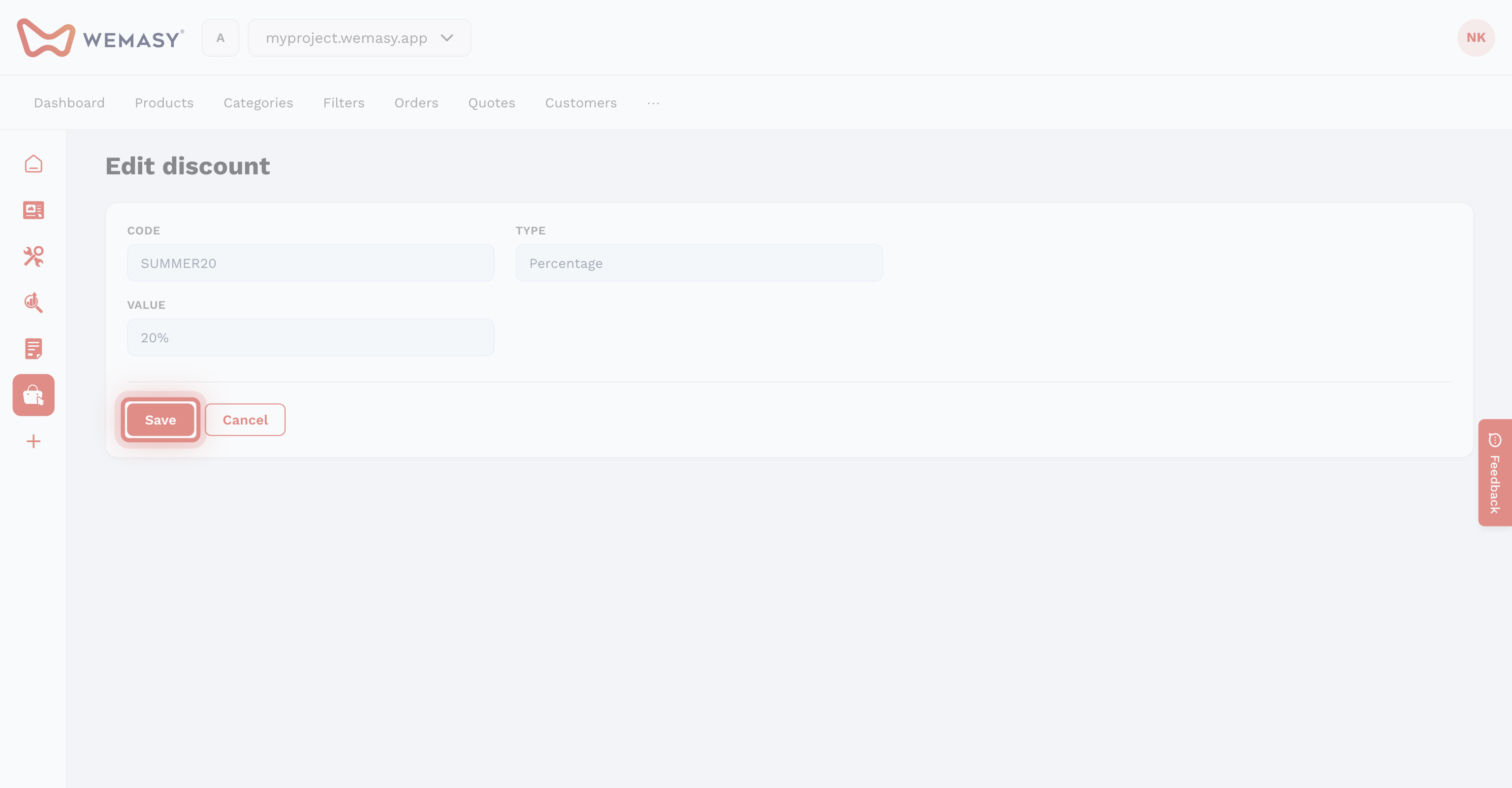
- Click Create Discount.
- Enter the Discount Name.
- Choose the Discount Type.
- Choose the Value Type: Percentage (%) or Fixed Amount (excl. VAT).
- Enter the Discount Value.
- Set the Start Date and, if needed, the End Date (Optional).
- Click Add Product Selection and choose the products or categories the discount applies to.
- Click Save.
Discount types
- Global Discount: applies to every customer, for example a seasonal sale.
- Coupon Discount: applies when the customer enters a code. Add codes under Coupon Codes and set a Usage limit per code. The list shows how often each code was Used.
- User-specific Discount: applies to the customers you pick under User Selection. Search by name or email.
- Campaign URL Discount: applies when a visitor opens your site with a campaign key in the link, such as ?cmp=BLACK_FRIDAY. Add keys under Campaign URL keys. A usage limit of 0 means unlimited.
More options
- Apply discount to Shipping: the discount also lowers the shipping cost.
- Sale Price Handling: for products that already have an offer price, choose Apply on sale price (additional discount), Ignore products already on sale, or Calculate discount from original price.
- Priority: when discounts overlap, a higher number wins.
- Status: switch a discount off without deleting it.
A fixed amount is taken off the price excluding VAT. The form shows what that means for customers at 21% and 9% VAT.
Tip: Use a Campaign URL Discount in an email or ad link, so customers get the discount without typing a code. See which codes work on the Webshop Overview under Top discount codes. For a one-time offer to new customers, see Selling gift cards and intro offers.
Frequently asked questions
Can a percentage discount be more than 100%?
No. A percentage discount cannot exceed 100%.
Can the same product be in two selections of one discount?
No. Each product or category can only be in one selection. The form marks the conflict so you can remove one.