

DNS records tell the internet where your domain leads. For a WEMASY website, two A records matter: one for the domain itself (@) and one for www. Both must point to the address WEMASY shows in your project settings. This guide explains where you change DNS, how long changes take, and what to check when your domain does not show your website.
Where you change DNS
Where you edit the records depends on where your domain is registered and which nameservers it uses:
- Registered in WEMASY with WEMASY DNS: edit the records in WEMASY. Open Domains from your avatar menu, click the domain and go to DNS Configuration. See DNS records and templates.
- Registered in WEMASY with custom nameservers: the records in WEMASY are not active. Edit them at the company that runs those nameservers.
- Registered at another company: edit the records in the DNS settings of that company. See Connecting an existing domain.
The records WEMASY needs
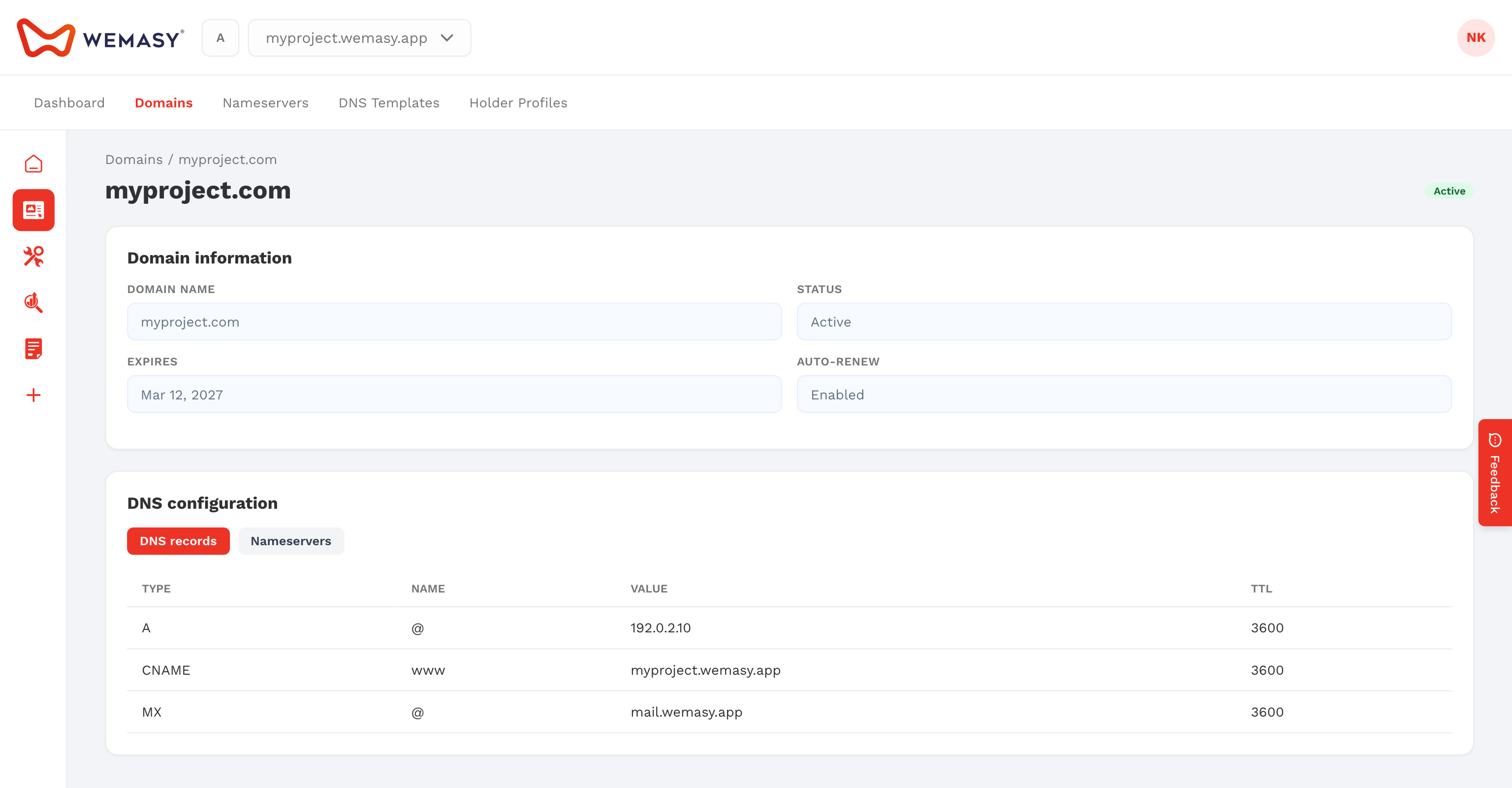
Open the project settings, go to the General tab and look under Domain Configuration. After you save a custom domain, WEMASY lists:
- Add the following records: an A record for @ and an A record for www, both with the same address.
- Remove the following records (if present): records that conflict, such as AAAA (IPv6) records for the domain.
Copy each value exactly. Other records, such as MX records for your email or TXT records for verification, can stay.
How long it takes
DNS changes can take from a few minutes up to 24 to 48 hours to reach every network. During that time some visitors may still see the old address. Click Recheck DNS in the project settings to check again. WEMASY also checks in the background and shows Verified when the records are right.
When the DNS is verified and you publish, WEMASY sets up the secure connection (SSL) for your domain and renews it automatically.
My domain does not work: what to check
- Check that the custom domain is saved in the project settings and spelled correctly.
- Check that both A records, @ and www, point to the address WEMASY shows.
- Delete any AAAA records for the domain.
- For a domain in WEMASY, check that the domain uses DNS mode and not Custom Nameservers.
- Check that the domain is Active in Domains. An expired domain cannot be changed until it is renewed.
- Wait, then click Recheck DNS.
- Publish the website again after the status is Verified.
After a check, WEMASY shows advice under What to do next that matches the problem it found.
Frequently asked questions
Why does my browser still show the old website?
Your computer or network may still remember the old address. Wait a few hours, try another device or network, or clear your browser cache.
Why does my site show as not secure?
The secure connection is set up after the DNS points to WEMASY. Check that the DNS status is Verified and publish again.
Can I use a CNAME for the root domain?
No. The root of a domain (@) cannot use a CNAME record. Use the A record WEMASY shows.