

Every domain has an owner and contacts registered with the domain registry. In WEMASY you save these details once as a holder profile and pick the profile for each domain. Nameserver groups do the same for nameservers: you save a set once and link it to the domains that should use it. When you change a profile or a group, WEMASY updates every linked domain.
Create a holder profile
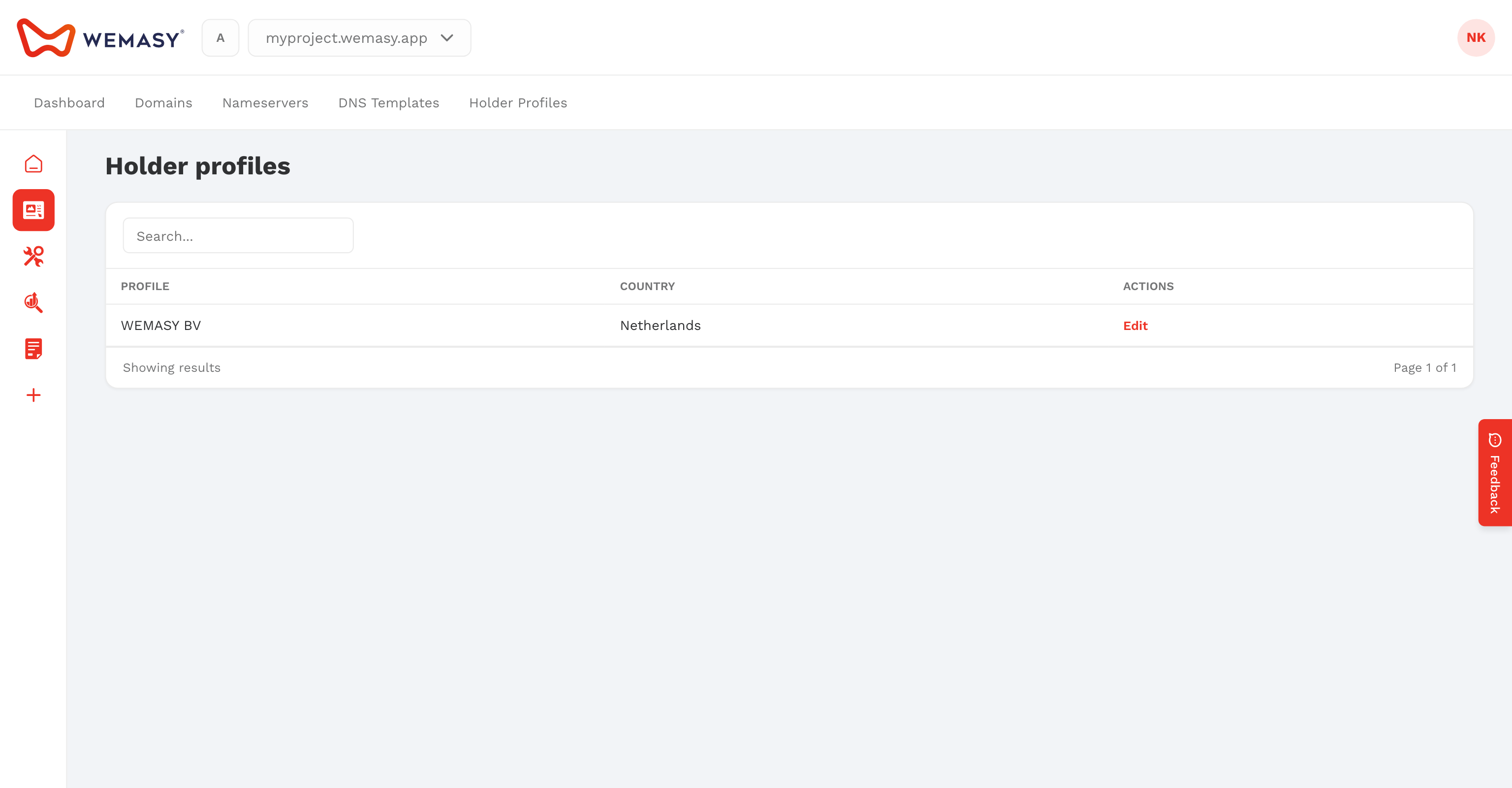
- Click your avatar in the top right corner and select Domains.
- Click Holder Profiles in the left menu.
- Click Create Holder Profile.
- Enter a Profile Name, for example Personal or Business.
- Fill in the First Name, Last Name, Email and Phone. The Company Name is optional.
- Fill in the address, city, postal code and country.
- Turn on Set as Default Profile if new registrations should use this profile.
- Click Create Holder Profile.
Use a real, active phone number. The registrar rejects fake or inactive numbers. The holder profile is shown in the public WHOIS as the owner of the domain.
Assign profiles to a domain
Each domain has four contact roles: Registrant (the owner), Admin-C, Tech-C and Billing-C.
- Open the domain from the Domains list.
- Go to Contact Roles.
- Pick a holder profile for each role.
- Click Save Contact Profiles.
Changing the registrant can lead to an ownership change fee at the registry for some extensions. Some registrars also lock the name and company name once a contact is created. WEMASY shows a notice when that applies.
Update a profile on all its domains
In the Holder Profiles list, open a profile's Linked domains to see where it is used and in which roles. Click Sync to make the profile fill all four roles on a domain. When you save changes to a profile, WEMASY lists the affected domains. Click Save & Update Domains to push the new details to all of them. You cannot delete a profile while domains are still linked to it.
Create a nameserver group
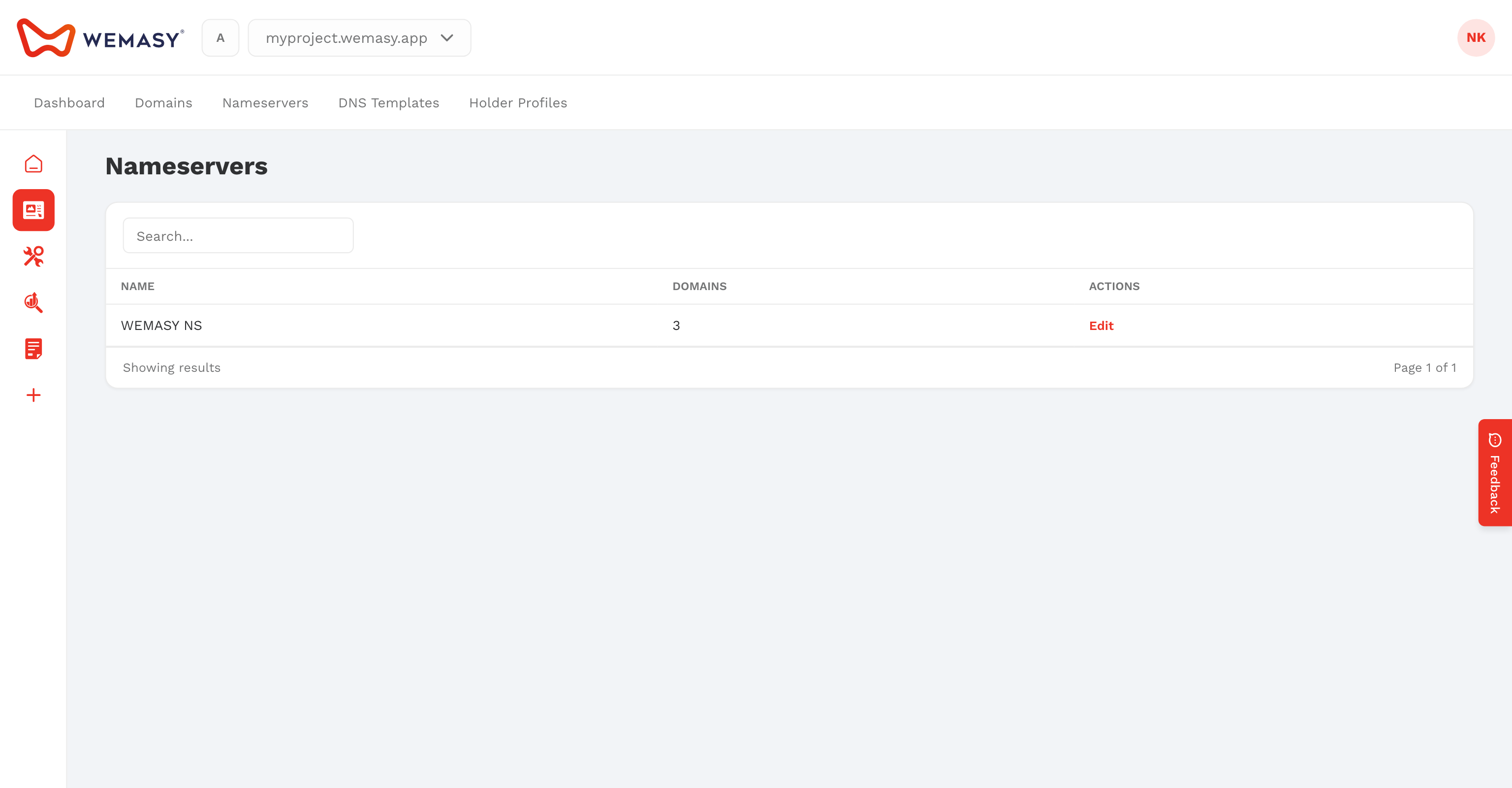
You only need nameservers if your DNS is managed outside WEMASY. With WEMASY DNS, you can skip this.
- In Domains, click Nameservers in the left menu.
- Click Create Group.
- Enter a Group Name, for example the name of your DNS provider.
- Enter between 2 and 6 nameservers, such as ns1.example.com.
- Click Create Group to save.
Use custom nameservers on a domain
- Open the domain and go to DNS Configuration.
- Click Custom Nameservers.
- Choose Nameserver Group and pick your group, or choose Custom Nameservers and type them in.
- Click Save DNS Configuration.
- Confirm the switch.
After the switch, the DNS records in WEMASY are no longer active. To go back, click DNS and save again. When you save a group that is linked to domains, WEMASY pushes the new nameservers to all of them after you confirm.
For DNS records, see DNS records and templates. To pick a profile while registering, see Registering a new domain.
Tip: Set one holder profile as default. The checkout then fills it in for every new domain.