

Domain names in WEMASY belong to your account, not to one project. You register and manage them under Domains in the account menu. From there you connect a domain to any of your projects, so one place holds all the domains of all your websites.
Where to find Domains
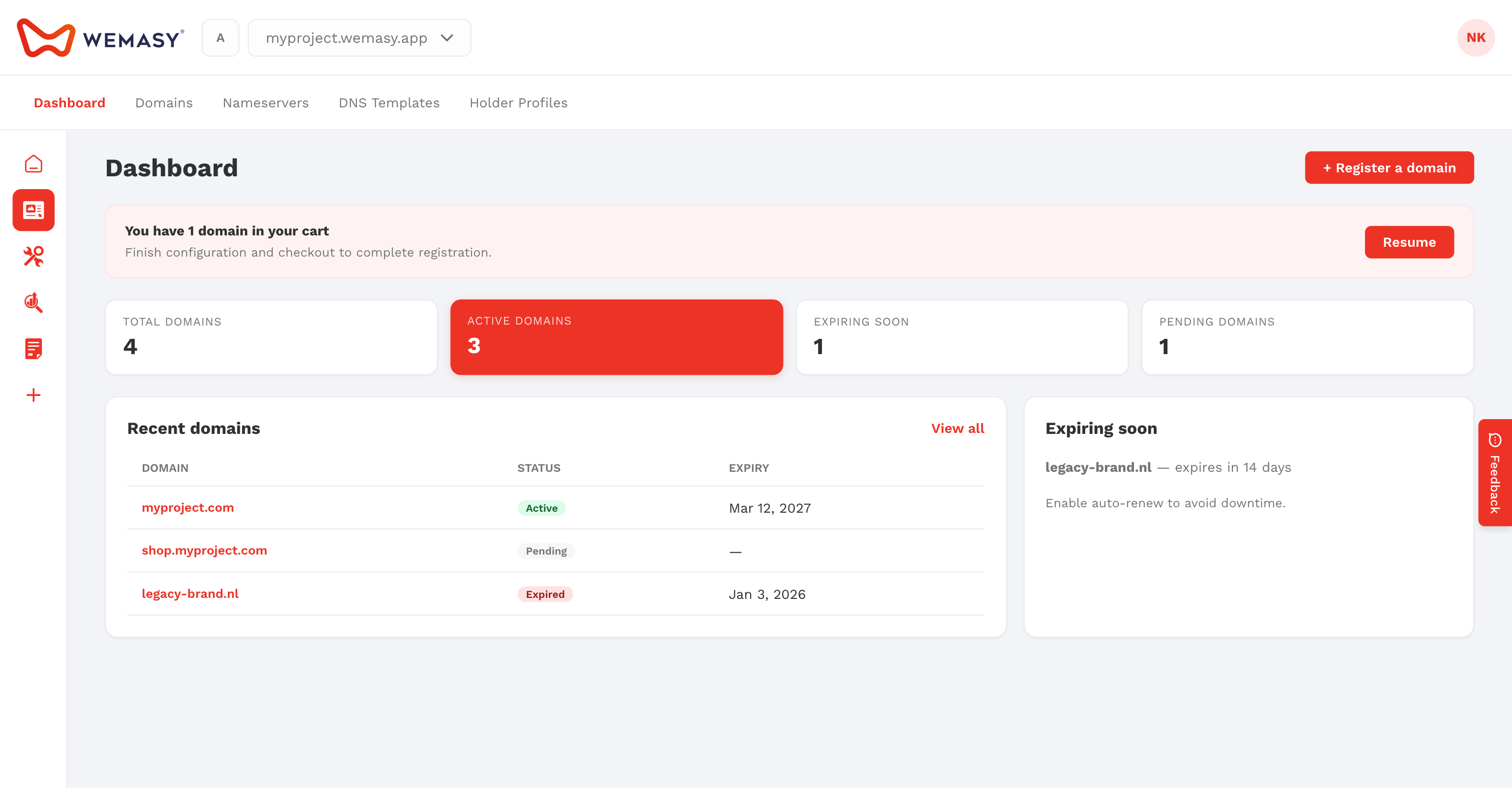
- Click your avatar or initials in the top right corner of the dashboard.
- Select Domains.
The Domains area has its own menu on the left with Domains, Nameservers, DNS Templates, and Holder Profiles, plus an overview page.
What you can do
- Search for a domain name and register it. See Registering a new domain.
- See all your domains, their status, and their renewal. See Managing your domains.
- Edit DNS records, or apply a DNS template to several domains at once.
- Manage nameserver groups and the holder profiles that are registered as the owner of a domain.
Domains and projects
Registering a domain does not put a website on it yet. To show a project on your domain, set the domain in the project settings under Domain Configuration. See Connecting a domain to your project. A custom domain on a project needs a paid plan for that project.
Tip: Start with Getting started with Domain Registration for the full flow from search to a live website.
Frequently asked questions
Do I need to register my domain with WEMASY?
No. You can also connect a domain you bought elsewhere. You then add the DNS records that WEMASY shows at the company where you bought the domain.
Can one domain be used by two projects?
No. A domain points to one project at a time. After you move a domain to another project, the old project keeps it on hold for a short time, which you can release under Domain unlocks.