

You can register a domain name directly in WEMASY. You search for a name, add one or more domains to your cart, choose the settings for each domain, fill in your contact details and pay. WEMASY then registers the domain with the registry and sets it up to work with WEMASY hosting.
Before you begin
A domain is paid per year. The price depends on the extension, such as .com or .nl, and is shown next to each search result. The cart shows the total before you pay.
Step 1: Choose your domains
- Click your avatar in the top right corner and select Domains.
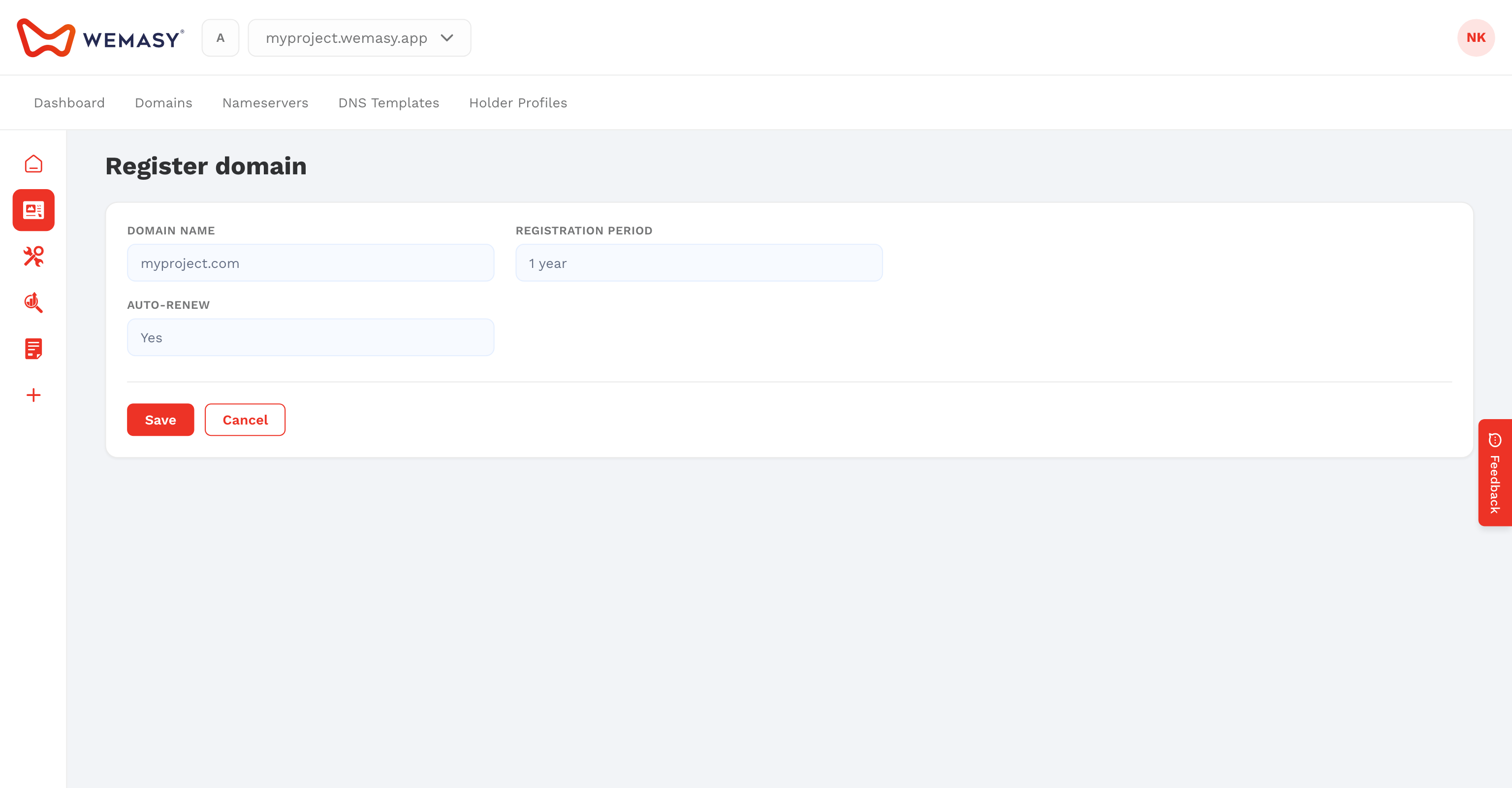
- Click Register a domain.
- Type the name you want in the search field. Press Shift+Enter to add more names.
- Press Enter or click Search.
- Click Select next to each available domain you want. It moves into Your cart.
- Click Configure domains.
A result marked Premium has a special price set by the registry. Click Contact us to send a request. WEMASY gets back to you with the price and the next steps.
Step 2: Configure each domain
Every domain in your cart gets its own settings. Your default holder profile, nameserver group and DNS template are filled in when you have them.
- Under Domain holder, pick a holder profile, or click New to create one. The holder is the owner of the domain in the public WHOIS.
- Leave the routing on WEMASY DNS, which most people need. To change it, click Show advanced options.
- Under Routing, choose Use WEMASY DNS or Use custom nameservers.
- Click Copy to all if the other domains in your cart should get the same settings.
- Click Continue to contact details.
Step 3: Contact details and payment
- Fill in Your contact details. They are used for the domain registry and for your invoice.
- Check the total in the cart. Tax appears after you fill in your billing details.
- Click Pay & Register.
- Complete the payment.
The price is for one year. The domain renews automatically every year until you turn off auto renew. See Domain renewal and transfer.
After you pay
WEMASY registers each domain. While this runs, the domain shows Pending. When the registry confirms it, the status changes to Active. With WEMASY DNS, the domain gets records that point to WEMASY hosting.
A domain you register in Domains is not linked to a project yet. To show your website on it, follow Connecting a WEMASY domain to your project. When you register a domain from the domain step of a project instead, WEMASY connects it to that project for you.
If a registration fails, the domain shows Registration Failed. WEMASY opens a support ticket and emails you about the next steps.
Frequently asked questions
Can I register several domains at once?
Yes. Add every domain you want to the cart and pay for all of them in one checkout. Each domain gets its own yearly renewal.
I closed the page before paying. Is my cart gone?
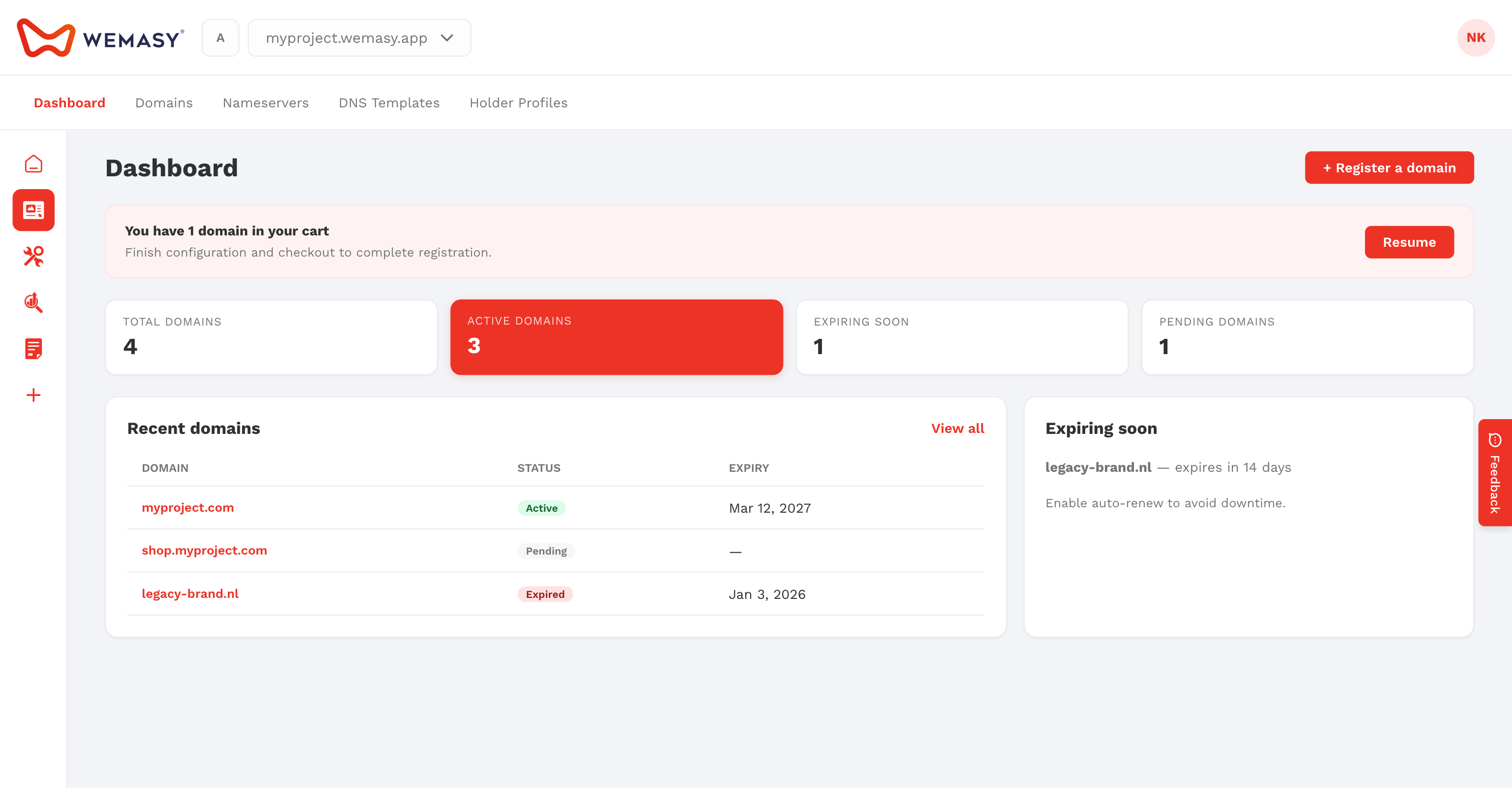
No. Open Domains and click Resume in the cart banner on the overview to continue where you stopped.
Can I change the owner details later?
Yes. Open the domain and change the contact roles. Changing the registrant can lead to an ownership change fee at the registry for some extensions.