

An index page is the overview of a structure: the Blog page that lists all posts, or the Team page that shows everyone. In WEMASY you build it as a normal page, place the Structures element on it, and connect the page to the structure so it loads the right items.
Build the overview page
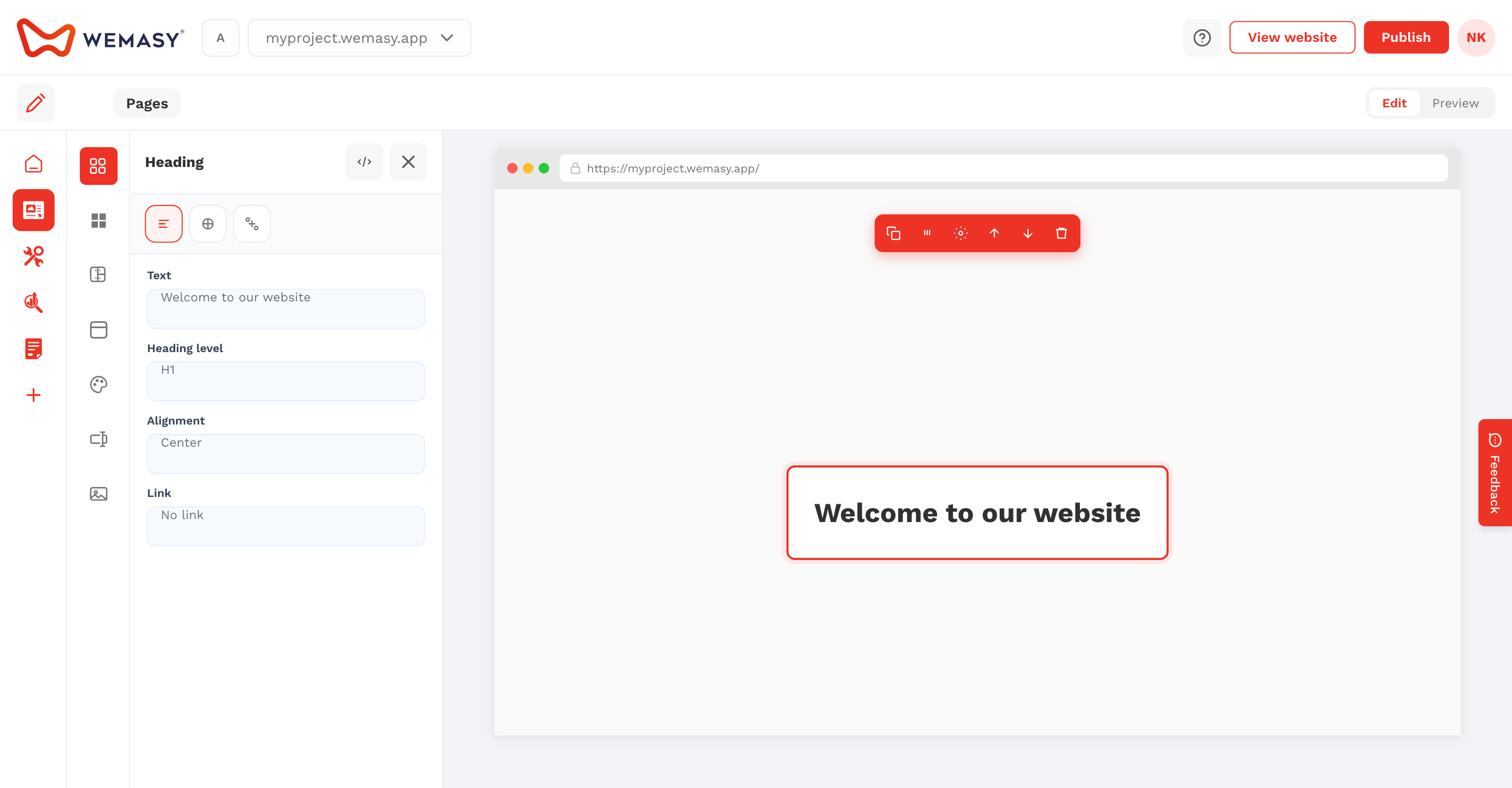
- Create a page, for example Blog with the URL blog. See Creating a new page.
- Add a title section at the top.
- Drag the Structures element below it.
- Set its Connection Type to Use Collection or Custom Query and fill in your structure as Collection Key.
- Design the item card and choose the number of columns.
How the element works: Structures grid element.
Connect the page to the structure
- Open Pages, use the three-dots menu on the page and click Edit.
- Open the Advanced tab.
- Under Structure identification, select your structure.
- Click Save.
This tells the page which structure it belongs to, so it loads the relevant items.
Number of items per page
The structure setting Items per page decides how many items are shown before visitors go to the next page of the list. Change it in the structure: three-dots menu next to Pages, Structures, open the structure. The Sort by setting in the same form decides the order.
Link the overview from your menu
Add the overview page to your main menu so visitors find it. See Menus and navigation.
Use your own page for the list or for items
Structures and items have the options Disable Listing and Disable Single Page, for when you want to replace the standard listing or item page with a page you designed yourself. See Disable single page and listing.
Tip: create the structure and a few items first, then build the overview page. You see real items on the canvas while you design.