

The WEMASY Website Builder has a few building blocks that sound alike: templates, reusable templates, layouts and themes. This article explains what each one is and when you use it, so you pick the right tool for the job.
Templates: ready-made sections
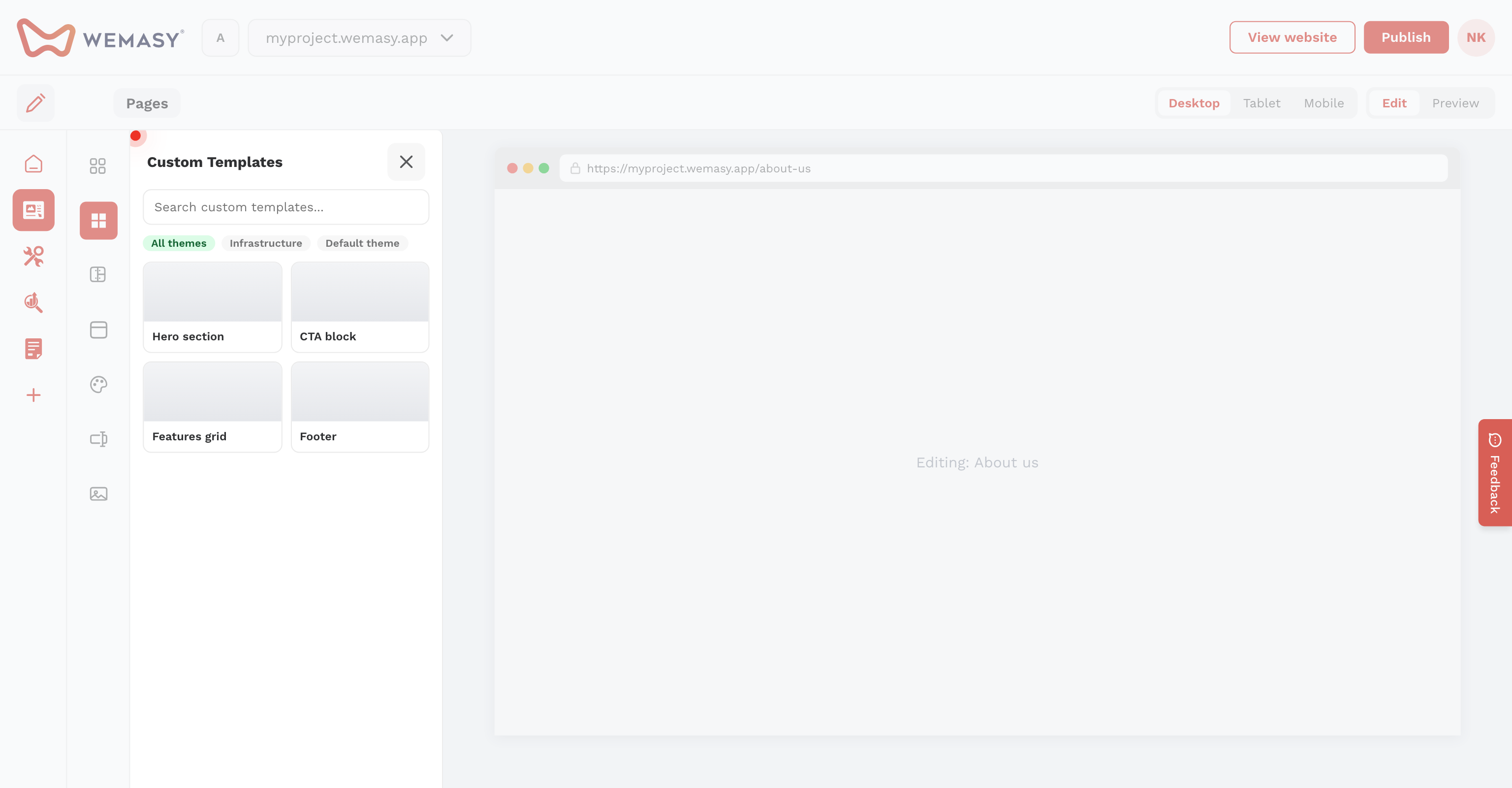
A template is a designed section, such as a hero with a heading and button, a row of services or a contact block. You add it to a page in one click from the template library, then change the text and images. Every preview is shown in your own colors and fonts.
How to add one: Inserting templates on the canvas.
Reusable templates: one section, many pages
A reusable template is a section that stays linked. Change it once and every page that uses it changes. Use it for headers, footers and blocks that must be the same everywhere. See Reusable templates.
Layouts: the frame around a page
A layout combines a header and a footer and wraps them around your pages. You pick a layout per page in the page settings.
Themes: a complete design
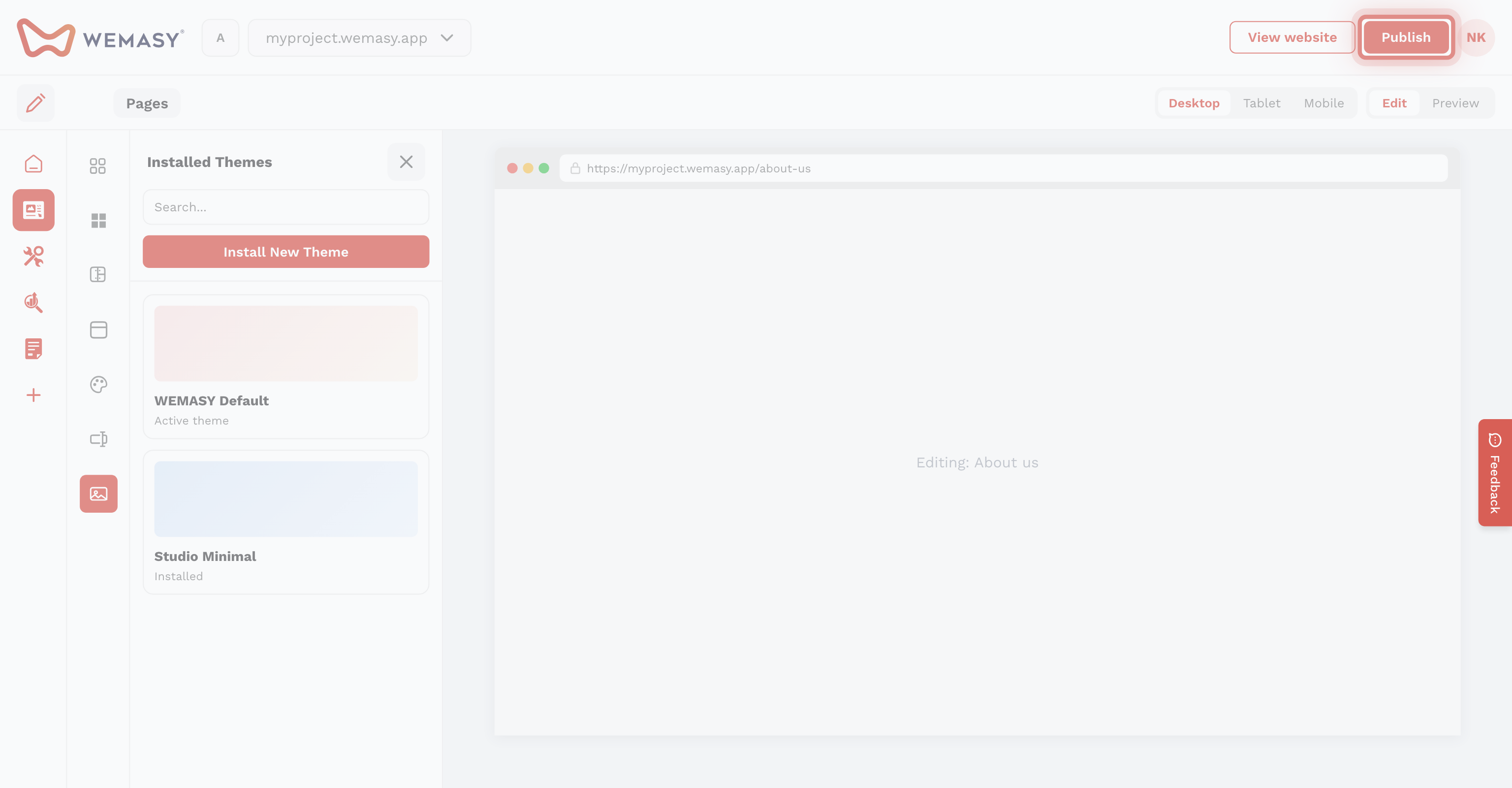
A theme is a complete website design for a type of business: pages, templates, layouts and style settings such as colors, fonts and buttons. When you install a theme, its templates appear in your template library, and you can choose to copy its pages, structures, settings and webshop data into your project.
- Browse and install themes: Theme marketplace.
- Choose what to copy when you install: pages, structures, theme settings and webshop data.
Pages and sections you already built stay in place when you install another theme. Only the parts you choose to copy are added.
Content blocks and custom templates
- Content blocks are small saved pieces of content you can drop into any section.
- Custom templates are sections you write in code, for layouts the standard elements cannot make. See Custom templates and code.
Tip: start from a theme and its templates, then change text and images. It is faster than building every section from scratch, and the result matches your style settings.