

The Structures element shows items from one of your structures on a page, for example the latest blog posts, your team members or a list of projects. It places the items in a grid with the number of columns you choose, and keeps the list up to date when you add new items.
Before you start
Create the structure and add a few items first. See Working with structures.
Add the element
- Open the page on the canvas.
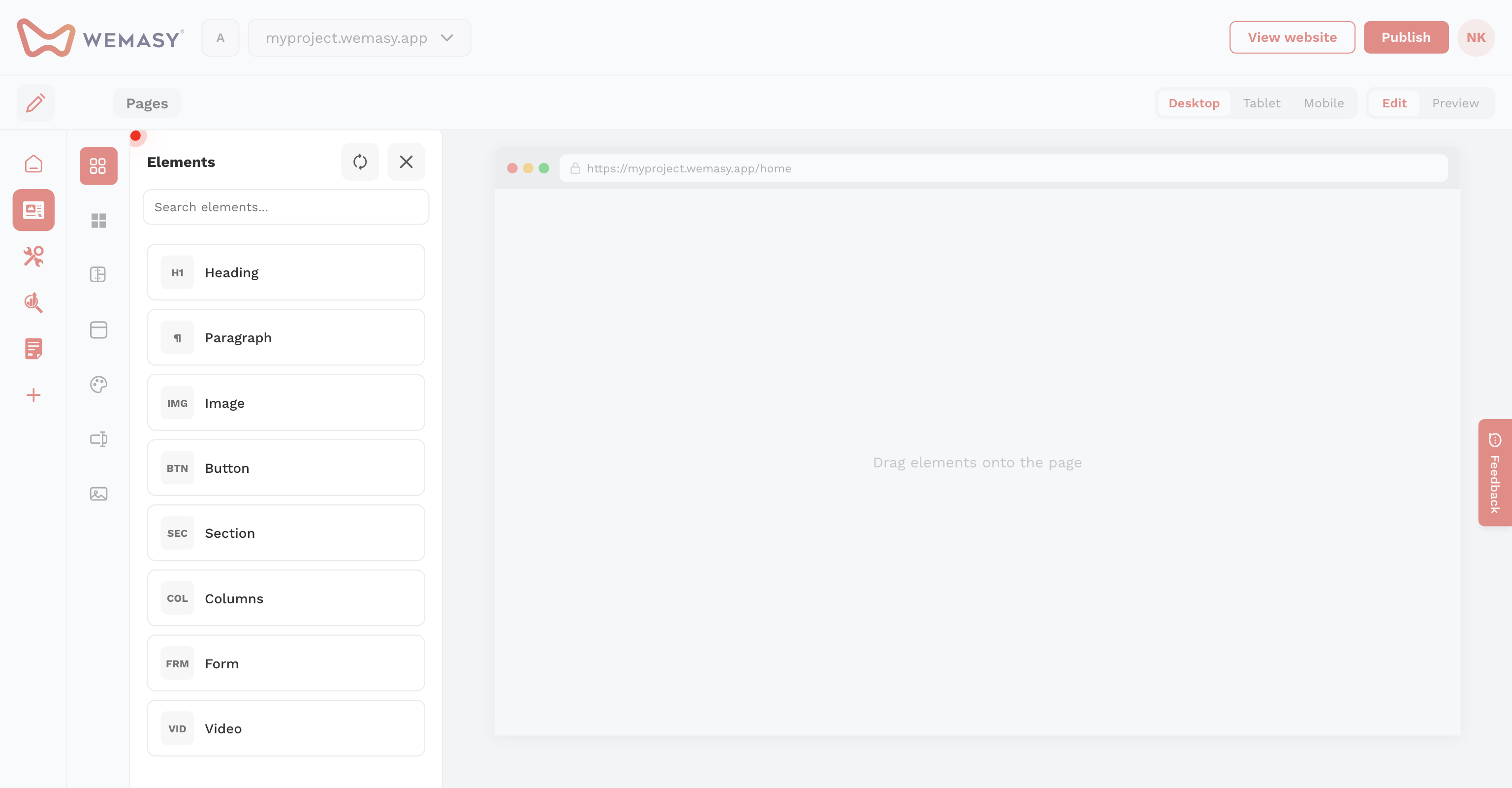
- Click Elements in the left sidebar.
- Drag Structures into a section.
- Click the element to open its settings.
Choose which items to show
Set the Connection Type:
- Manual: add items to the grid yourself with Add Item. Use this for a hand-picked selection.
- Use Collection: fill in the Collection Key of a structure to show its items.
- Custom Query: choose the Collection Type (Items or Categories), the Collection Key, a Limit and a Sort By order, such as Created At (Latest First). Use this for a list like the three newest posts.
Set the layout
- Grid Columns: from Full Width to 6 Columns. Tablet Grid Columns sets a different number on tablets.
- Space Between Columns: the gap between items.
- Block Alignment on Tablet? and Block Alignment on Mobile?: show items next to each other (Horizontal) or under each other (Vertical) on smaller screens.
Design the item card
Add your collections in the settings, click Save, and design what each item shows in the editor, for example the image, title and intro. The same design repeats for every item in the grid.
Tip: for a blog overview page, combine Custom Query sorted by newest with the items per page set on the structure. See Structure index pages.
Frequently asked questions
My new item does not appear in the grid
Check that the item is Active and not scheduled for later, and that Disable Listing is off in its Advanced tab. With Manual, new items only appear when you add them yourself.