

Every structure item and category in WEMASY can have its own standard page and can appear in listings. Two switches let you change that: Disable Single Page and Disable Listing. Use them when you want to send visitors to a page you designed yourself, or to an external website.
Where to find the switches
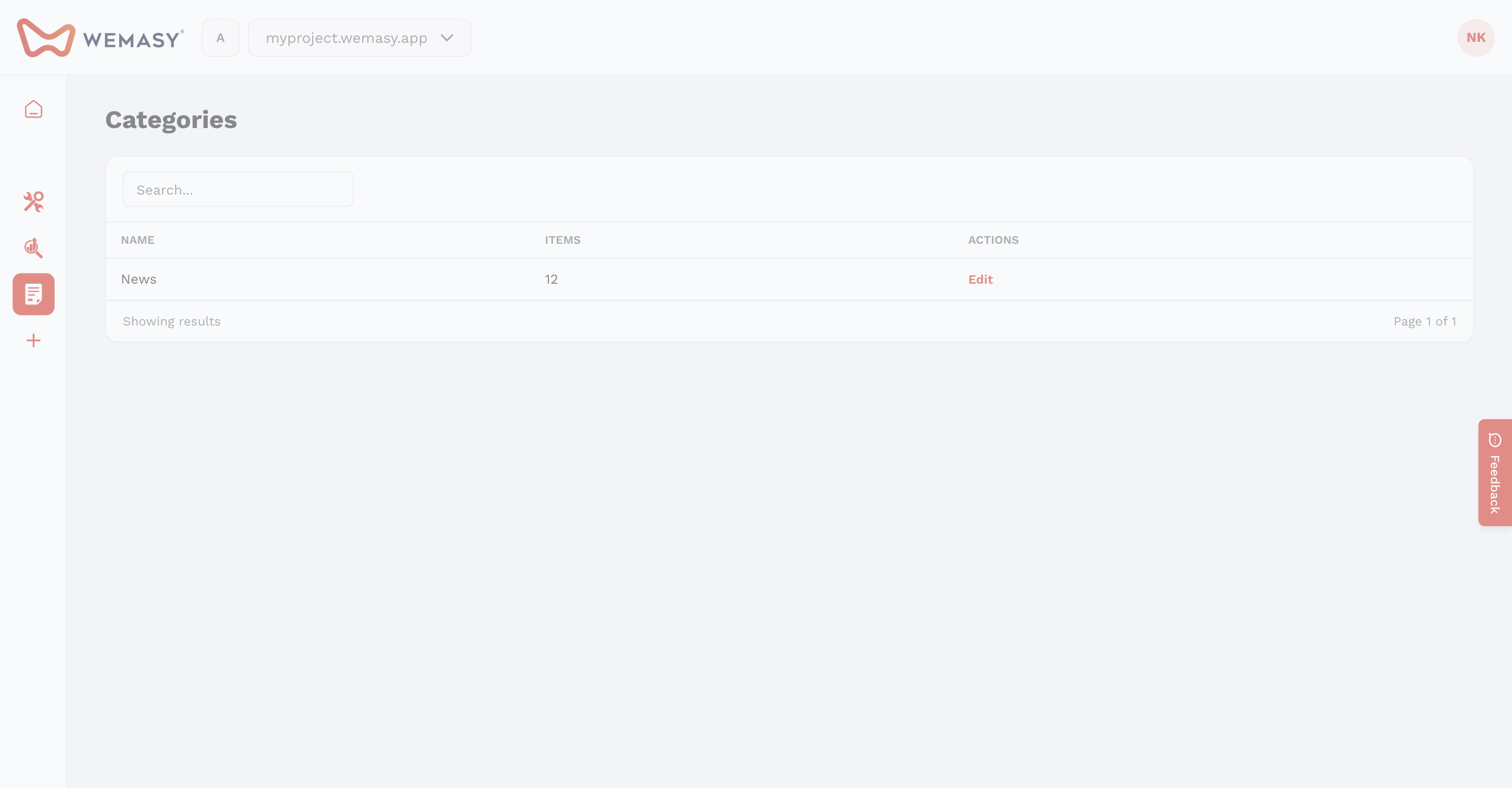
- Click the structure in the bar above the canvas.
- Open the item or category you want to change.
- Open the Advanced tab.
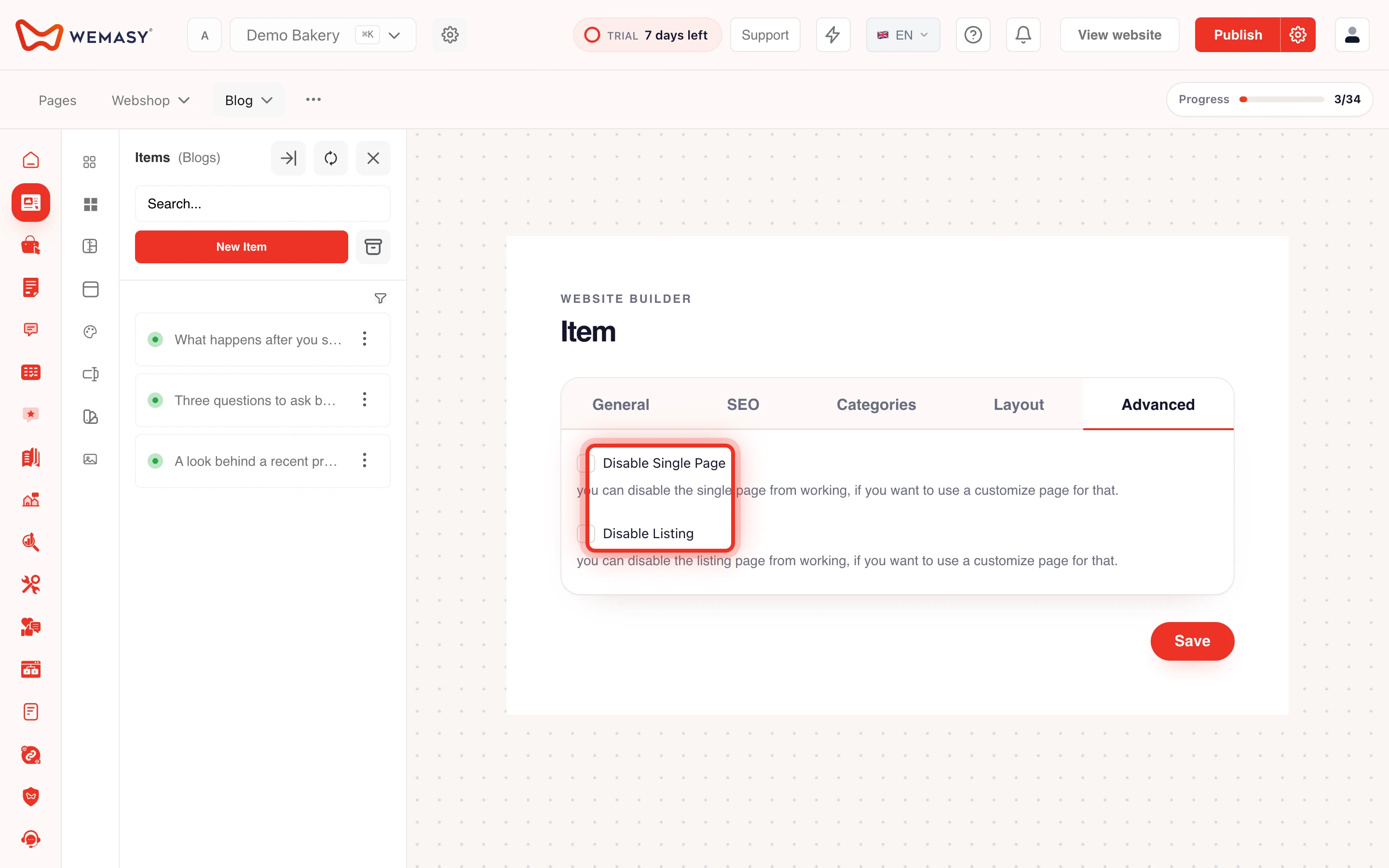
Disable Single Page
The help text says it: you can disable the single page from working, if you want to use a customized page for that. With the switch on, the standard page of this item is no longer built. The item still exists and can still appear in lists.
Use it when:
- You designed a separate page for this item, for example a landing page with more sections than your item layout. Set the item's Page Location (url) to the URL of your designed page, so links in lists lead there.
- The item should send visitors to another website. See Structure external URLs.
Disable Listing
With Disable Listing on, the standard listing page does not work for this entry, so you can use a customized page for that instead. Use it when you built your own overview page and do not want the standard listing next to it.
Save and publish
- Switch on the option you need.
- Click Save.
- Publish your website so the live site follows the change.
Tip: when you disable a single page that was already live, add a redirect from the old URL so visitors and search engines do not land on an error page. See Redirections and broken links.
Frequently asked questions
Does Disable Single Page delete the item?
No. The item and its content stay in your structure. Only its standard page is not built.
Is this also available for categories?
Yes. Structure categories have the same two switches on their Advanced tab. See Structure categories.