

The Products element shows products from your webshop on any page, for example your best sellers on the homepage or the products that belong to a service page. Visitors see the product cards and click through to the product page to buy.
Before you start
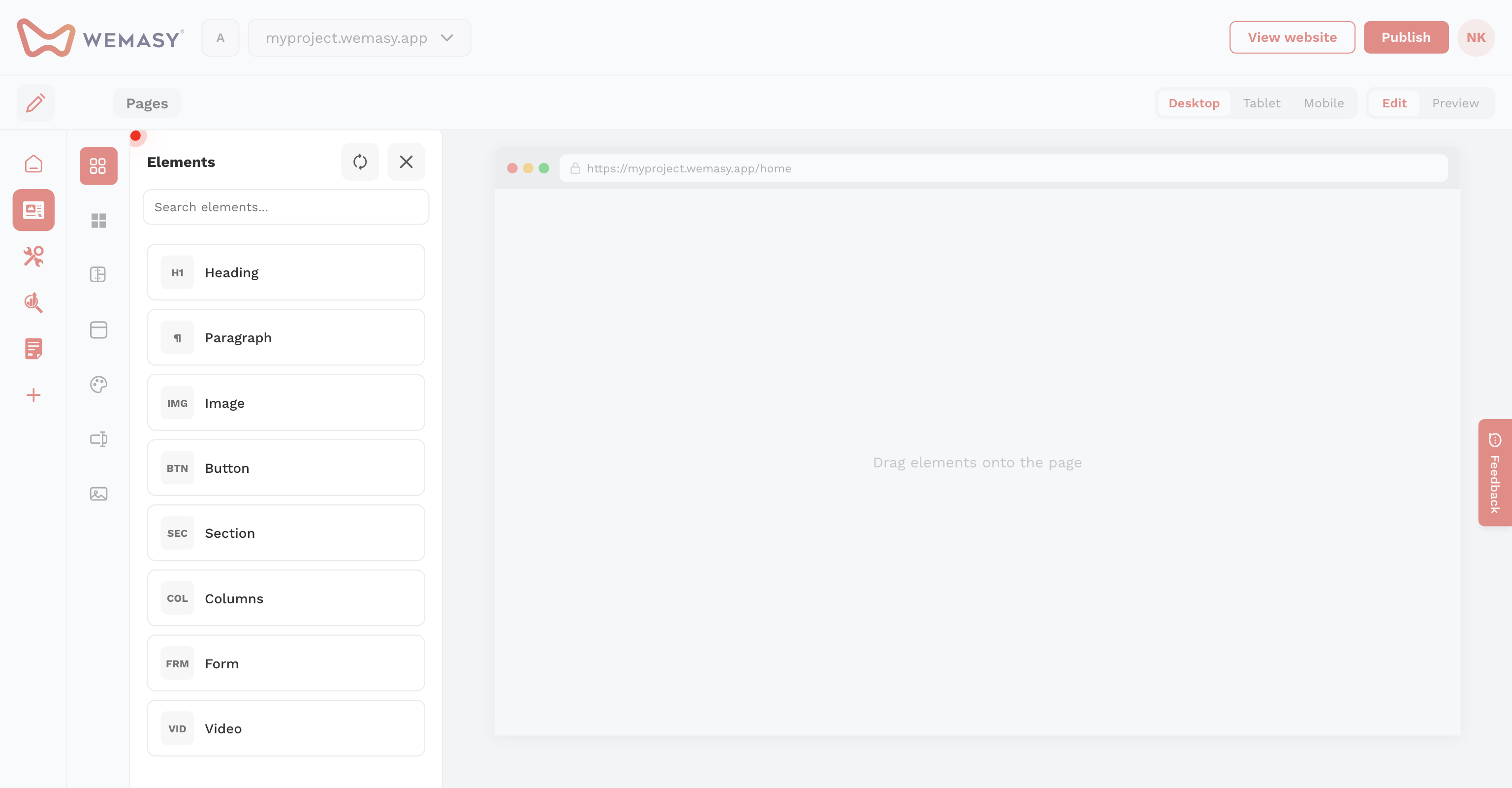
The Products element belongs to the webshop elements. It appears in the Elements panel when the webshop is turned on for your project. Add your products first: see Adding products.
Add products to a page
- Click Elements in the left sidebar.
- Drag Products into a section.
- The element says No products selected. Click here to choose products. Click it.
- Choose products in Select products.... The counter shows how many products are selected.
- Click Update preview to see them on the canvas.
Change the selection
Open the element settings again to add or remove products, then click Update preview. The order of the products follows your selection.
Related webshop elements
- Product Categories element: show categories instead of single products.
- Add to Cart element: a buy button for one product anywhere on a page.
- Cart, Customer account and Search elements for your header.
More about showing products: Displaying products on your site.
Tip: show four to eight products on your homepage. More cards make it harder to choose; link to your shop for the rest.
Frequently asked questions
I do not see the Products element
The webshop is not turned on for this project. Turn on the webshop first; then the webshop elements appear in the Elements panel.
Do new products appear in the element automatically?
No. The element shows the products you selected. Add new products to the selection when you want them to appear here.
Where do visitors go when they click a product?
They open the product page of that product, where they choose options and add it to the cart.