

Your website uses two fonts: a heading font for titles and a body font for normal text. In the WEMASY Website Builder you set both in Customization, and every page that uses the default fonts follows your choice. The font library holds the free Google Fonts collection, so you can pick from hundreds of fonts.
Open Fonts
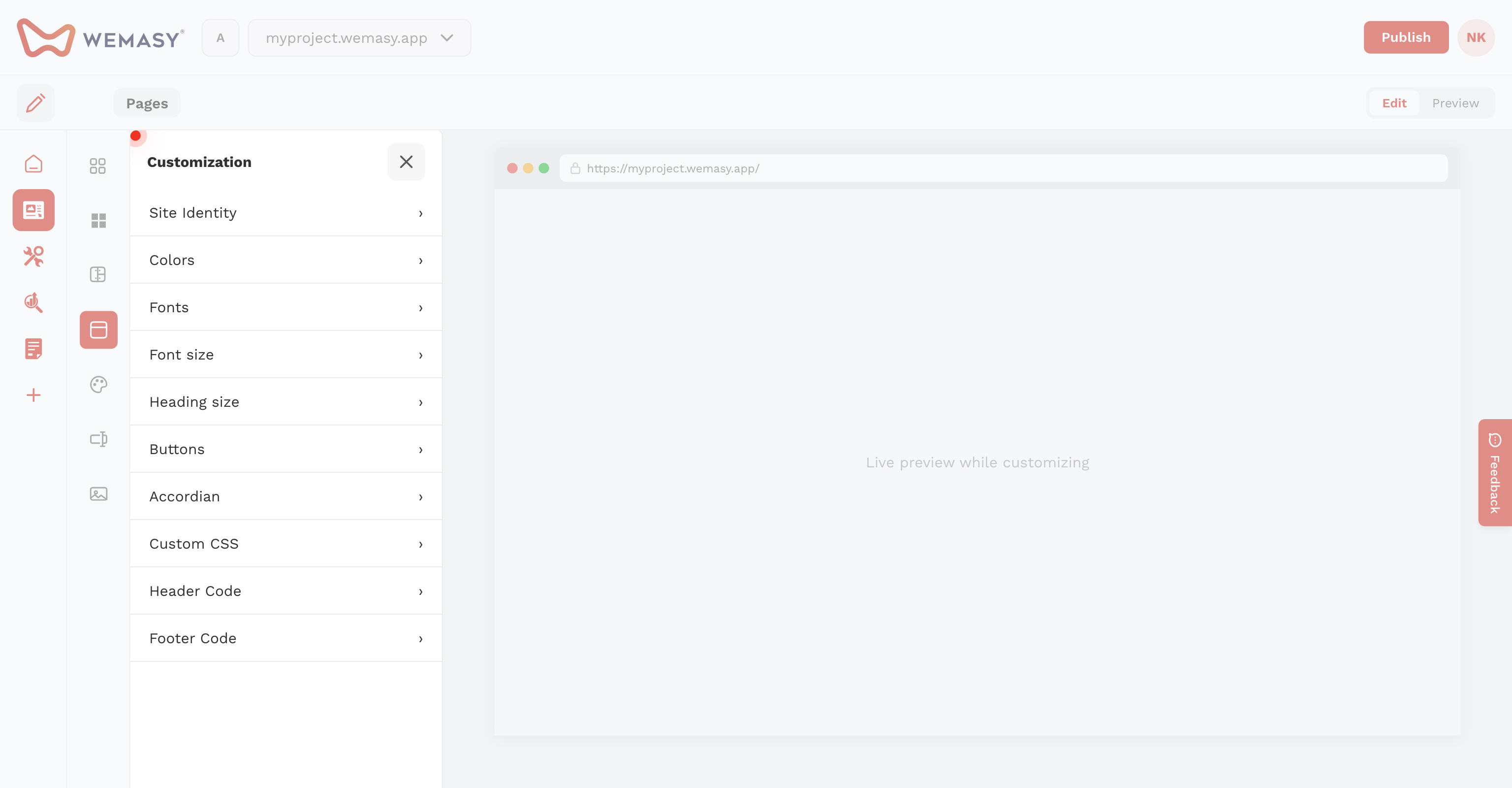
- Open Website Builder.
- Click Customization in the left sidebar.
- Click Fonts.
You see two rows: the Heading font and the Body font, each with the font that is used now.
Change the heading font
- Click the Heading font row.
- Click All to see every font, or open a category group to narrow the list.
- Type a name in Search fonts by name... if you know the font you want.
- Click a font. It is applied right away and the canvas shows your titles in the new font.
- Click Back to return to the overview.
A preview with the text This is a headline shows the selected font, so you can compare fonts before you decide.
Change the body font
- Click the Body font row.
- Find a font with the categories or the search field.
- Click the font to apply it.
Choose a calm, easy-to-read font for the body. Most of your visitors read this font in paragraphs, menus and forms.
Use the heading font inside a text
In a Paragraph element, the text toolbar has a Font Family option with Normal and Primary. Normal uses the body font. Primary uses the heading font, which is useful for a quote or a short highlighted line.
Font sizes
The size of text and headings is set separately, per device. See Font sizes and heading sizes.
Tip: two fonts are enough for almost every site. A distinctive heading font combined with a simple body font looks clean and loads fast.
Frequently asked questions
I see No fonts found
No font matches your search. Check the spelling, or clear the search and browse through All.
Can I upload my own font file?
The Fonts panel offers the fonts in its library. To use your own font, a developer can load it with Custom CSS. See Custom CSS.