

The Email To field in project settings decides where WEMASY sends the notification when a visitor submits a form on your website. It is the default for every form in the project, so you set it once and every new form uses it.
How to set the form email
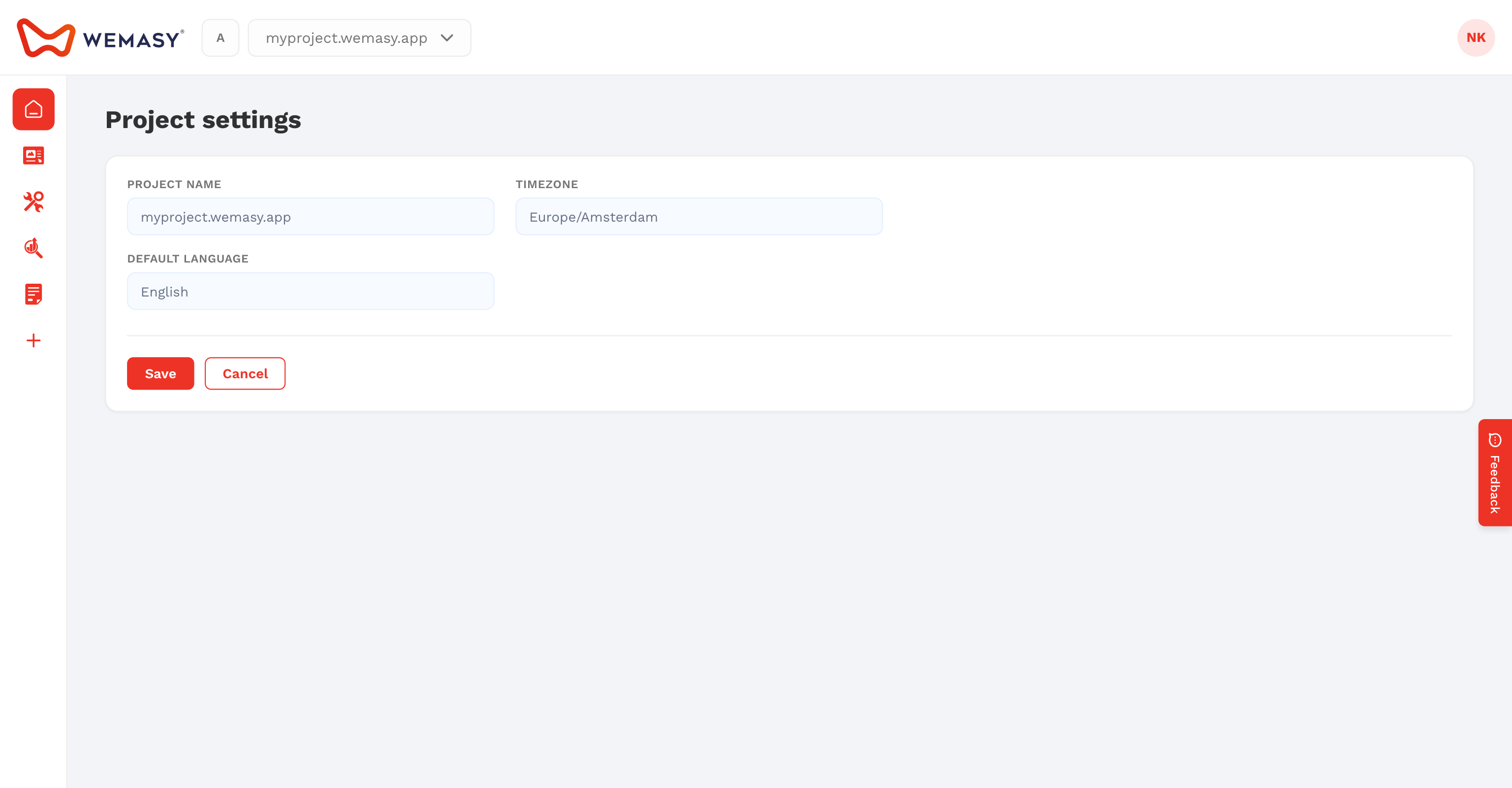
- Click the gear icon next to the project switcher in the top bar.
- Open the General tab.
- Scroll to Email Settings.
- Enter the address in Email To.
- Click Save.
To send notifications to more than one person, enter several addresses separated by commas, for example info@example.com, sales@example.com.
Which address a form uses
- If a form has its own notification address, that form uses its own address.
- If not, the form uses the Email To address of the project.
- If Email To is empty, the notification goes to the email address of the project owner.
When you create a project, WEMASY fills in your own email address here, so you receive submissions from the first day. Change the address on a single form in the Forms tool. See Email notifications and webhooks.
Webshop orders
New order notifications from the Webshop also go to this address, unless you set a separate order email in the Webshop settings.
Replies to your visitors
Form emails are sent by WEMASY, or by your own mail server if you set one up on the Mail server tab. When a visitor gets a confirmation email and replies, the reply goes to your form email address. The look of these emails comes from the Email style tab.
Tip: Use an address that someone reads every day, such as a shared inbox, so no request from your website gets lost.
Frequently asked questions
Why can I not edit the Email To field?
Accounts with an unverified email address cannot change it. Verify your email first. Collaborators without full rights cannot change it either.
I do not receive form emails. What should I check?
Check the address here and on the form itself, and look in your spam folder. Then open Usage in the profile menu: website mail above the daily limit is held there and can be sent later.