

A conversion is a visit in which someone did something that matters to you, such as sending a form, clicking a call button or reaching a thank you page. In Analytics & Insights these are called goals. Once you have defined goals, WEMASY counts every visit that reaches one, so you can see which pages and sources bring results and not only traffic.
How goals work
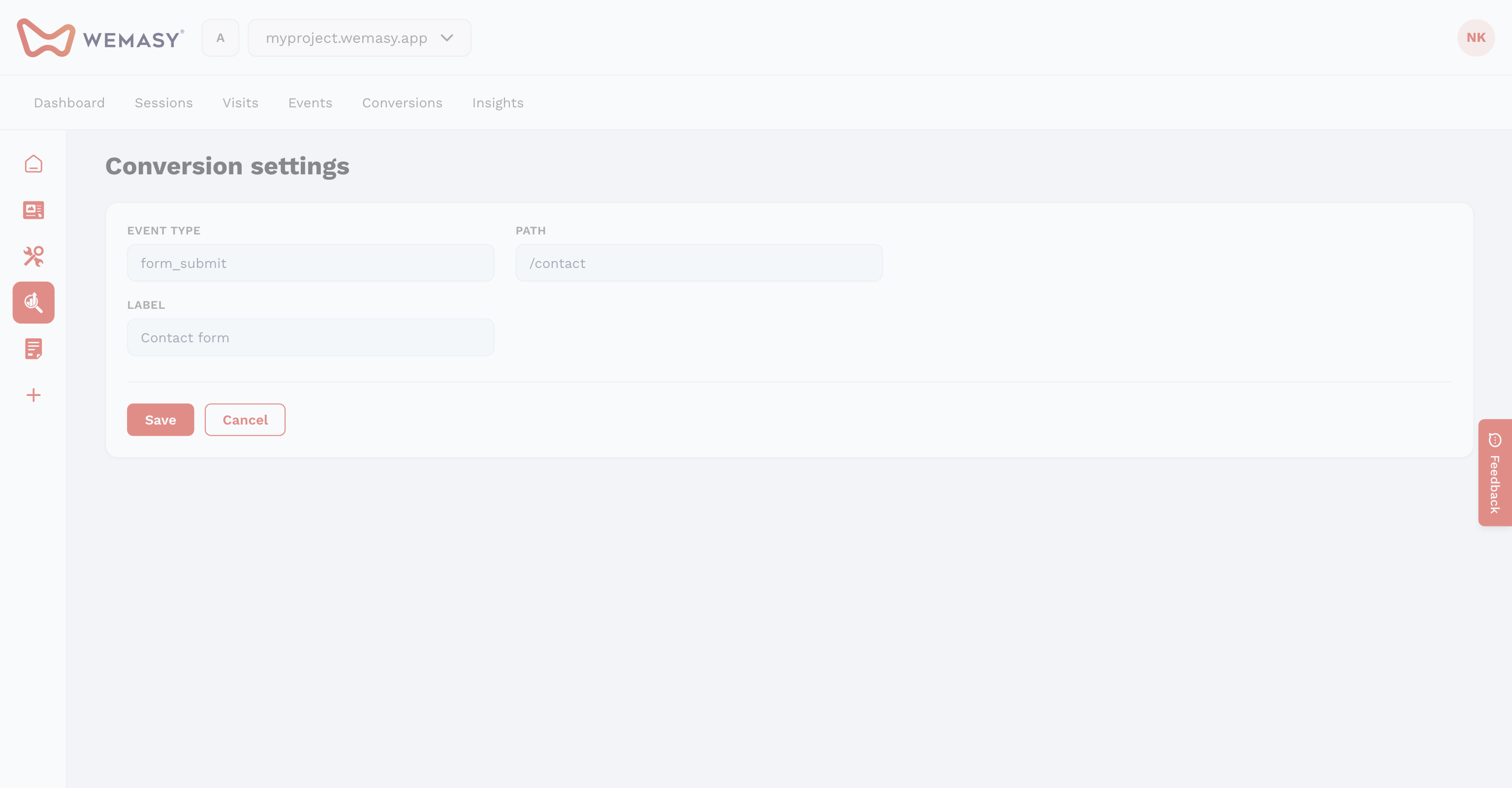
- You define a goal in Conversion Setting, for example "a visit to /thank-you" or "a click on the button with the text Call us".
- WEMASY checks every visit against your goals.
- Each match is stored as a conversion and counted in Goals reached.
Step by step instructions for creating goals are in Conversion settings and recalculate.
View your conversions
- Open Analytics & Insights.
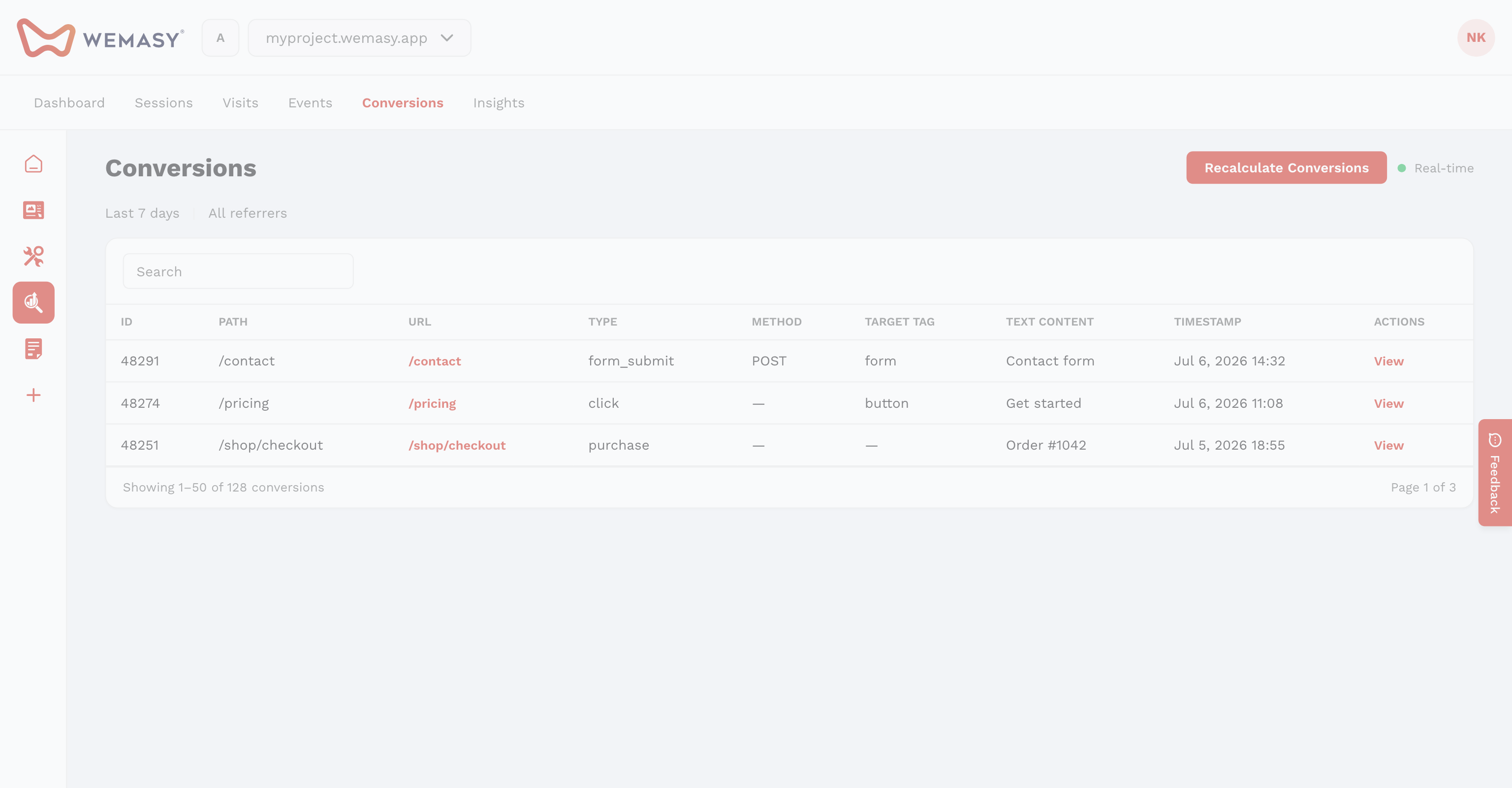
- Click Conversions in the menu.
- Pick a period in the date field.
The table lists every conversion with its Path, URL, Type, Target Tag, Text Content and Timestamp. Use the search field to find conversions by URL, type or text.
Turn on Real Time Data to see conversions as they happen.
Where else conversions show up
- Overview: the Goals reached number and the conversions line in the chart.
- Sessions: the Conversions column shows how many goals each visit reached.
- Recordings: each recording shows the number of conversions in that visit.
- Funnel: you can use a conversion as a step. See Funnel analysis.
Turn an action from a visit into a goal
Sometimes you only know what to track after you watch a visit. You can create a goal from any click or page in a session.
- Open a session from Sessions or Recordings.
- Click All details (events, clicks, pages).
- Find the click or page you want to track.
- Click the chart icon Mark as Future Conversion.
- Check the prefilled goal.
- Enter a Label.
- Click Save.
From then on, every visit with the same action counts as a conversion. To count earlier visits as well, run Recalculate Conversions.
Count one action as a conversion
If one specific action should count, but you do not want a rule for all visits, use Mark as Manual Conversion on that click or event in the session details. Confirm to save it. Manual conversions are kept apart from automatic ones, so you can choose to keep or delete them when you recalculate.
Tip: start with one or two goals that match your main aim, such as a sent contact form. A short list of goals is easier to act on.
Frequently asked questions
I added a goal. Why do older visits not count?
New goals apply to new visits. Use Recalculate Conversions with a date range to check earlier visits against your goals.
Why do some visits have no conversions?
WEMASY finds conversions in the actions it collects during a visit. If your website asks for cookie consent, those actions are only collected for visitors who allow analytics. Visitors who decline still count as visits, but do not add conversions.