

The theme marketplace holds complete website designs for different kinds of businesses. Each theme comes with pages, sections, layouts and style settings. You can preview a theme on a demo site before you install it, and after installing, its sections appear in your template library.
Open your themes
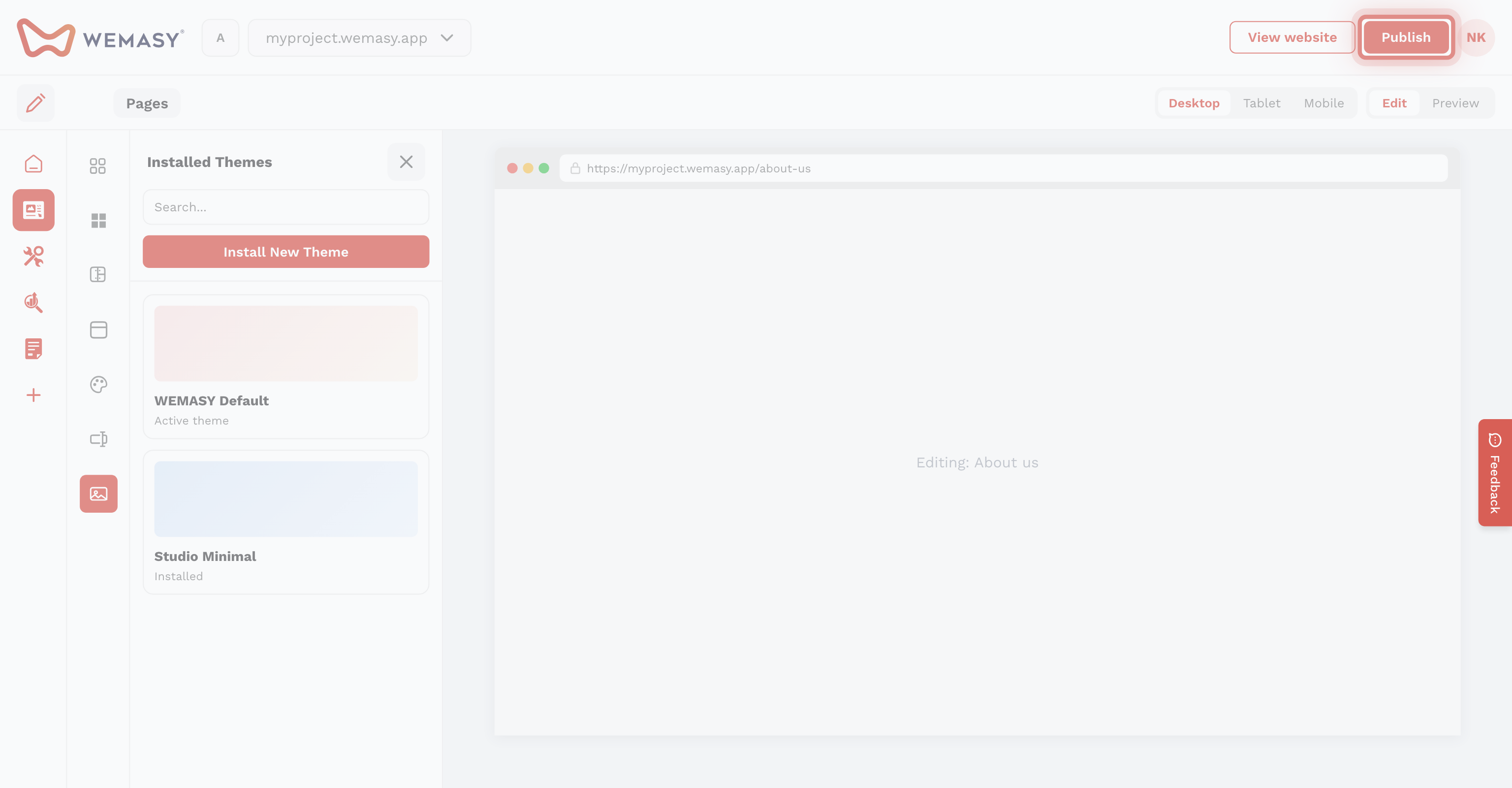
- Open Website Builder.
- Click Themes in the left sidebar.
The panel shows Installed Themes, each with its version and an Active or Inactive badge. With no theme yet, it says No Themes Installed.
Browse the marketplace
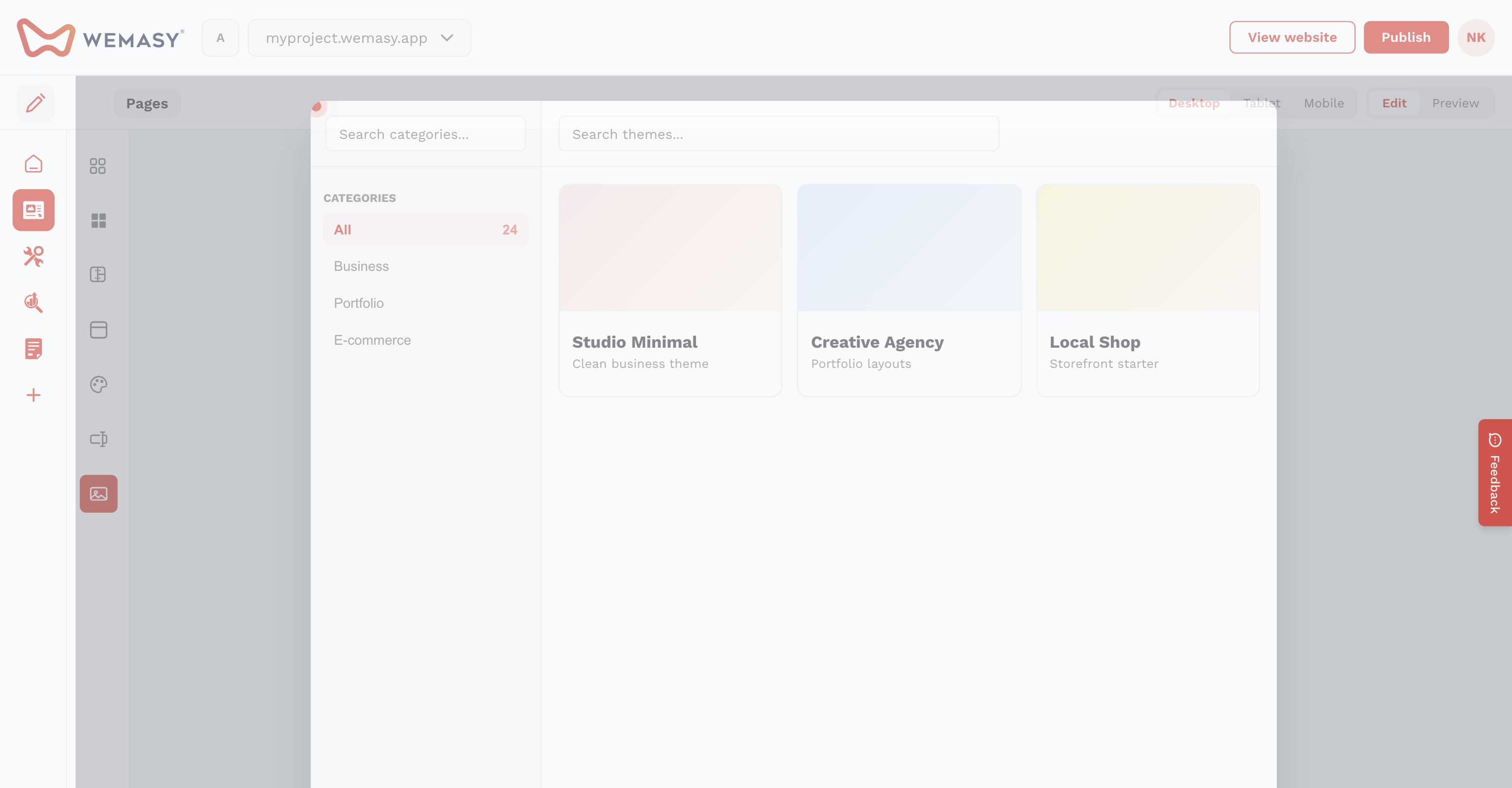
- In the Themes panel, click Install New Theme. The Theme Marketplace opens.
- Pick a Category, or keep All Categories.
- Type in Search themes... to find a theme by name.
- Click a theme's preview image to open its demo site in a new tab.
- Click View Details to read the description, release notes and version.
Install a theme
- Click Install Theme on the theme card or in Theme Details.
- In the install window, choose what to copy into your project, or click Go with Manual to install only the theme reference.
- Confirm with Install.
The choices in the install window are explained in Installing themes with sample data. Installed themes show an Installed badge in the marketplace.
After installing
- The theme's sections appear in the template library under its name. See Template library and filters.
- New pages and layouts can start from a theme page or theme layout: choose From Theme Layout when you create a layout.
Uninstall a theme
- In the Themes panel, click the installed theme.
- Click Uninstall.
- Confirm Are you sure you want to uninstall this theme?
Tip: preview a few themes on their demo sites before you install. The demo shows the real pages, so you see how the theme handles your kind of content. New theme versions are explained in Theme version updates.