

When someone shares a link to your page in a chat app or on social media, a preview card appears with a title, a description and an image. In WEMASY you choose that image per page: use an automatic screenshot of the page, or upload your own. The same screenshot is the page thumbnail you see in your pages list.
Use the automatic screenshot
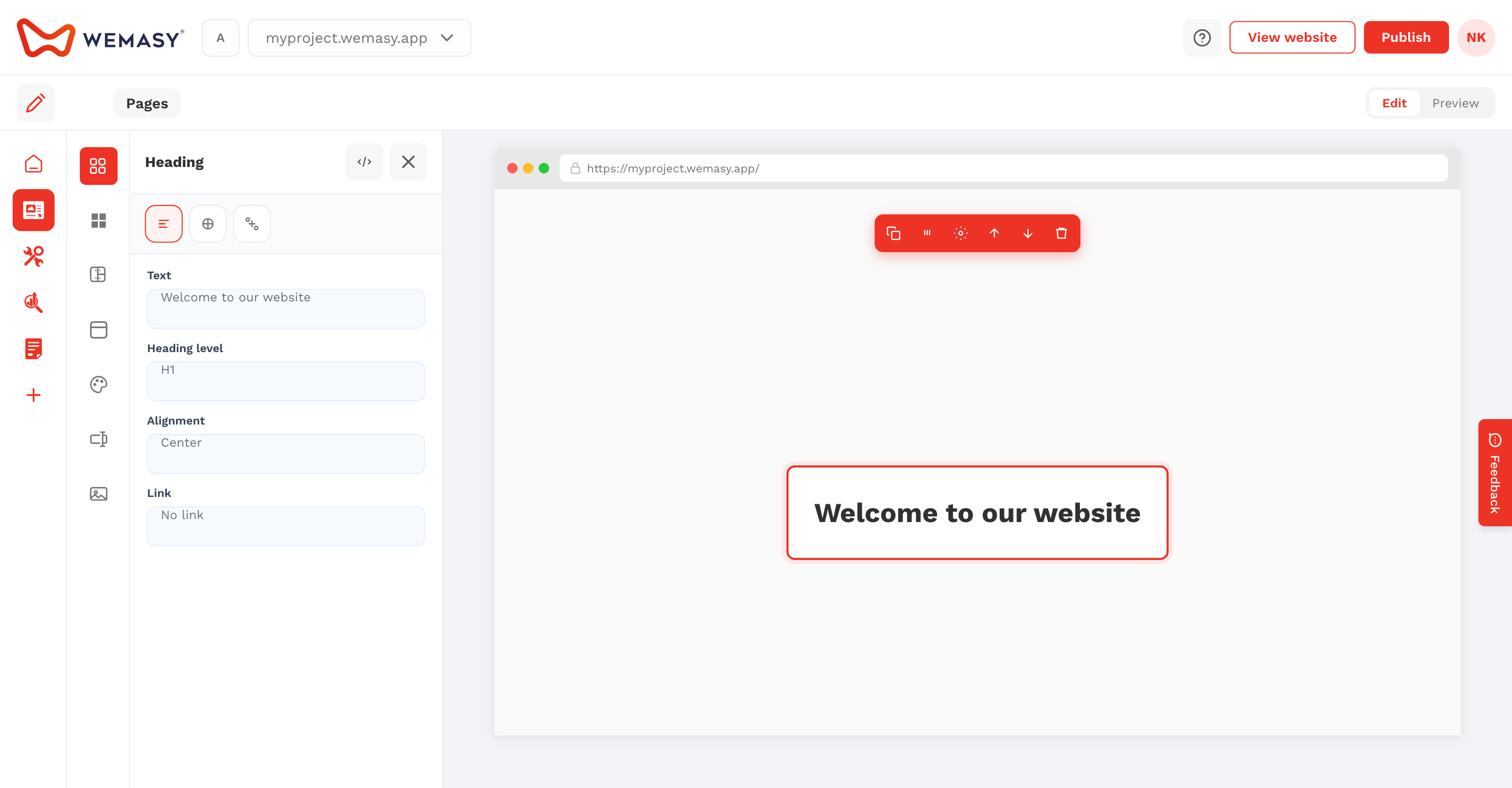
- Click Pages in the bar above the canvas.
- Open the three-dots menu on the page and click Edit.
- Open the SEO tab.
- Switch on Use auto-generated screenshot.
- Click Save.
This is the default for new pages. The page screenshot is then used as the share image, so it follows your design without extra work.
Upload your own share image
- Open the page settings and the SEO tab.
- Switch off Use auto-generated screenshot. The Meta image field appears.
- Upload an image or pick one from the Media Library.
- Click Save.
Images larger than 1400 by 1400 pixels are scaled down on upload. A wide image with your main message in the center works best, because apps crop the edges differently. If a page has no share image at all, your published site falls back to the project logo.
Regenerate the page thumbnail
WEMASY makes a new thumbnail when you change the content of a page. If the thumbnail still looks old, make a fresh one by hand.
- Open the page settings.
- Open the Advanced tab.
- Open the Thumbnail section to see the current preview.
- Click Regenerate Thumbnail.
The button shows Generating... while WEMASY takes the screenshot, which can take a minute. If you see Too many requests, wait the number of seconds shown and try again.
Check the result
Share images are part of your published site. Publish your website after changing them. Chat apps and social networks keep their own copy of a preview for a while, so an old image can still show in places where the link was shared before.
Tip: set the meta title and meta description in the same SEO tab, because they appear on the same preview card. See Page settings and SEO.
Frequently asked questions
The thumbnail stays empty. What can I do?
Click Regenerate Thumbnail and wait until Generating... disappears. If you see a message that generation timed out, try again a bit later. The screenshot is taken of your page as it is saved in the builder.
Are thumbnails also used for structure items like blog posts?
Structure items have their own Meta image field in their settings. See Working with structures.