

The Slider element shows several slides in one spot that move one after another, for example customer quotes, featured offers or a set of photos. You design each slide like a small section and choose how the slider moves.
Add a slider
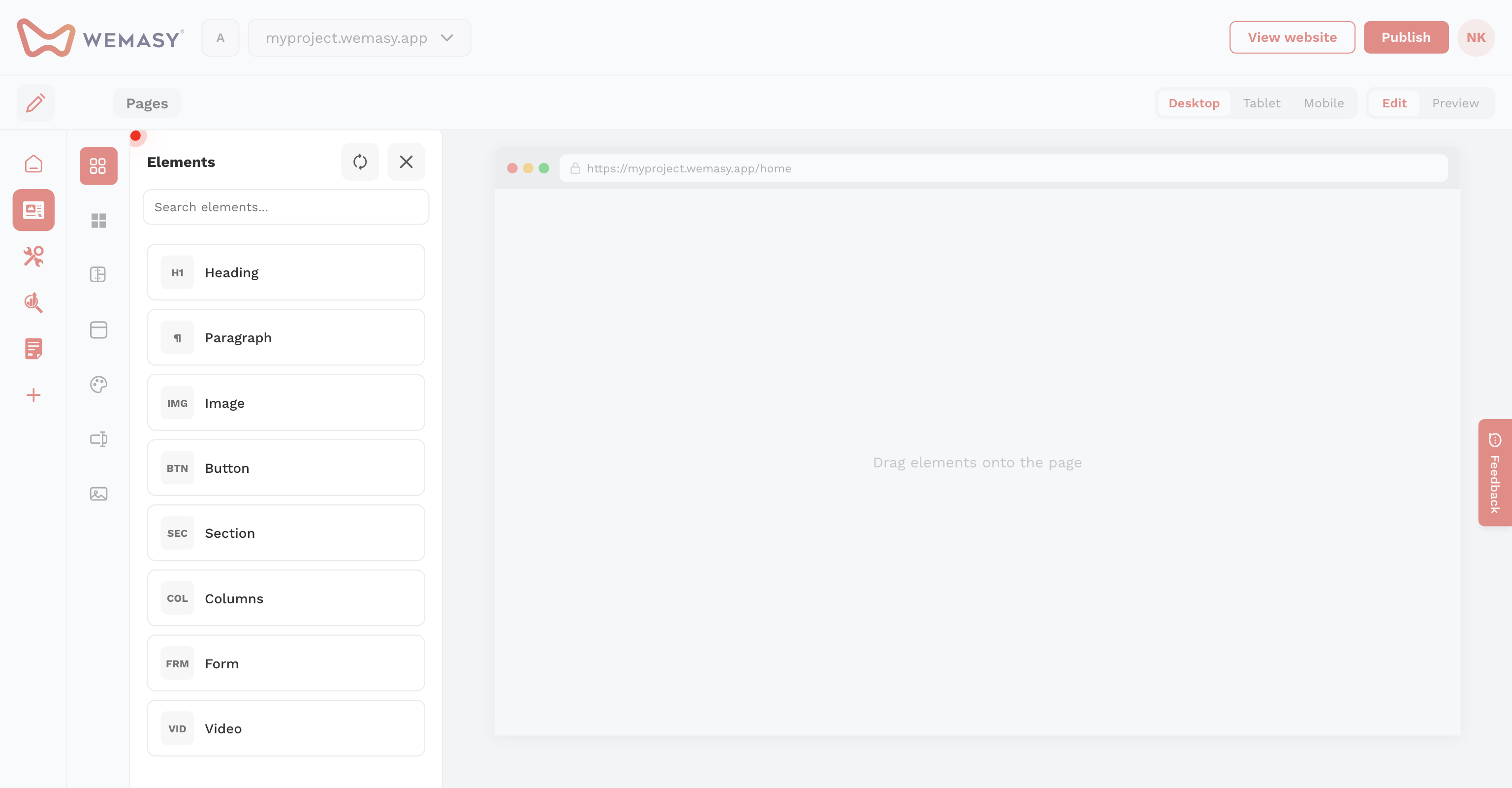
- Click Elements in the left sidebar.
- Drag Slider into a section.
- Open the element settings with the settings icon. An empty slider says No slides added yet.
- Click Add Item for each slide.
- Save, then design the content of each slide in the editor.
The slider only moves on the website, not in the dashboard. In the editor the first item is shown.
Movement settings
- Autoplay: moves to the next slide by itself.
- Slider Speed: time per slide in milliseconds. 3500 is 3.5 seconds.
- Animation Type: Slide, Fade or Continuous.
- Infinite Loop: starts again after the last slide.
- Drag Navigation: lets visitors drag and swipe.
Slides per device
Set Number on Desktop, Number on Tablet and Number on Mobile: how many slides are visible at once. Three on desktop and one on mobile is a common choice for quotes or cards.
Arrows and dots
Use Hide Arrows and Hide Dots to remove the side arrows or the dots below the slider. Keep at least one of them, or drag navigation, so visitors can move through the slides themselves.
Advanced: your own buttons
Give the slider a Carousel Identifier to move it with your own buttons. The next and previous actions can then be triggered by that identifier followed by _next or _prev.
Design each slide with the same structure, for example a quote, a name and a photo, so the slider looks calm. To list blog posts or other structure items in a grid instead, use the Structures element.
Tip: keep autoplay slow enough to read. For a simple grid of photos, the Gallery element is often clearer.
Frequently asked questions
The slider does not move in the editor
That is expected. The slider only moves on the website. Click View website to see it run.