

Sections are the horizontal bands of your page, and columns divide a section into side-by-side parts, such as text next to an image. In the WEMASY Website Builder you add columns with the Columns element and style each section with its own spacing, background and borders.
Add columns
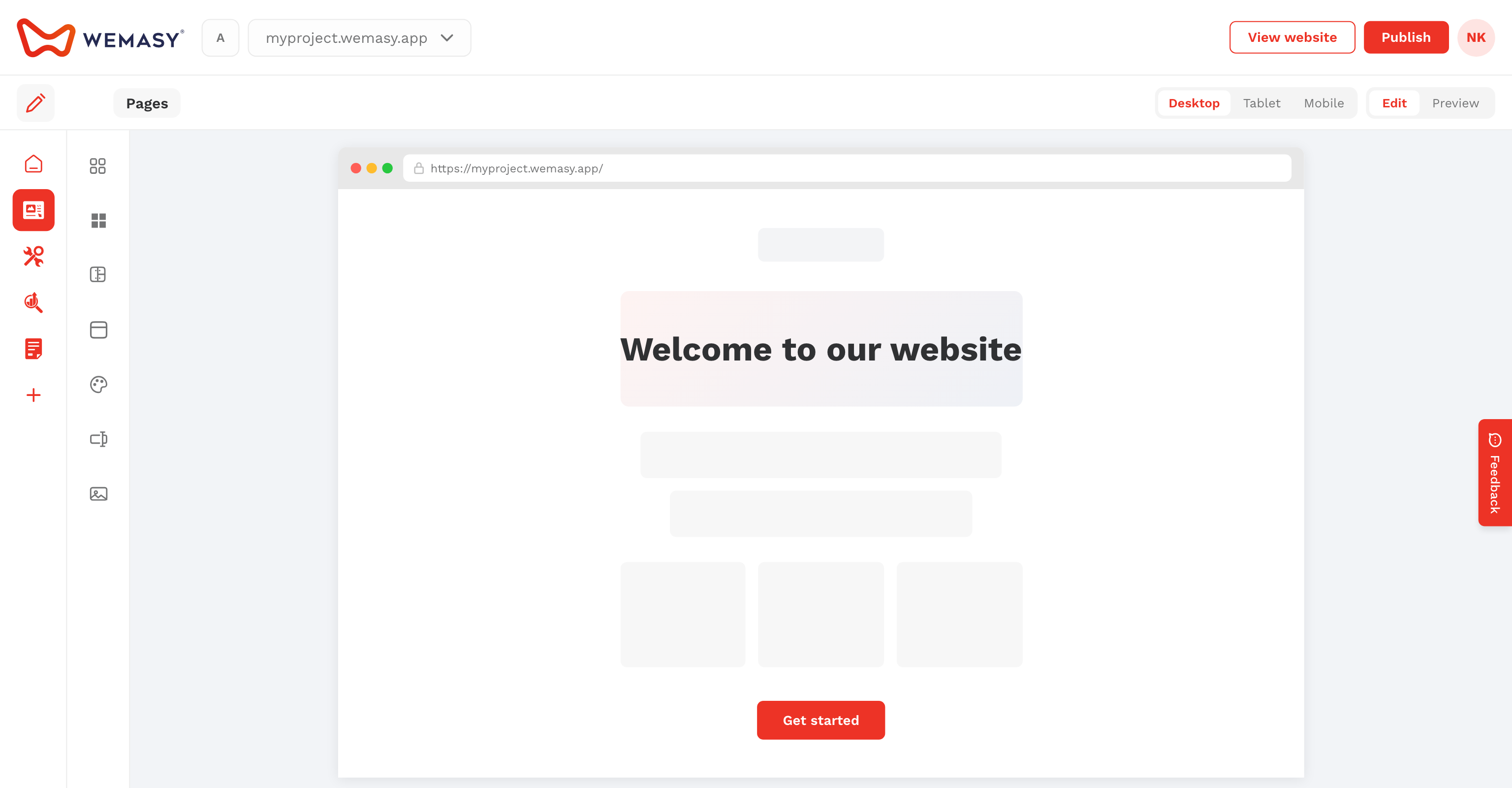
- Click Elements in the left sidebar.
- Drag Columns into a section.
- Open the element settings.
- Choose the Number of Columns, from Full Width to 6 Columns, or an uneven split such as 2/3 - 1/3 Columns or 1/4 - 3/4 Columns.
- Drag elements into each column.
Columns on tablet and mobile
- Block Alignment on Tablet? and Block Alignment on Mobile?: Side by Side or Stacked.
- Reverse Blocks on Tablet and Reverse Blocks on Mobile: show the second column first, for example the image above the text.
- Gap Between Columns, with separate tablet and mobile gaps.
- Automatic Width: columns take the width of their content.
Open the section settings
- Hover over the section.
- Open Advanced Options.
- Click Settings.
Section style options
- Spacing: padding and margin on each side, with separate mobile values, and Max Width.
- Height: Minimum Block Height per device and the content position.
- Background Type: a Background Color with transparency, a Gradient, a Background Image with alignment and an optional Parallax Effect, or a Background Video. Add an Overlay to keep text readable.
- Text Color for all text in the section.
- Radius, Shadow, borders on each side and Border Color.
- Advanced: Div ID, Div Class, Z Index and Hide Everything Outside.
Name your sections
Use Section Label to give a section a name, such as Hero Section or Our Services. It makes long pages easier to find your way in.
Tip: use the palette colors for backgrounds so sections follow your brand. Animations and hiding sections per device are in Section animations and visibility. Colors: Colors in customization.
Frequently asked questions
Negative margins do not show in the builder
Negative values are only visible when you view the website, not in the dashboard. Open View website to check them.