

Every section in the WEMASY Website Builder has settings for animation and visibility. With animations, a section fades in as visitors scroll to it. With visibility, you show a section only on certain devices, for example a short version of your hero on phones and a long version on desktop.
Open the section settings
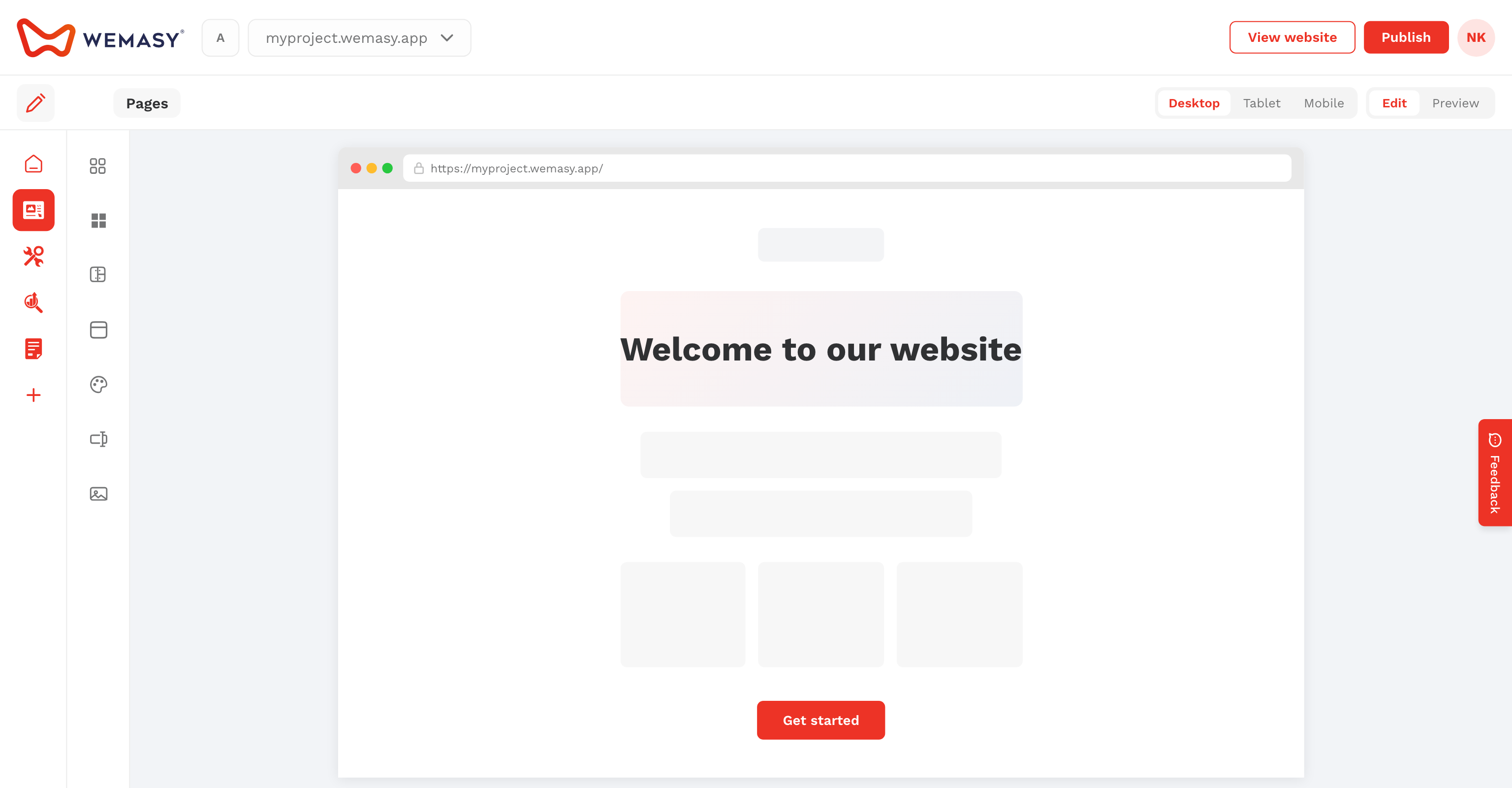
- Hover over the section on the canvas.
- Open Advanced Options.
- Click Settings.
Add an animation
- Open the Animations group.
- Choose an Animation Type: Fade in from right, Fade in from left, Fade in from center, Fade in from top or Fade in from bottom. None turns it off.
- Switch on Two Way Animation to undo the animation when visitors scroll back up, so it plays again next time.
Hide a section per device
Open the Visibility group:
- Hide This Element on Mobile: hides it on small screens, below 768 pixels.
- Hide This Element on Tablet: hides it on tablet widths only, from 768 to 1023 pixels.
- Hide This Element on Desktop: hides it on large screens, from 1024 pixels. Tablets are not included.
For a phone-only section, turn on both Hide This Element on Tablet and Hide This Element on Desktop.
Hide when the URL hash matches
Fill in Hide When URL Hash Matches with a value such as #type=value. The section is hidden when the address of the page ends with that hash. This pairs well with the Conditional element.
Check the result on the live site
Hiding and some other effects are only visible when you view the website, not in the dashboard. Open View website and resize your browser or use your phone to check. In the editor, the section stays visible so you can still edit it.
Click actions
The same settings have Interactions, where a click on the section opens a URL, scrolls to an element, or shows or hides another element. See Buttons, links, and animations.
Tip: use animations sparingly, one style on the whole page. Too much movement distracts from your message and can feel slow.