

Abandoned cart reminders email shoppers who left products in their cart without checking out, with a button that restores the cart. A payment-completion reminder does the same for orders that were created but never paid. Both are off until you turn them on.
Turn on cart reminders
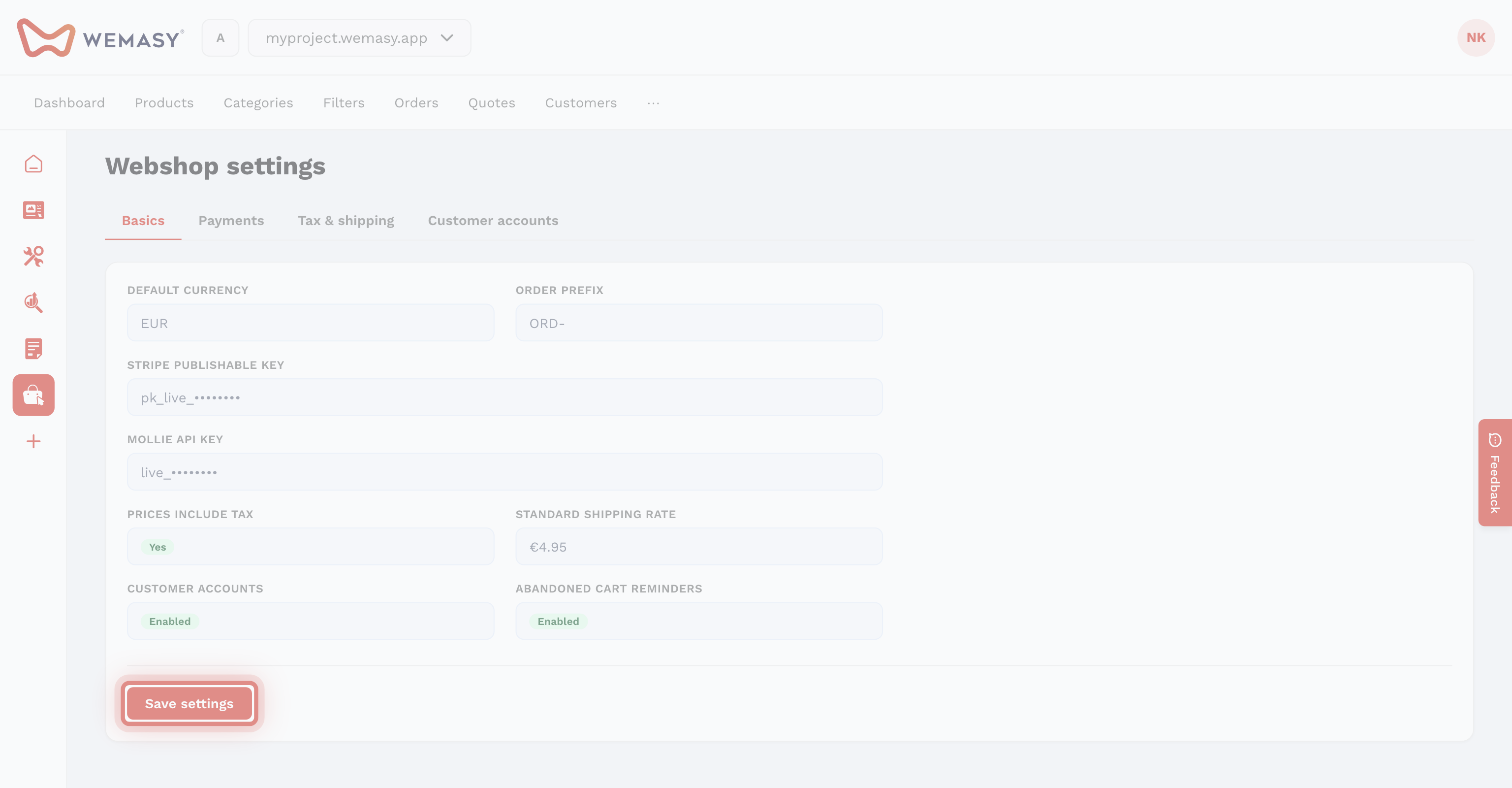
- Click the configuration icon next to the project switcher.
- Click the Webshop tab.
- Find Abandoned cart reminder.
- Tick Enable cart reminder emails.
- Click Submit.
Who gets a reminder
With reminders on, checkout shows a checkbox under the email field that asks permission to send a reminder. This opt-in is required under GDPR. A reminder goes to:
- Shoppers who ticked the box and entered their email address.
- Customers who completed an order with you before and did not opt out.
Each cart gets one reminder, after it has been idle for a number of hours. The email has a button back to the cart and an unsubscribe link. Customers with an account can also switch reminders off under email preferences in their account. See Customer accounts.
Turn on payment reminders
- Find Payment-completion reminder in the same tab.
- Tick Email customers when their order is unpaid.
- Click Submit.
When a payment never completes, the customer gets one email with a button to finish paying. This is a service email about their order, so no checkbox at checkout is needed. Customers who unsubscribed from cart reminders do not get it.
Follow abandoned carts
The Abandoned carts card on the Webshop Overview lists carts that were left without checkout, with how long they have been idle. A cart that already got an email shows Reminder sent. If reminders are off, the card shows Enable in Settings. See Webshop overview and sales reports.
Tip: Turn on both reminders. They are a single email each, so customers are not flooded. For unpaid bank transfers, see Managing orders.
Frequently asked questions
Why did a shopper not get a reminder?
They did not tick the opt-in box and had no earlier completed order, they unsubscribed, or they never entered an email address at checkout.
Can I send more than one reminder?
No. Each cart gets one reminder email.