

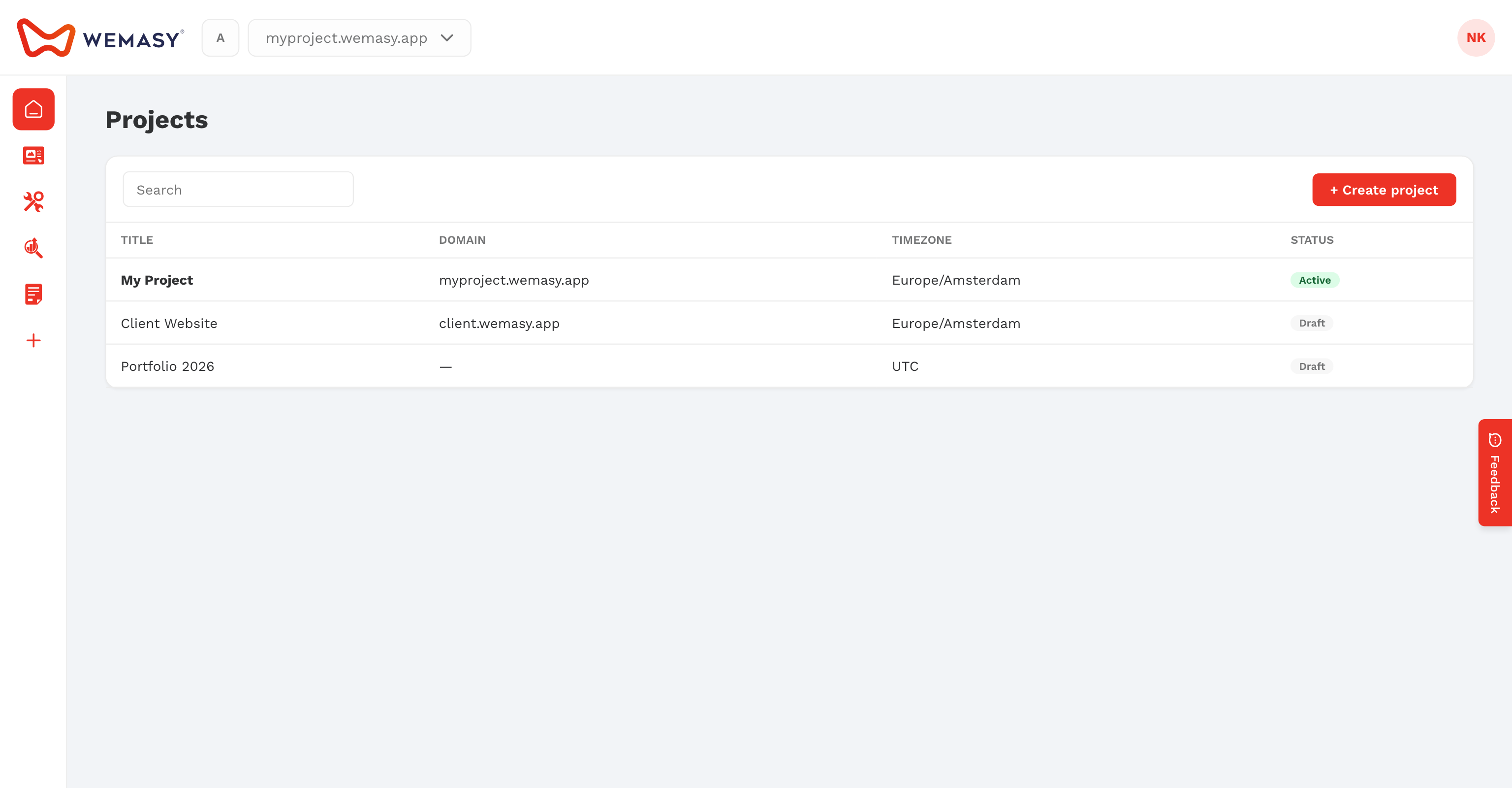
In WEMASY, a project is one website and everything that belongs to it. Each project has its own pages, domain, settings, products, and plan. If you run more than one website, you create one project per website and switch between them from the top bar.
What a project includes
Every project keeps its own data. Nothing is shared between projects, except the people you invite as collaborators and your account level AI credits.
- Website: the pages, layouts, menus, and design you build in the Website Builder.
- Domain: a free wemasy.app subdomain, or your own domain on a paid plan.
- Products: the tools you use for this website, such as Forms, Webshop, Popups, or Analytics & Insights.
- Settings: title, language, time zone, logo, favicon, business profile, email style, and more.
- Plan: each project has its own subscription. Upgrading one project does not change your other projects.
- Collaborators: the people who can work on this project, and what each of them may open.
One language per project
A project has one language, which you set in the project settings. If you want your website in a second language, you create a second project for it. Inside one project there is no language switcher.
Your first project
When you create your account, the onboarding wizard sets up your first project. You give the website a name, choose what kind of website it is, and WEMASY prepares a starting point you can edit right away.
After that you can add more projects from the Projects page in the account menu. If your email address is not verified yet, you can only use your first project. Verify your email to create more.
Owner and collaborators
The person who creates a project is its owner. The owner can invite collaborators, choose what they may open, and transfer the project to another collaborator. Some settings, such as the domain and the danger zone, stay with the owner and admins.
Working in more than one project
The project you work in shows in the project switcher in the top bar. The project is part of the web address of every dashboard page, so you can keep two browser tabs open on two different projects at the same time.
Read more in Creating a new project, Switching between projects, and Project settings.
Frequently asked questions
Does every project need its own plan?
Yes. Each project has its own subscription. A new project starts on the free plan, and you upgrade only the projects that need more. See the pricing page for what each plan includes.
Can I group my projects?
Yes. Workspaces let you group projects you own, for example per client. Workspaces only filter your project list; they do not change the projects themselves.