

A domain is registered for a year at a time. WEMASY renews your domains automatically, so they keep working. You can turn this off per domain, lock a domain against transfers, and get the code you need to move a domain to another company. This article explains renewal, the domain lock and transfers away from WEMASY.
How auto renew works
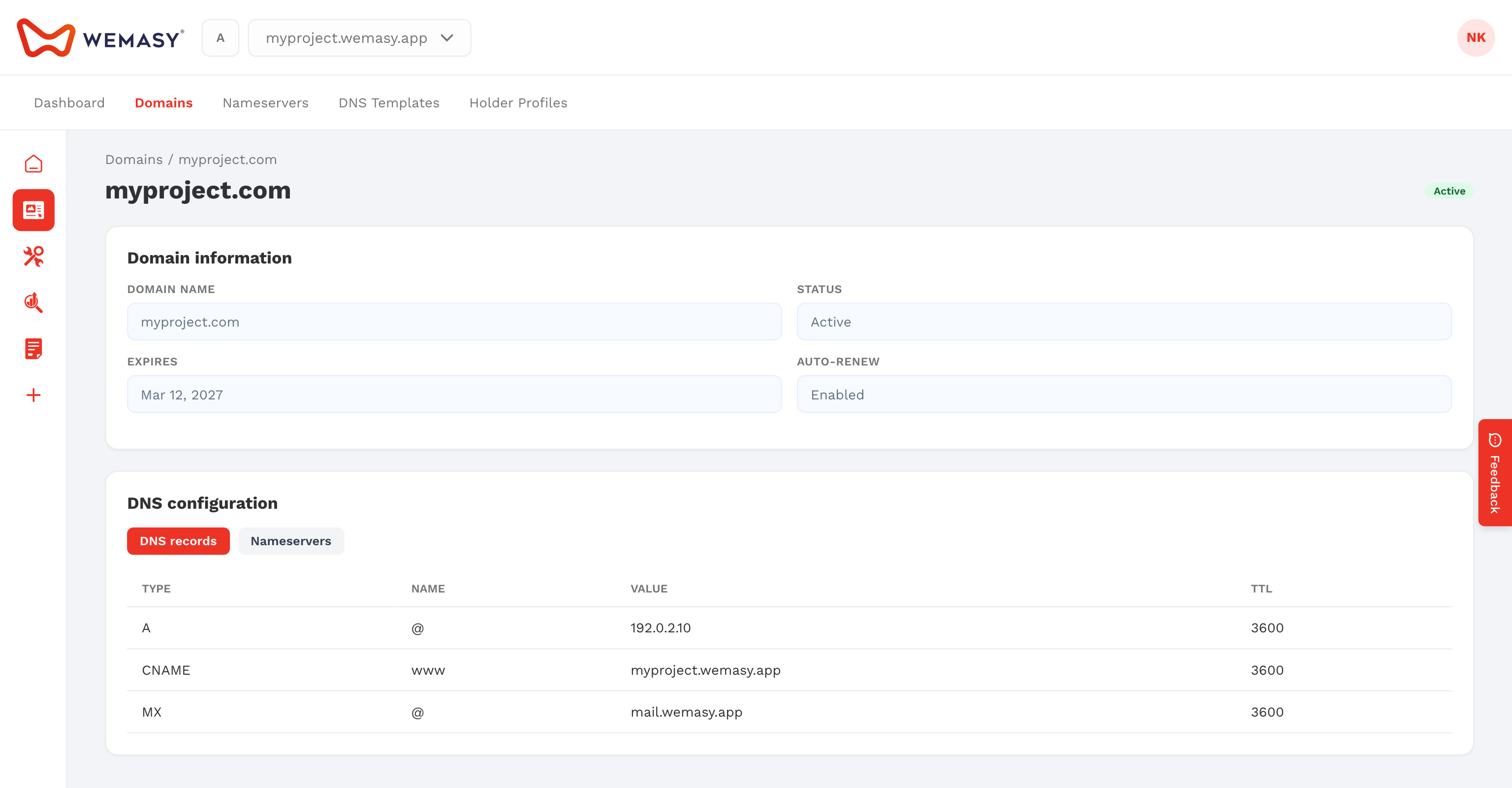
Auto renew is on for every new domain. WEMASY bills the renewal at least six weeks before the domain is due to be renewed, so you get your invoice and reminders in time. The domain is renewed right after your payment is in, so there is time to fix a failed payment. If a payment fails, WEMASY tries again and sends you a reminder email. You find the invoices under Billing & Invoices in your avatar menu.
Turn auto renew on or off
- Click your avatar in the top right corner and select Domains.
- Click Domains in the left menu.
- Click the domain.
- Under Domain Information, switch Auto Renew on or off.
You can also click the auto renew switch in the domain list. With auto renew off, WEMASY does not charge the renewal and the domain expires on its expiry date. An expired domain stops working and cannot be changed until it is renewed.
To renew an expired domain, open it in Domains and click Renew in the This domain is expired notice. Pay on the payment page. The domain works again after the renewal is processed, and auto renew is switched on for the next year.
Lock a domain
Domain Lock protects a domain against an unwanted transfer to another company. Keep it on unless you want to move the domain.
- Open the domain.
- Under Domain Information, switch Domain Lock on or off.
- When you turn it off, click Unlock Domain to confirm.
Some extensions do not support a domain lock. The detail page then says so below the switches.
Transfer a domain away from WEMASY
To move a domain to another company, you need its EPP code, also called the authorization code.
- Open the domain.
- Turn off Domain Lock and confirm.
- Under Transfer Domain Away, click Get EPP Token.
- Check your email for the 6-digit verification code.
- Enter the code and click Verify & Get Token.
- Click Copy to copy the EPP code.
- Start the transfer at your new company and paste the code there.
Share the code only with your new company. When the transfer is done, the domain shows Transferred Out.
Domains ending in .uk work differently. Instead of an EPP code, you enter the IPS tag your new company gives you and click Change IPS Tag. This moves the domain right away and cannot be undone.
Transfer a domain to WEMASY
To move a domain from another company into WEMASY, see Transferring a domain to WEMASY.
Frequently asked questions
Is the renewal price the same as the registration price?
Not always. The renewal price of a domain can differ from the price you paid the first year. Check the pricing page or your invoice.
Why can I not get the EPP code?
The domain is locked. Turn off Domain Lock first, then click Get EPP Token again.
What happens to my website if I turn off auto renew?
Nothing changes until the expiry date. After that the domain stops working and your website is no longer reachable on it.
The domain is in someone else's account (for example your web designer)
Only the account that holds the domain can get the EPP code, and the 6-digit verification code is sent to that account's email. People who only work on your project cannot get it. Ask the account holder to fetch the code and give it to you, or contact support.