Why you should place the add to cart button on the product list page

Home / Strategies / Why you should place the add to cart button on the product list page

Wemasy

What is a product list page

Before we look at why you need to place the add to cart button on product list page layouts, let us see what a product list page actually is. The product list page is a category or a webshop page that shows multiple products. They are placed in a grid or a layout with images under each category, and the customer browses through them. This is where ecommerce call to action buttons matter most, because the shopper is already comparing options.

Why the add to cart button on product list page increases sales

There are many reasons to add these tiny buttons. Here are the product list page conversion tips that have worked best for top-performing e-commerce websites.

Minimize the clicks and maximize the conversions

Every click counts for the website owner. When you make the user click too many times, they may drop off. Adding extra steps along the way increases the risk of drop-offs. Users who have to go to a product page and then click Add to Cart could easily change their mind or get distracted before they even get to checkout. This is the core principle behind ecommerce add to cart optimization: fewer steps, more sales.

Would it not be easier to let users add their favorite products to the cart directly from the list, instead of forcing them to navigate to another page? Your goal should always be to minimize friction, and adding this button is a simple way to get users closer to the checkout.

Impulse buying is real, and you can take advantage

Impulse buys are huge, and the Add to Cart button on a product list is one of the simplest yet most powerful ways to leverage this behavior. Think about a buyer on the website browsing through the products he wants. In case they like two products, their impulsive shopping behavior will make them buy both products. But if they have to go to another page, they may not act on that impulse.

Adding more products increases the AOV

By placing Add to Cart buttons on the product list, users can quickly add items they are interested in without losing track of their choices. Cross-selling and upselling become much more effective when users can seamlessly add items to their cart without needing to open multiple product pages. The recommendation pages are product lists, too. When you pair ecommerce call to action buttons with product recommendations, buyers add items to the cart without browsing separate pages.

Faster browsing for busy customers

The attention span of the visitors on your website is very short. Some visit your website and browse through the product list, knowing exactly what they want. Placing Add to Cart buttons on product lists helps customers add products to their cart instantly, without having to go through the entire product page. For those who need more information about the products, the individual product pages are always ready for them.

Ecommerce add to cart optimization best practices

You have learned from the blog that the products on the product list pages need to have the add to cart buttons. Here are some product list page conversion tips to do it the right way.

  • Do not use jargon: Not all the visitors on your website have the time to spare. You need to know that online shoppers have a very short attention span. Clarity is crucial. When designing an Add to Cart button, you want to make sure it’s understood instantly.

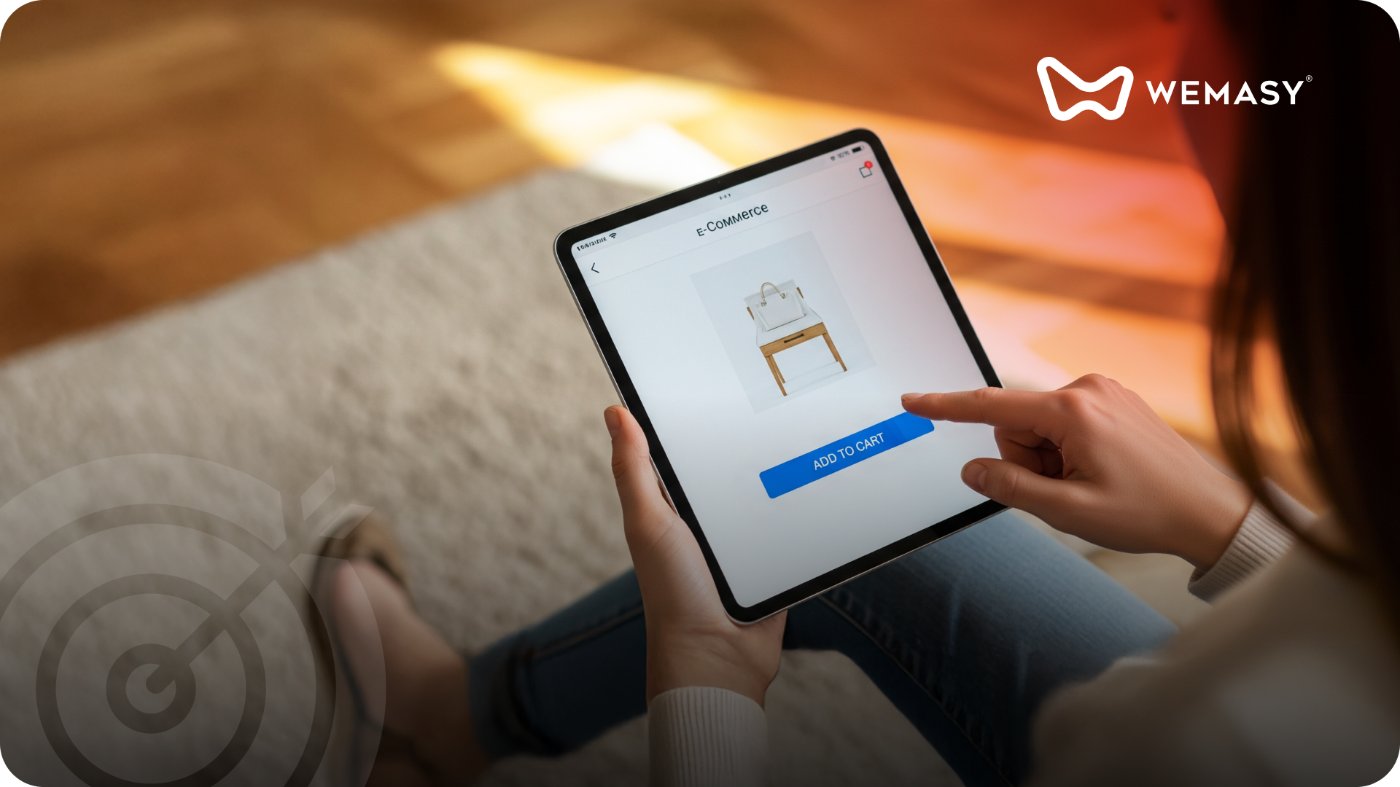
  • Call the button "ADD TO CART": Do not go fancy and write words like “Make them yours,” etc. This will not grab the attention of the user. The other way to do it is to use the icon

  • Do not add too many features: The user journey does not end with your add-to-cart button. You need to collect the basic information from the user before adding the product to the cart. It can be the size, color, or anything of such importance. Do not make this option list long with more features. Users may not appreciate answering questions that do not matter and may skip adding the product to the cart.

  • Do not complicate the button graphic: The add to cart button needs to be easy for the user to recognize and interact with. If the button graphic or icon is too complex, users may become confused about its purpose or hesitate to click. A simplified icon ensures the button remains legible and usable across all devices.

  • Watch for the size of the button: The add to cart button should be neither too big nor too small. Small buttons make it hard for the shopper to find the button and click. The larger ones can be dominating and can give the user the impression that it is more important than the product.

  • Don’t overload the product page: If you want to give the website visitors a good shopping experience, work on the fact that less is more. If the product list page is too crowded, with multiple buttons, links, or images, it can confuse the user and make them feel overwhelmed. Overloading the page also makes it harder for the add-to-cart button to stand out. Keep the page minimal and the button clear to encourage faster purchases.

  • Don’t forget to give feedback: When the user adds the product to the cart by clicking on the add-to-cart button on the product list, put up a notification that the product has been added to the cart. When this is missed, the user keeps clicking on the button and gets clueless about what is happening. This may not take them to the cart and make them finish the payment.

The Add to Cart button is one of the most important ecommerce call to action buttons on your webshop, and getting it right can make all the difference in conversions and user satisfaction. WEMASY has templates to help you design a clean, intuitive, and efficient product list page that makes shopping easier for your customers.

For more on boosting your webshop sales, read our blog on e-commerce recommendation pages. You can also check out our guide on essential webshop features. To understand who your buyers are and what they expect, read types of online buyers.

Frequently asked questions

Does an add to cart button on the product list page work for all product types?

Will adding cart buttons slow down my product list page?

Should the button show a price or just say Add to Cart?

How do I know if the add to cart button is actually improving my conversions?

What color should the add to cart button be?

Can I add the add to cart button on mobile product lists too?

Share:

One system, endless support.

Ready to build?

We are here to empower your journey with personalized guidance every step of the way. Transparent, honest, and independent.

Built to grow with you.

Tried and trusted by brands that build, grow, and lead.

Ready to own your domain?