

A workspace is a named group of projects. It keeps your project switcher short when you have many websites, for example one workspace per client or per brand. Workspaces are filters, not folders: a project in a workspace works exactly as before, and you can move it at any time.
How workspaces work
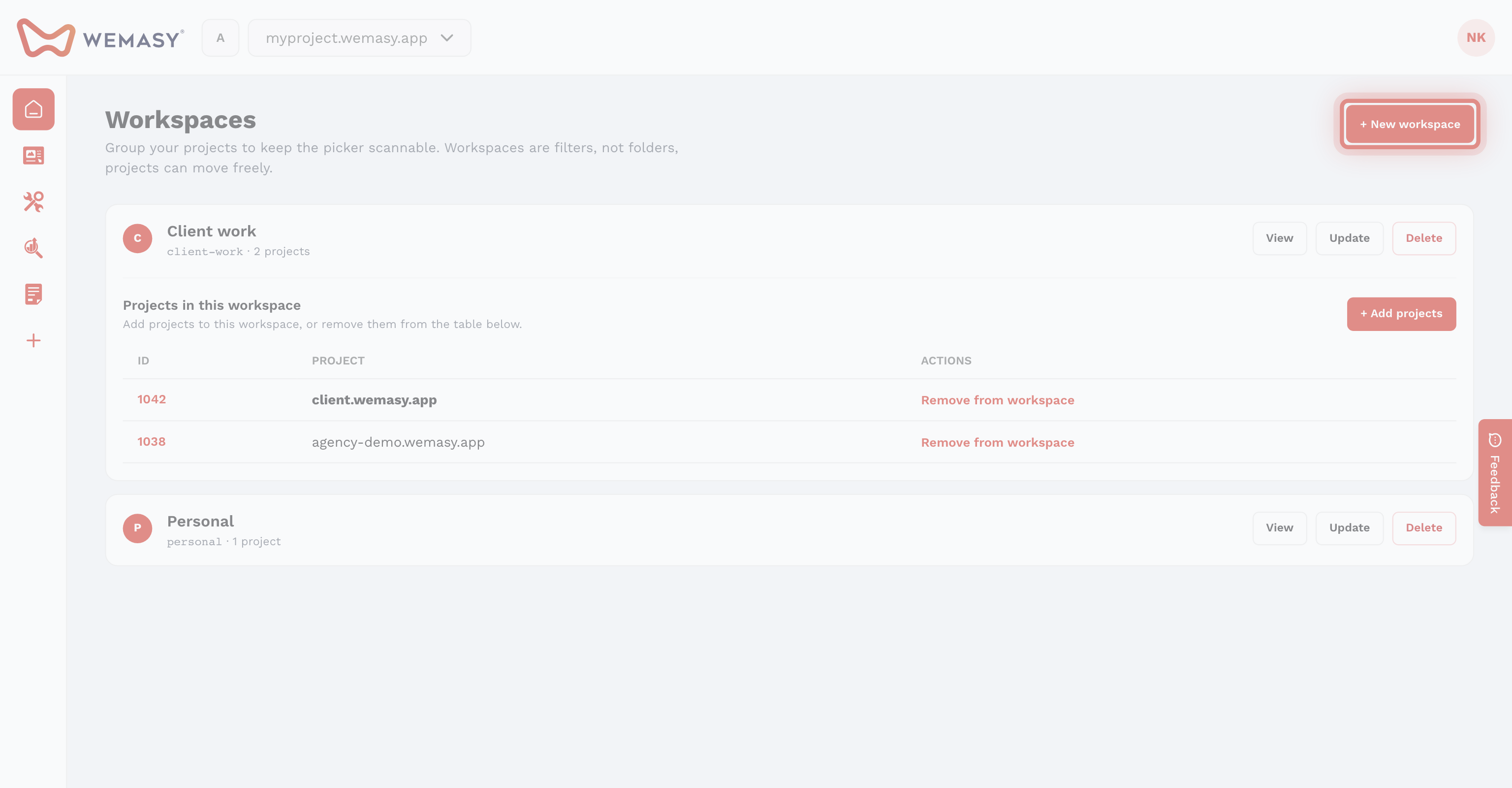
- A workspace has a name and a list of projects.
- A project belongs to one workspace at a time, or to none. Projects without a workspace show under Unassigned.
- Workspaces are personal. You see your own workspaces, and you can only put projects that you own in them. Projects that others share with you stay in their owner's workspace.
- Deleting a workspace never deletes its projects. They become unassigned.
The workspace switcher
The square button with a letter, left of the project switcher in the top bar, is the workspace switcher. Click it to choose what the project switcher shows:
- All projects: every project you can open.
- Unassigned: only projects that are in no workspace.
- A workspace name: only the projects in that workspace. The number next to each name is its project count.
At the bottom of the menu, Manage workspaces opens the Workspaces page, where you create, rename, and delete workspaces.
What you can do with workspaces
- Group projects per client, brand, or team so the project switcher only shows what you need right now.
- See all websites of one client together.
- Republish several websites of a workspace in one go. See Publishing websites in a workspace.
Workspaces and projects
A project is one website with its own settings, plan, and collaborators. A workspace only groups projects and has no settings, plan, or collaborators of its own. Putting a project in a workspace does not change who can open the project.
Get started with Creating a workspace and Connecting projects to a workspace.
Frequently asked questions
Can my team see my workspaces?
No. Workspaces belong to the person who makes them. Your collaborators still open the projects you share with them, but not your workspaces.
Does a workspace cost extra?
No. Workspaces are part of your account. Plans are per project, not per workspace.