

After you create a workspace, add your projects to it. You can add several projects at once, move a project from one workspace to another, and take a project out of a workspace again. The projects themselves do not change.
How to add projects to a workspace
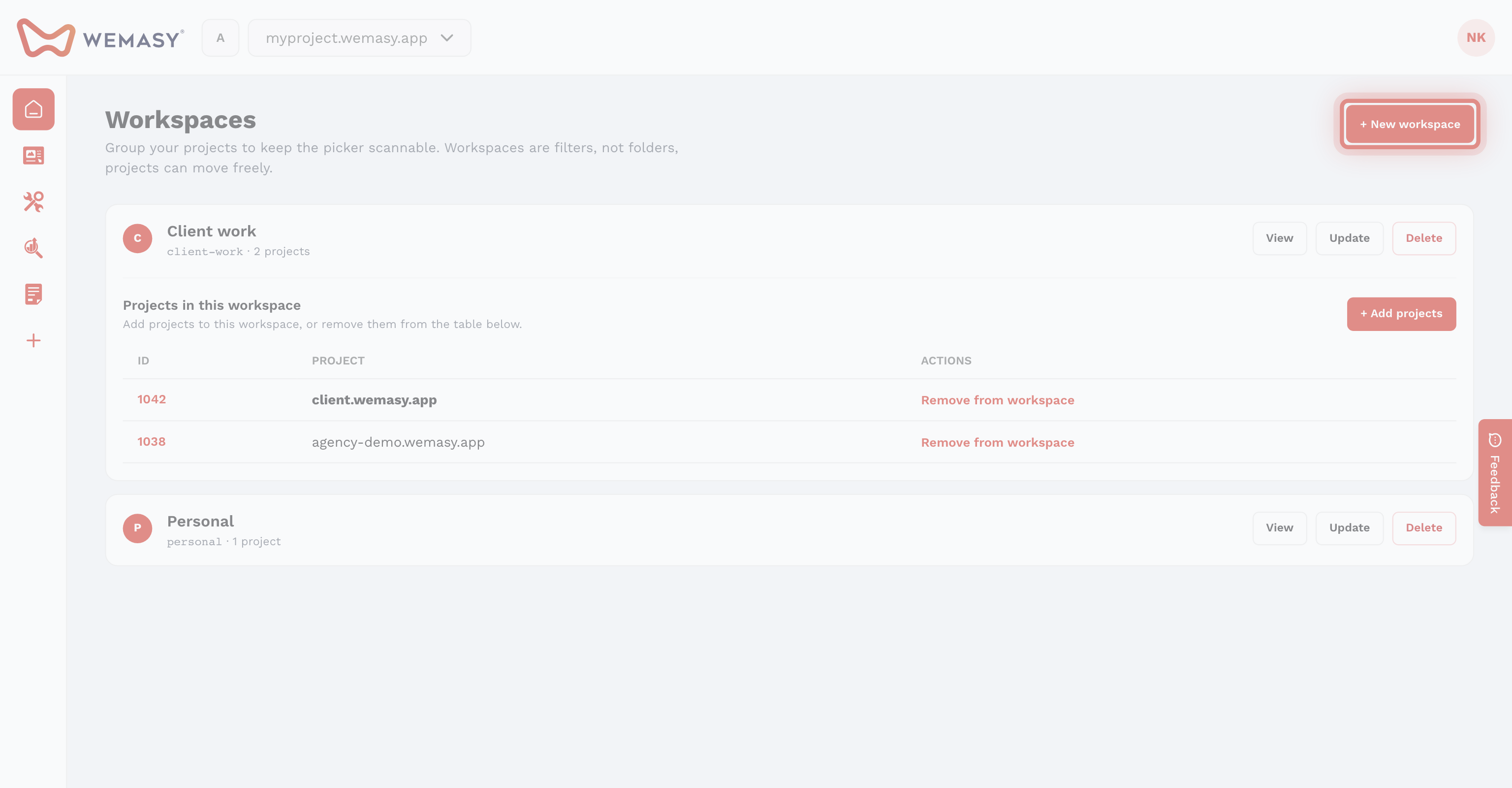
- Click the workspace switcher left of the project switcher.
- Click Manage workspaces.
- Click View next to the workspace.
- Click Add projects.
- Search for a project by name or domain, or scroll the list.
- Tick the projects you want to add. Select all ticks every project in the list.
- Click the Add button, which shows how many projects you selected.
The projects now show under Projects in this workspace, and the project count of the workspace goes up.
Which projects you can add
- Only projects that you own. Projects other people share with you are not listed.
- Projects that are already in this workspace are not listed.
- A project that sits in another workspace shows the name of that workspace. If you add it here, it moves out of the other workspace, because a project is in one workspace at a time.
Remove a project from a workspace
- Open the Workspaces page.
- Click View next to the workspace.
- Find the project under Projects in this workspace.
- Click Remove from workspace.
The project becomes unassigned. It is not deleted, and its settings, plan, and collaborators stay the same.
Move a project to another workspace
Open the other workspace and add the project there with Add projects. It leaves its old workspace at the same moment.
Use the workspace
Pick the workspace in the workspace switcher. The project switcher now only shows the projects in it. From the same table you can also republish several of its websites at once. See Publishing websites in a workspace.
Tip: Not every project needs a workspace. Use Unassigned in the workspace switcher to find projects you have not grouped yet. More background in What is a workspace?