

You can cancel the paid subscription of a project yourself in Billing & Invoices. This article explains how to cancel, what happens afterwards, how to undo a cancellation, and how to move to a smaller plan.
How to cancel a subscription
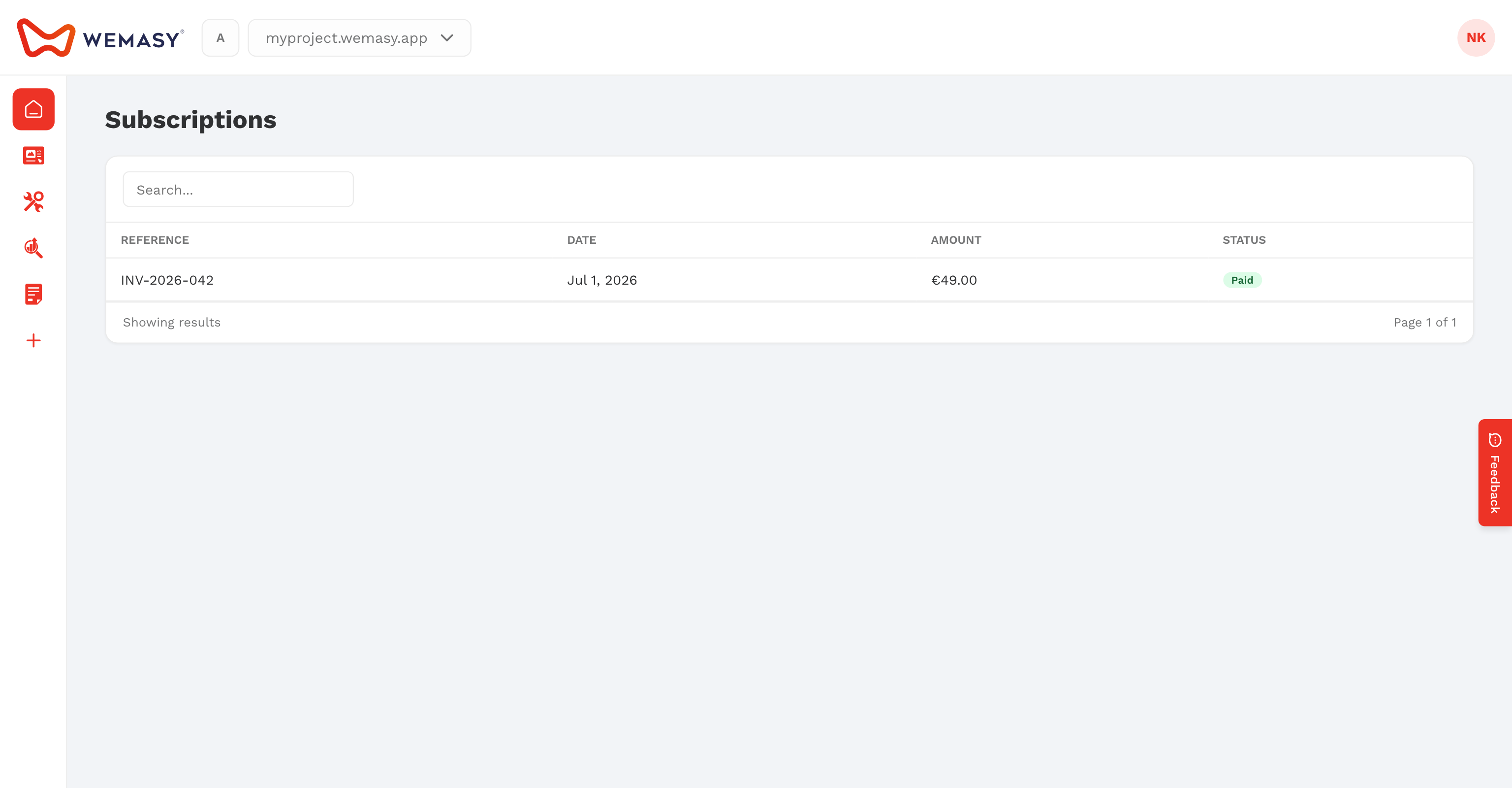
- Click your avatar or initials in the top right corner of the dashboard.
- Select Billing & Invoices.
- Click the Subscriptions tab.
- Find the subscription of the project you want to cancel.
- Click the cancel action in the Actions column.
- Optional: tick Cancel Immediately if you want to stop now instead of at the end of the billing period.
- Optional: tell us why under Cancellation Reason.
- Click Confirm.
You receive an email that confirms the cancellation and shows until when you keep access.
When the change takes effect
- At the end of the billing period (the default): you keep the paid products until the date in the Expires At column. You are not charged again.
- Cancel Immediately: the subscription stops now.
Cancelling one subscription does not touch your other projects. It also does not delete your account. To close your whole account, see Cancelling your account.
What you can and cannot cancel
- Free plans have nothing to cancel, so they show no cancel action.
- One-time purchases, such as a domain registration or a domain renewal, have no cancel action. There is no recurring charge to stop.
- A subscription with an open refund request shows the refund status instead. See Requesting a refund.
Changed your mind?
As long as the end date has not passed, a cancelled subscription shows a resume action in the Actions column. Click it and confirm. The subscription continues as before and you are not charged extra.
If the subscription has already expired, open the product in your project and choose a plan again. See Upgrading your plan.
Moving to a smaller plan
- Open Billing & Invoices and the Subscriptions tab.
- In the row of the project, open the Actions column and choose to change the plan.
- Click Choose Plan on the smaller plan.
- Check the Order summary and confirm.
The smaller plan starts at the next renewal date, so you keep everything of your current plan until then. To stop paying altogether, cancel the subscription as described above.
Before you move down, check which products the smaller plan includes. A custom domain needs a paid plan. Compare plans on the pricing page.
Frequently asked questions
Will I be charged again after I cancel?
No. After you cancel, the subscription does not renew. You keep access until the end date shown in the Expires At column, unless you chose Cancel Immediately.
Can I get my money back?
Within the money-back window you can request a refund from the same Subscriptions tab. See Requesting a refund for the details.
Can I cancel a domain I registered?
A domain registration is a one-time purchase, so it has no cancel action. Contact support through a ticket if you have a question about a domain charge.