

You can move a project to a bigger plan at any time. Because every project has its own plan, you upgrade one project at a time. This article shows the ways to open the plan picker and what happens after you pay.
Where to start an upgrade
You can open the plan picker from several places:
- A locked product: click a product in the product sidebar that your plan does not include. The full screen plan picker opens with the plan that includes that product.
- The trial banner: during or after a trial, click Upgrade Now or Upgrade Required in the banner at the top of the dashboard.
- The Usage page: in the profile menu, click Usage, then More with a bigger plan under a limit.
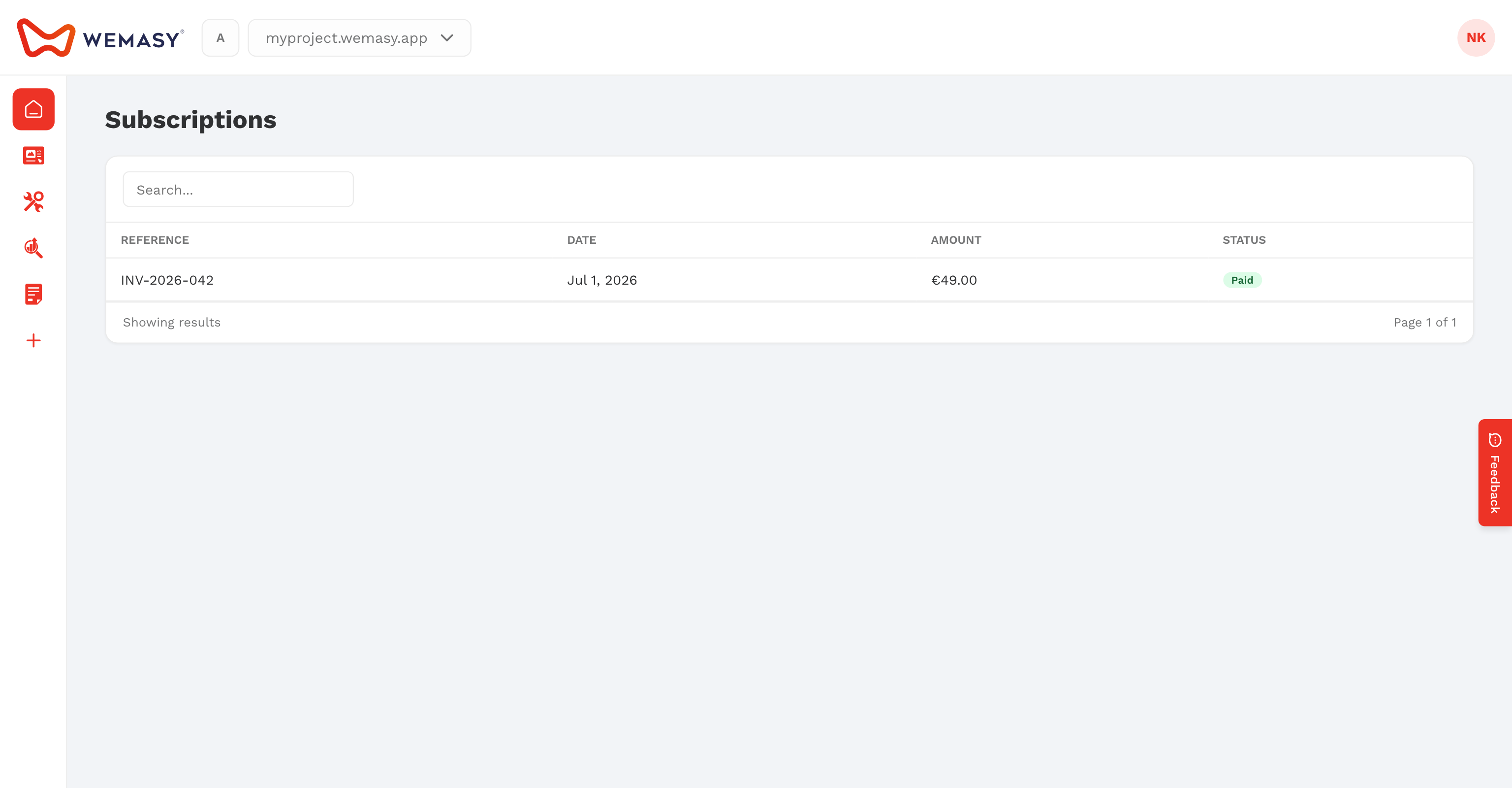
- Billing & Invoices: on the Subscriptions tab, a subscription in trial has an upgrade action in the Actions column.
How to upgrade
- Open the project you want to upgrade.
- Click a product your plan does not include, or use one of the other starting points above.
- Choose Monthly or Yearly.
- Click the plan you want.
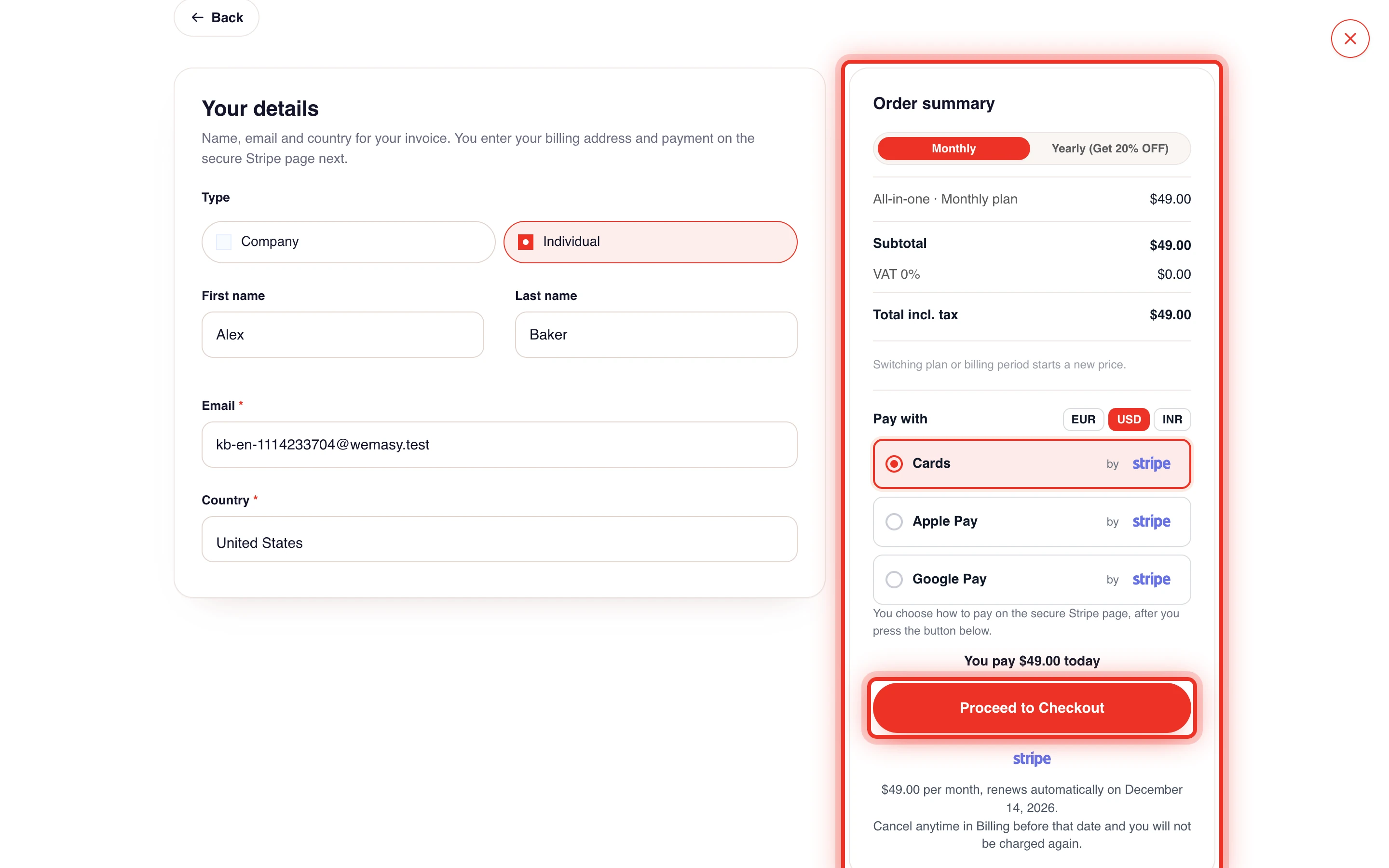
- Check or fill in your details under Enter your details.
- Check the Order summary, including tax.
- Click Proceed to Checkout.
- Pay on the secure payment page.
Payments are handled by Stripe. After paying, you return to WEMASY. A page shows Checking payment status... and then Payment Verified!, after which you are taken back to your project.
What happens after upgrading
- The products in your new plan become available in that project right away.
- Your pages, content and settings stay as they are.
- The subscription appears on the Subscriptions tab of Billing & Invoices, and the invoice on the Invoices tab.
- Your plan renews automatically each month or year. The text under the pay button says whether your plan renews monthly or annually.
Upgrading from a trial
If you are trying a paid plan, you can pay before the trial ends. Click Upgrade Now in the trial banner and follow the same steps. If the trial has already ended, the banner shows Upgrade Required and the steps are the same. See Free trial.
Before you upgrade
Your billing details are used for the invoice and for tax. Fill them in once in your account so checkout goes faster. See Billing details and VAT. To compare plans first, see Plan overview and comparison or the pricing page.
Only the owner of a project can pick and pay for its plan.
Frequently asked questions
Does upgrading one project upgrade all my projects?
No. Each project has its own plan. Repeat the upgrade in every project that needs it.
The payment page closed before I paid. What now?
Nothing was charged. Open the product again and start the upgrade from the beginning.
Why can I not choose a plan for this project?
Only the project owner can choose a plan. Ask the owner to upgrade, or ask them to transfer the project to you.